
Managing finances is one of the biggest challenges for small business owners. From tracking daily expenses and sending invoices to monitoring cash flow and preparing taxes, handling accounts manually can quickly become time-consuming and prone to errors. That’s where accounting platform comes in. The right accounting solution can simplify financial management, automate repetitive tasks, and provide real-time insights into your business performance.
Whether you’re running a startup, retail store, consultancy, or online business, choosing the best accounting software can help you save time, stay compliant, and make smarter financial decisions. In this guide, we’ll explore the top accounting software for small businesses, their key features, pricing, and how to choose the right one for your needs.
What is Accounting Software?
Accounting software is an electronic system used to document, track, and report on a business’s financial transactions. It automates essential tasks like bookkeeping, invoicing software, expense tracking, payroll, tax calculations, and financial reporting. Businesses can keep up-to-date, organized, and current financial records without the use of manual spreadsheets.
Modern accounting platform often includes cloud access, integrations with banks and payment gateways, and compliance features for taxes and regulations. It streamlines financial management for small businesses, helps ensure accuracy, and offers insights that assist in making informed financial decisions.
Why Do Small Businesses Need Accounting Software in 2026?
In 2026, accounting software for small businesses is no longer optional. It helps automate financial tasks, maintain compliance, track business performance in real time, and save valuable time that can be invested in growth. By streamlining invoicing, expense tracking, and financial reporting, businesses can improve accuracy and make better decisions without spending hours on manual bookkeeping.
- Rising Financial Complexity: Today, small businesses deal with multiple payment methods and digital taxes, and that’s not to mention cross-border transactions. Accounting platform streamlines complex financial operations, ensuring accuracy and consistency.
- Regulatory Compliance Pressure: Tax provisions and filing requirements are constantly evolving. New accounting software enables businesses to remain compliant with automated tax calculations and reporting.
- Need for Real-Time Insights: Decision-making is based on “real-time data” in 2026. Accounting software provides live view dashboards of cash flow, profits, and expenses.
- Cost and Time Efficiency: Automating repetitive accounting tasks will also save manual work, reduce accounting costs, and enable the owners to concentrate on business growth.
- Remote and Hybrid Work Support: Cloud-based accounting platform allows for access from anywhere, making it great for remote teams and business owners on the go.
Key Features to Look for in Accounting Software
Choosing the right accounting software starts with understanding the features that matter most. Essential tools like automated bookkeeping, invoicing, tax management, reporting, and integrations can save time, reduce errors, and streamline financial operations.
- Automated Bookkeeping: Automation eliminates data entry, decreases mistakes, and guarantees precise and consistent records of transactions.
- Invoicing and Billing: Flexible invoice customization, recurring billing, and automated payment reminders enhance cash flow and client management.
- Tax and Compliance Tools: Effortless built-in tax calculations, GST/VAT support, and compliance reporting ensure businesses comply with legal requirements.
- Financial Reporting and Analytics: Comprehensive financial statements, such as profit & loss, balance sheets, and cash flow statements, help with better financial planning.
- Integration Capabilities: It integrates seamlessly with banks, CRM, payroll, and eCommerce solutions, enhancing overall efficiency.
Comparison of Accounting Software
| Software | Best For | Key Strength | Ease of Use | Pricing (Starting) | Cloud / Offline |
| QuickBooks Online | Growing small businesses | Advanced reporting & automation | Medium | $19/month | Cloud |
| Xero | SMEs & accountants | Bank reconciliation & integrations | Easy | $5.80/month | Cloud |
| Zoho Books | Zoho ecosystem users | Automation & affordability | Easy | ₹749/month | Cloud |
| FreshBooks | Freelancers | Invoicing & time tracking | Very Easy | $2.30/month | Cloud |
| Wave | Startups & freelancers | Free accounting tools | Very Easy | Free | Cloud |
| Sage Accounting | SMEs needing compliance | Strong reporting & payroll | Medium | $128.67/month | Cloud |
| FreeAgent | Freelancers (UK) | Tax & self-assessment tools | Easy | $11/month | Cloud |
| Patriot Software | US small businesses | Payroll + accounting combo | Easy | $10/month | Cloud |
| Quicken | Very small businesses | Budgeting & offline access | Easy | $3.99/month | Offline + Cloud |
| Crunch | UK businesses | Accountant + software combo | Easy | £4/month | Cloud |
| Clear Books | UK SMEs | VAT compliance | Easy | £5/month | Cloud |
| Tide | Freelancers & sole traders | Banking + bookkeeping | Very Easy | £12.49/month | Cloud |
| CloudBooks | Service freelancers | Time tracking & invoicing | Easy | $9.99/month | Cloud |
| Dext | Expense tracking | Receipt scanning automation | Easy | $17.70/month | Cloud (addon tool) |
| NCH Express Accounts | Offline users | Desktop accounting system | Medium | $99 one-time | Offline |
List of Best Accounting Software for Small Businesses
1. Intuit QuickBooks Online
- Website: https://quickbooks.intuit.com/global/
- Best For: Growing small businesses
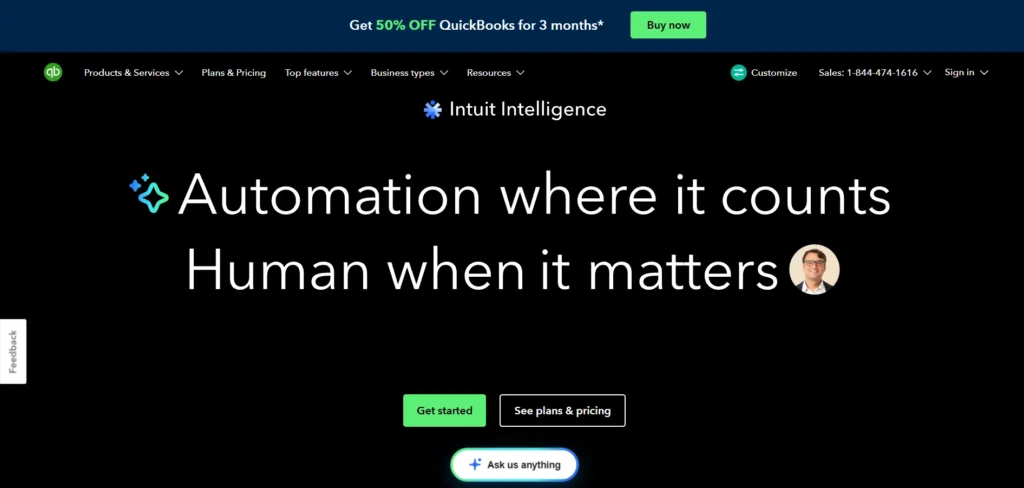
QuickBooks Online is one of the most widely used accounting software for small businesses. It manages invoices, expenses, bank transactions, payroll, and taxes all in one place. The dashboard provides live business performance insights and makes it easy to monitor cash flow and profits.
It integrates with several third-party apps and banks, decreasing manual work. Pricing might be higher for extra capabilities, but it’s a safe option for expanding businesses that require robust reporting and automation.
Key Features:
- Invoicing & expense tracking
- Bank syncing
- Payroll & tax tools
- Financial reports
Pros:
- Powerful reporting
- Many integrations
- Scalable
Cons:
- Pricing increases with features
- Learning curve
Pricing:
- Simple Start: 19/mo (normally $38)
- Essentials: $37.50/mo (normally $75)
- Plus BEST VALUE: $57.50/mo (normally $115)
- Advanced: $137.50/mo (normally $275)
2. Xero
- Website: https://www.xero.com/
- Best For: Small to mid-sized businesses
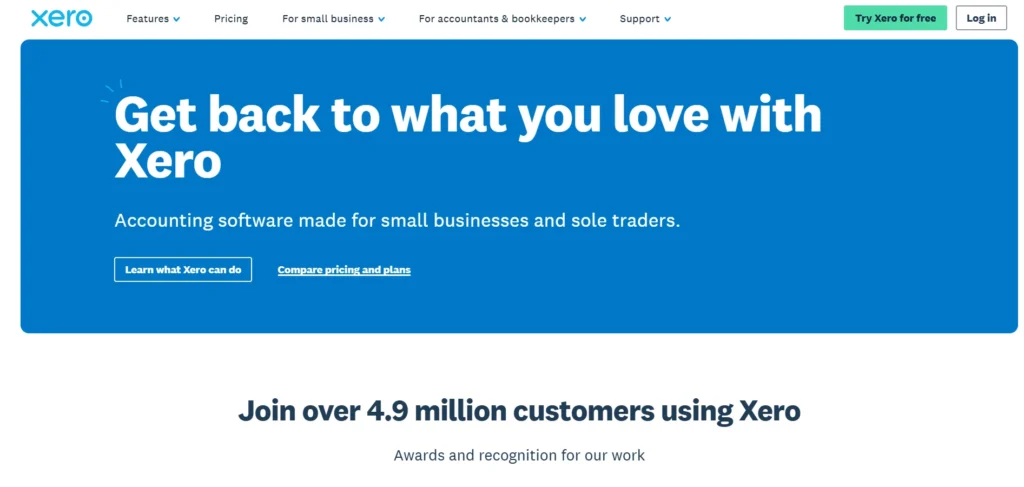
Xero is an online accounting software designed for small and medium businesses. It helps to easily send out invoices, monitor expenses, reconcile banking transactions, and view financial reports. One of the best things about Xero is its clean interface and the fact that it’s very good at reconciling bank statements.
The system can be accessed by multiple users, which makes it easy to collaborate with accountants. Another one of the things that it supports is many integrations. Prices may increase with a growing business, but Xero is an excellent option for financial management.
Key Features:
- Bank reconciliation
- Invoicing
- Multi-user access
- App integrations
Pros:
- Clean dashboard
- Strong automation
- Accountant-friendly
Cons:
- Payroll not everywhere
- Costs rise with plans
Pricing:
- Starter: $5.80 / month (usually $29).”
- Standard: $10 / month (usually $50)
- Premium: $15 / month (usually $75)
3. Zoho Books
- Website: https://www.zoho.com/in/books/
- Best For: Small businesses using Zoho tools
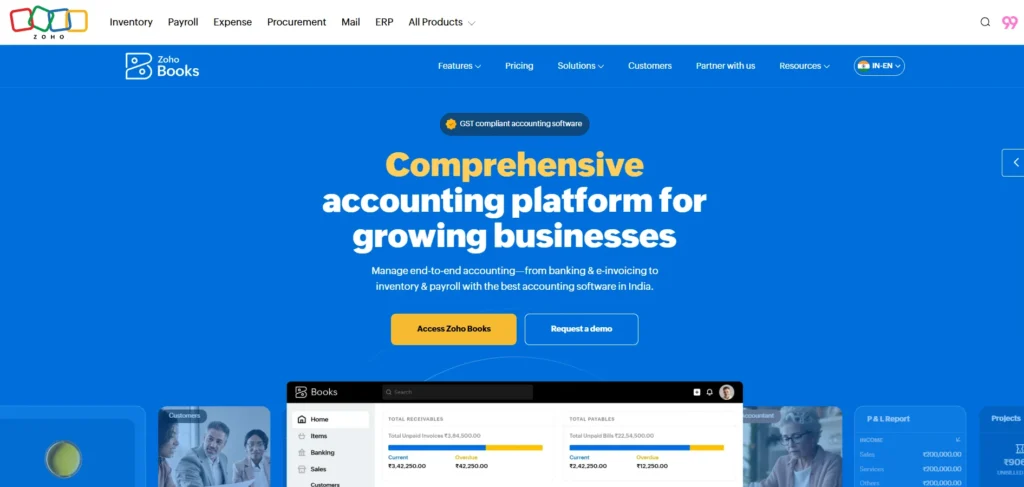
Zoho Books is tailored to small enterprises that desire control and automation over finances. As one of the leading accounting software for small businesses, it assists you in managing invoices, expenses, taxes, bank feeds, and reports from a single dashboard. It integrates seamlessly with other Zoho business tools, making it perfect for businesses that are already leveraging the Zoho business environment.
It provides low-cost plans as well as real-time bank financing tracking. Some advanced features, though, are only available on higher plans, and payroll support may differ from region to region.
Key Features:
- GST/VAT compliance
- Automation
- Expense tracking
- Reports
Pros:
- Affordable
- Strong automation
- Zoho ecosystem
Cons:
- Advanced features cost more
- Payroll is limited by region
Pricing:
- Standard: ₹749 / Org / Month (billed annually, normally ₹899)
- Professional: ₹1,499 / Org / Month (billed annually, normally ₹1,799)
- Premium: ₹2,999 / Org / Month (billed annually, normally ₹3,599)
- Elite: ₹4,999 / Org / Month (billed annually, normally ₹5,999)
4. FreshBooks
- Website: https://www.freshbooks.com/
- Best For: Freelancers & service businesses
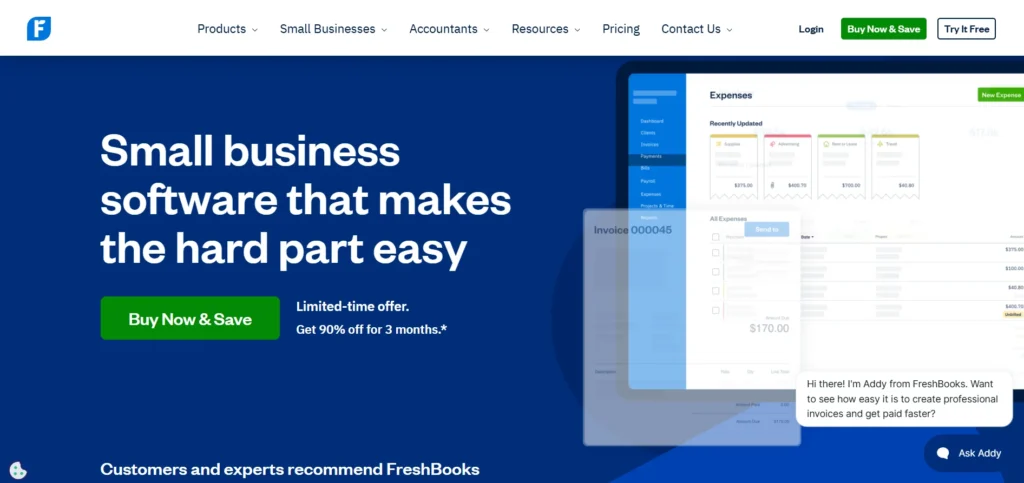
FreshBooks is ideal for freelance and service-oriented small business owners. It is designed to be simple to use for invoicing, time tracking, and expense management. The interface is very easy to use, even for those who don’t have accounting experience.
Users can create professional invoices, track billable hours, and get paid faster. FreshBooks also provides mobile access to finance your business from anywhere. It does not offer extensive reporting, but it is suitable for small teams and small-scale freelance users.
Key Features:
- Invoicing
- Time tracking
- Expense management
Pros:
- Very easy to use
- Great invoicing
- Mobile-friendly
Cons:
- Limited reporting
- User-based pricing
Pricing:
- Lite: $2.30 USD/mo (was $23.00)
- Plus: $4.30 USD/mo (was $43.00)
- Premium: $7.00 USD/mo (was $70.00)
5. Wave
- Website: https://www.waveapps.com/
- Best For: Freelancers & startups
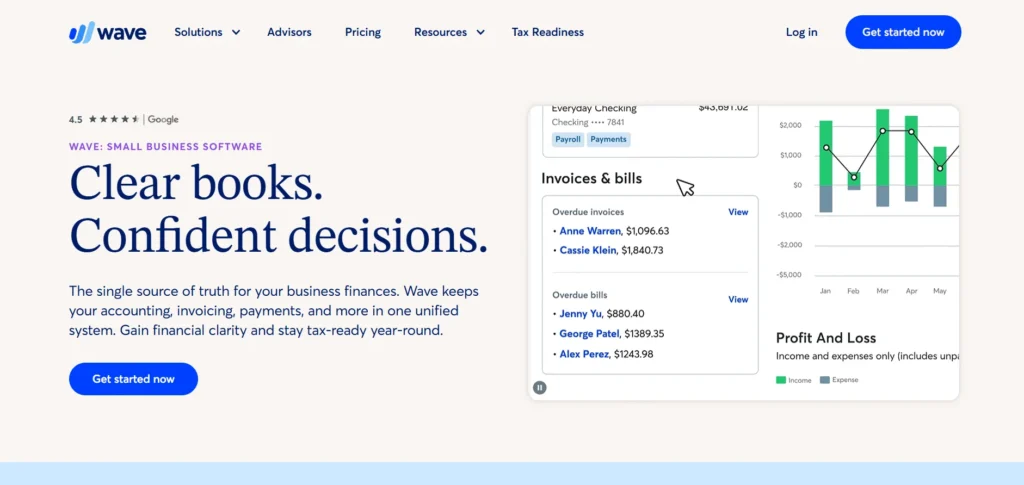
Wave is a good choice for freelancers and small businesses that have limited budgets. It provides all core accounting tools for free, such as invoicing, expense tracking, and banking connections. It is a very easy setup, particularly for beginners.
They can also receive payments from the internet via invoices. The advanced features and payroll are add-on features. Wave is ideal for very small businesses that don’t need the monthly subscription fees and are using a simple accounting system.
Key Features:
- Free accounting
- Invoicing
- Receipt scanning
Pros:
- Free core features
- Simple setup
Cons:
- Limited features
- Payroll paid
Pricing:
- STARTER Plan: $0
- PRO Plan Recommended: $190 USD / year (Billed annually)
6. Sage Accounting
- Website: https://www.sage.com/en-us/
- Best For: SMBs needing compliance
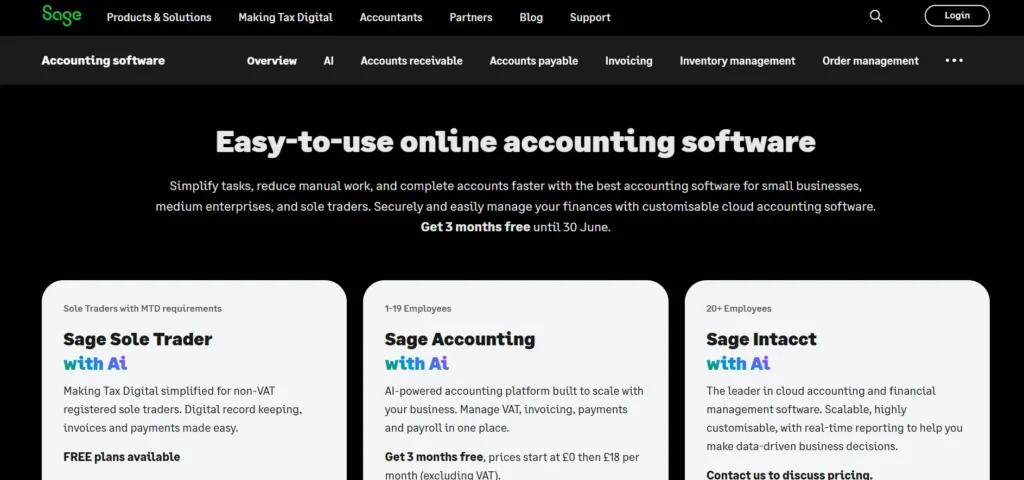
Sage Accounting is designed for small and medium enterprises that require efficient financial management, making it a reliable accounting software for small businesses. It can be used for invoicing, expense tracking, bank reconciliation, VAT, and payroll. Sage has powerful reporting capabilities, which can follow the flow of cash and make planning budgets easier.
One of their main advantages is data security. The interface, however, is a bit outdated, and setup might be a bit complicated for the newbies. It is a great choice for firms that would like organized bookkeeping and compliance assistance.
Key Features:
- VAT & payroll
- Reporting
- Bank feeds
Pros:
- Strong compliance
- Secure
Cons:
- Old-style interface
- Setup complexity
Pricing:
- Pro Accounting: $128.67 / mo
- Premium Accounting: $182.50 / mo (based on 1 user selected)
- Quantum Accounting: $271.17 / mo (based on 1 user selected)
6. FreeAgent
- Website: https://www.freeagent.com/en/
- Best For: Freelancers & contractors
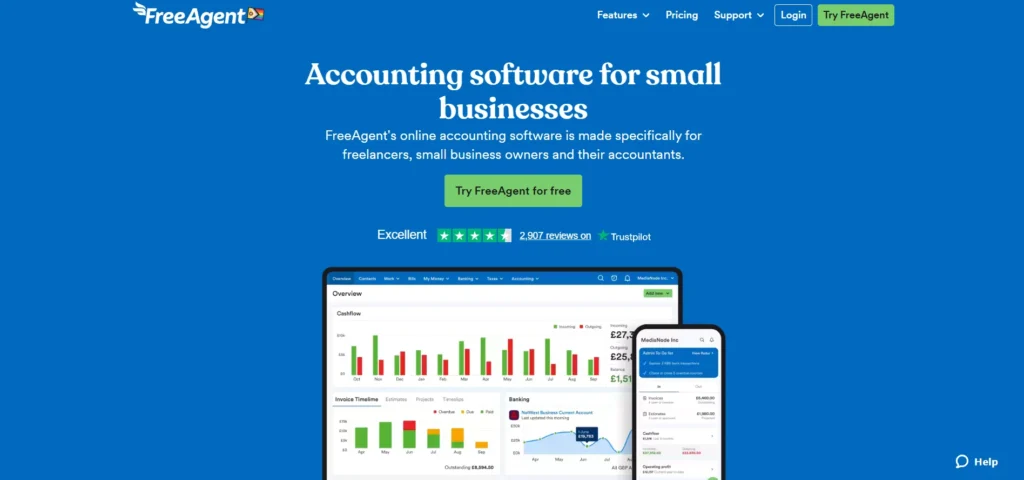
FreeAgent is primarily a tool for freelance professionals, contractors, and small companies. There are many tasks it can make easier, such as tracking your expenses, invoicing, calculating taxes, and reconciling your bank balances.
Tax deadlines, profit, and cash flow are clearly displayed on the dashboard. It allows for VAT and also self-assessment filing, which is popular in the UK. FreeAgent isn’t as comprehensive as some of its more advanced alternatives for large businesses, but it’s simple to use and perfect for individuals who deal with their own finances.
Key Features:
- Tax timelines
- Invoicing
- Bank sync
Pros:
- Simple dashboard
- UK tax friendly
Cons:
- Not for large firms
- Limited customisation
Pricing:
- Price: $11/month (was $22/month)
- Price: $110/year (was $220/year)
7. Patriot Software
- Website: https://www.patriotsoftware.com/
- Best For: US small businesses
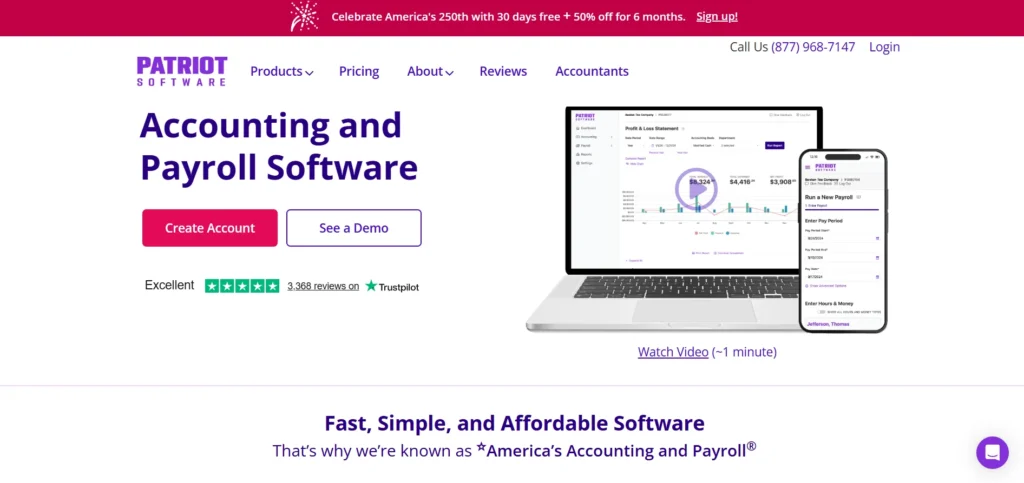
Patriot Software is a small business accounting and payroll solution, particularly for U.S. businesses. It features easy bookkeeping, payroll processing, tax calculations, and employee management features.
Easy to use and cost-effective compared to its rivals. It streamlines taxes, minimizing mistakes and compliance pressures. But features are restricted outside the United States, and the advanced reporting feature is basic. For a small business, Patriot would be the best to use for simple accounting and payroll integration.
Key Features:
- Payroll
- Tax filing
- Bookkeeping
Pros:
- Affordable
- Beginner-friendly
Cons:
- US-focused
- Basic reports
Pricing:
- Price: $10/mo (was $20)
- Accounting Premium: $15 / mo (was $30)
9. Quicken
- Website: https://www.quicken.com/
- Best For: Very small businesses
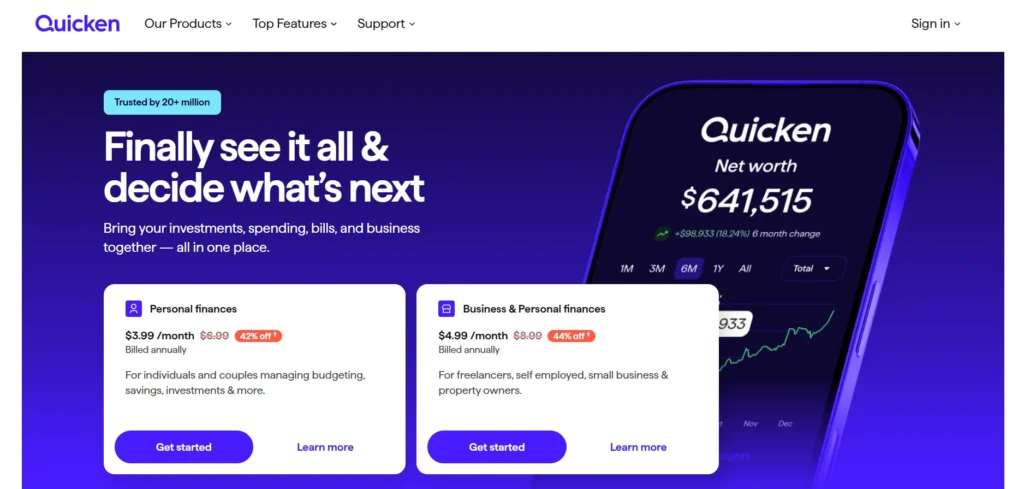
Quicken is primarily a personal finance program and also caters to small business accounting. As one of the useful accounting software for small businesses, it facilitates the tracking of income, expenses, budgets, and cash flow from a single dashboard. The desktop version is offline, which is helpful for those who may have a weak Internet connection.
Understandable and good for very small businesses, Quicken is easy to understand. It does not offer sophisticated functionalities, however, or modern cloud connections, which makes it less ideal for scaling or more complex businesses.
Key Features:
- Budgeting
- Expense tracking
- Offline access
Pros:
- Easy to use
- Desktop option
Cons:
- Not scalable
- Limited integrations
Pricing:
- Price: $3.99 / month (Billed annually)
- Price: $7.99 / month (Billed annually)
10. Crunch
- Website: https://www.crunch.co.uk/
- Best For: UK businesses wanting accountant support
Crunch is a combination of accounting platform and professional accountants. It supports the invoicing, costs, taxation, filing of VAT, and self-assessment. The tax compliance stress is also alleviated by the software providing reminders of tax deadlines.
For business owners seeking digital tools and expert support, Crunch is the perfect choice. But pricing can be steep for small businesses, and integrations are not very extensive. It is ideal for companies that want to outsource their accounting services instead of handling the job in-house.
Key Features:
- Accounting + accountants
- Tax reminders
- VAT filing
Pros:
- Human support
- Compliance help
Cons:
- Higher cost
- Fewer integrations
Pricing:
- Crunch Free: FREE
- Crunch Lite: £4/month
- Crunch Plus: £10 + VAT/month
11. Clear Books
- Website: https://www.clearbooks.co.uk/
- Best For: UK small businesses
Clear Books is cloud accounting software for small businesses and freelancers from the UK. It can be used to invoice, reconcile bank statements, and track expenses and VAT returns. The dashboard is clean and easy to use, making it easy to do accounting tasks every day. It meets all the UK tax requirements.
It is not very convenient for doing business internationally, and it does not really have the sophistication for automation. Clear Books is great for UK companies looking for simple and inexpensive accounting platform.
Key Features:
- VAT filing
- Invoicing
- Reports
Pros:
- UK compliant
- Simple interface
Cons:
- Limited automation
- Not global
Pricing:
- Sole Trader: £5 plus VAT per month
- Sole Trader + VAT: £15 plus VAT per month
12. Tide
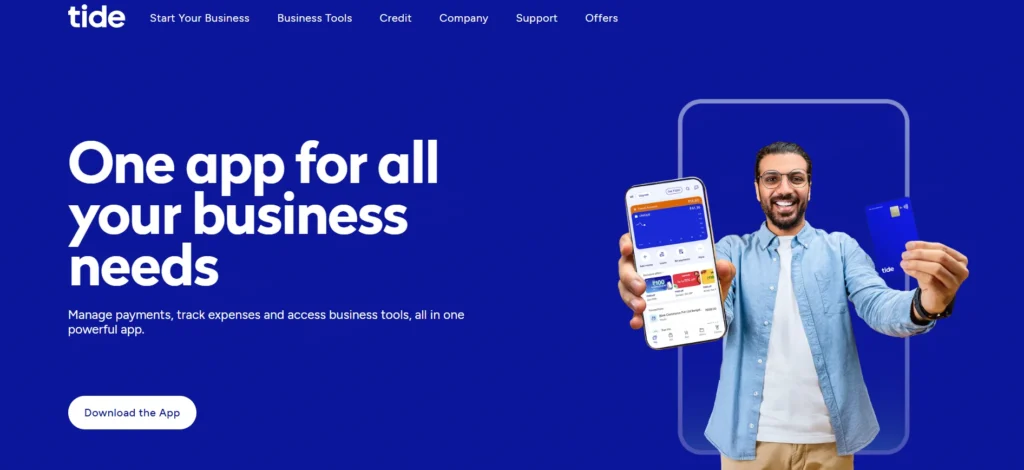
- Website: https://www.tide.co?utm_source=chatgpt.com
- Best For: Freelancers & sole traders
Tide is a business finance platform that combines banking features with basic accounting capabilities, making it a useful accounting software for small businesses. It helps save money while recording receipts, expenses, and invoices through a mobile-first app. Transactions are automatically tracked, providing better visibility and control over business finances.
Tide works best for freelancers and sole traders who need basic bookkeeping that is seamlessly integrated with banking. But it doesn’t provide more sophisticated accounting and reporting features. It is good for starting solutions as opposed to full accounting systems.
Key Features:
- Banking + bookkeeping
- Invoicing
- Receipt capture
Pros:
- Mobile-first
- Easy setup
Cons:
- Not full accounting
- Limited reports
Pricing:
- Smart: £12.49 / m
- Pro: £27.49 / m
- Max: £69.99 / m
14. CloudBooks
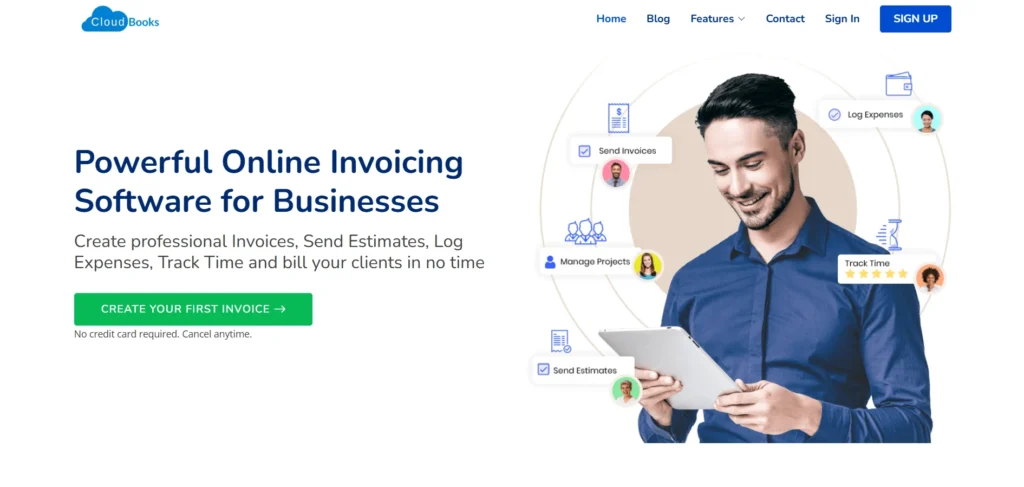
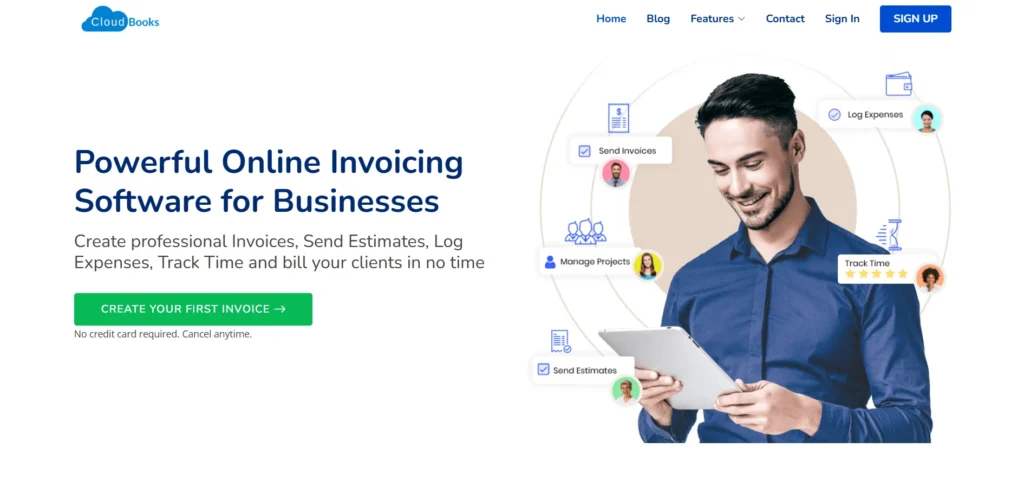
- Website: https://www.cloudbooksapp.com/
- Best For: Service-based freelancers
CloudBooks is for freelance and small service-based companies. It’s an app for tracking time, managing recurring invoices, and managing expenses. It has a straightforward interface, which is easy to use for newbies.
The price range is within affordability, thus appropriate for startups. It doesn’t, however, have advanced accounting tools and inventory features. CloudBooks is perfect for those professionals who bill clients regularly and don’t require complexity in financial tracking.
Key Features:
- Time tracking
- Recurring invoices
Pros:
- Simple
- Affordable
Cons:
- No advanced accounting
- Limited integrations
Pricing:
- Lifetime Plan: $999 (one-time fee)
- Team Plan Featured: $9.99 / mo
- Agency Plan: $19.99 / mo
15. Dext
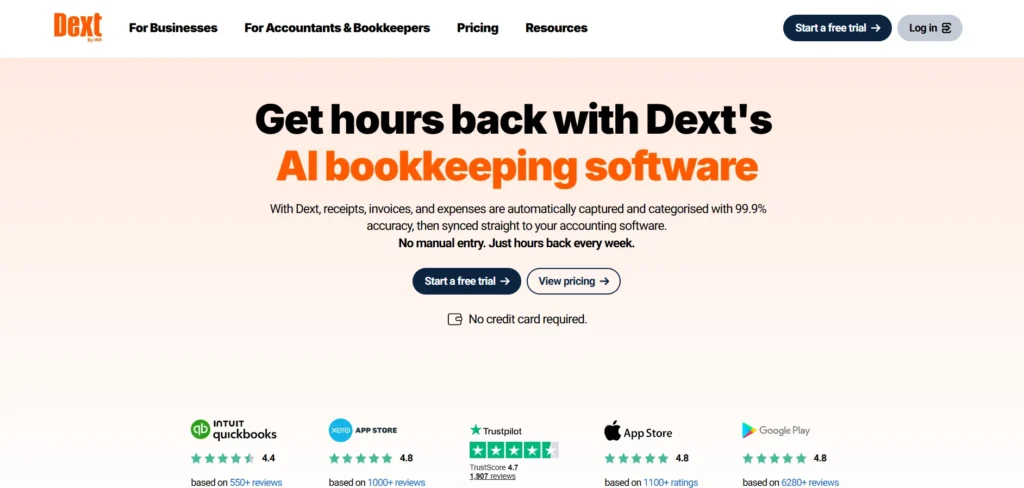
- Website: https://dext.com/en/
- Best For: Receipt & expense management
Dext is NOT full accounting software; it is an expense and data capture tool. It facilitates businesses to quickly read receipts, get information out of them, and minimize manual data entry. Dext seamlessly connects with widely used accounting tools to boost accuracy and efficiency.
Many accountants and finance teams use it for numerous documents. It does need to be integrated with other accounting programs and offers restricted reporting. Dext is intended to be used as an enabling tool.
Key Features:
- Receipt scanning
- Data extraction
- Integrations
Pros:
- Saves time
- Accurate
Cons:
- Not standalone
- Extra cost
Pricing:
- Essentials: From $17.70 / client / month (Excludes Tax, Annual subscription, billed monthly)
- Total shown: $353.99 total (for 20 clients)
- Advanced: From $19.20 / client / month (Excludes Tax, Annual subscription, billed monthly)
How to Choose the Right Accounting Software?
Cloud accounting software has become a necessity for modern small businesses, providing flexibility, security, and real-time financial control. They are designed to assist businesses in functioning optimally in a fast-paced, digital-first world.
- Access Anytime, Anywhere: Cloud accounting is ideal for access from any device with an internet connection, perfect for remote working or for making decisions on the go.
- Real-Time Financial Updates: Transactions, expenses, and reports are updated in real-time, so businesses can see their situation as it happens without waiting for manual updates.
- Improved Data Security: Cloud providers use advanced encryption, secure servers, regular backups, and multi-layer authentication to protect sensitive financial information from data loss and cyber threats.
- Automatic Software Updates: Cloud-based systems update automatically, ensuring access to the latest features, tax rules, and compliance standards without manual installations or downtime.
- Cost-Effective and Scalable: Cloud accounting eliminates the cost of hardware or system upgrades and is easily scalable, particularly when business needs grow, with subscription-based pricing systems.
Benefits of Cloud-Based Accounting Software
Selecting the right accounting software for small businesses is a critical decision, as it directly impacts financial accuracy, compliance, and efficiency. A thoughtful evaluation will help you invest in a solution that supports current operations and future growth.
- Understand Your Business Requirements: You need to understand your business size, industry, transaction volume, and accounting needs to ensure that the software fits into your daily financial operations.
- Set a Clear Budget: Define how much you can afford monthly or annually, and compare pricing plans carefully to avoid paying for features you don’t actually need.
- Check Scalability and Flexibility: Choose software that can grow with your business, offering advanced features, additional users, and integrations as your operations expand.
- Evaluate Ease of Use: Simple interfaces and user-friendly dashboards shorten training periods and let non-accountants confidently and efficiently handle finances.
- Review Integration Options: Make sure the software works well with banks, payroll software, CRM software, and eCommerce systems to smooth out processes.
Common Mistakes to Avoid While Selecting Accounting Platform
Using the wrong accounting software or doing so improperly can cause financial errors, compliance problems, and wasted resources. Avoid these common mistakes to ensure smooth and efficient financial management.
- Choosing Software Based Only on Price: Selecting the cheapest accounting software may seem cost-effective, but it often lacks essential features, scalability, and support, leading to inefficiencies and higher costs in the long run.
- Ignoring Business Scalability: Many small companies opt for software that addresses the present requirements but does not accommodate growth and end up migrating to new software and transferring data again and again as the business matures.
- Overlooking Ease of Use: If the business owner or team doesn’t have accounting experience, complex software with a high learning curve can cause delays, mistakes, and user frustration.
- Not Checking Compliance Capabilities: When the software does not comply with the prevailing tax laws and regulations, it can cause tax compliance problems, tax penalties, and even extra work in tax audits or filings.
- Neglecting Data Security Features: Security protocols such as encryption, backups, and access controls are essential to protecting sensitive financial information and can be overlooked, making it vulnerable to cyber threats and data loss.
Conclusion
It’s no longer an option for small businesses to use accounting platform in 2026; it’s a necessity. The right accounting software for small businesses can automate daily tasks, ensure compliance, reduce errors, and provide real-time financial insights. Cloud-based tools further enhance security, accessibility, and team collaboration, helping businesses manage their finances more efficiently and make informed decisions.
Knowing your business requirements, carefully weighing features, and being aware of common pitfalls will help you select accounting platform that facilitates efficiency and growth. When it comes to accounting, choosing the right system today will set up a solid financial floor for future success in the digital business world.