
Managing finances efficiently is one of the biggest challenges for small businesses, freelancers, and startups. Invoicing platform plays a crucial role in simplifying billing processes, ensuring timely payments, and maintaining accurate financial records. Instead of relying on manual methods or spreadsheets, modern invoicing tools automate tasks such as invoice creation, payment tracking, tax calculations, and recurring billing.
With the rise of digital payments and remote work, businesses now need solutions that are fast, reliable, and accessible from anywhere. The best invoicing software not only helps create professional invoices but also integrates with accounting systems, payment gateways, and business tools to streamline operations.
Whether you are a freelancer managing a few clients or a growing business handling multiple transactions, choosing the right invoicing software for small businesses can save time, reduce errors, and improve cash flow. This guide explores the best invoicing tools designed to meet diverse small business needs efficiently.
Why Small Businesses Need Invoicing Software?
Invoicing software has become an essential tool for small businesses aiming to manage their finances efficiently and professionally. Manual billing methods are often time-consuming and prone to errors, which can lead to delayed payments and poor cash flow management. Modern invoicing solutions automate the entire billing cycle from creating invoices to tracking payments saving valuable time and reducing administrative workload.
These tools also help maintain accurate financial records, making it easier to monitor income, expenses, and tax obligations. With features like recurring billing, automated reminders, and online payment integration, businesses can ensure faster payments and improved customer experience. Cloud-based invoicing software allows access from anywhere, making it ideal for entrepreneurs working remotely or managing multiple clients. Invoicing solution not only improves efficiency but also enhances professionalism, helping small businesses build trust with clients while staying organized and financially stable.
Key Reasons to Use Invoicing Software
- Saves Time & Effort: Automates invoice creation, reminders, and calculations, reducing manual workload significantly.
- Ensures Faster Payments: Online payment options and reminders help clients pay on time, improving cash flow.
- Reduces Errors: Automatic calculations minimize mistakes in taxes, totals, and billing details.
- Improves Professional Image: Custom branded invoices create a more trustworthy and polished business impression.
- Better Financial Tracking: Provides real-time insights into income, expenses, and outstanding payments.
Key Features to Look for in Invoicing Software
Choosing the right invoicing software isn’t just about sending bills, it’s about improving efficiency, cash flow, and financial control. Here are the most important features to consider:
- Customizable Invoices: A good invoicing tool should allow you to create professional, branded invoices with your logo, colors, and business details. Customization helps maintain consistency and builds trust with clients.
- Recurring Billing & Automation: For businesses with repeat clients, automated recurring invoices and payment reminders save time and reduce manual effort. This ensures consistent billing without missing deadlines.
- Multiple Payment Integrations: Look for software that supports various payment methods like credit cards, UPI, bank transfers, and gateways such as Stripe or PayPal. More options make it easier for clients to pay quickly.
- Expense & Time Tracking: Integrated expense tracking and time tracking features help service-based businesses bill accurately based on hours worked or costs incurred.
- Real-Time Reporting & Analytics: Detailed reports on income, expenses, and outstanding payments give a clear financial overview, helping you make better business decisions.
- Multi-Currency & Tax Support: If you deal with international clients, multi-currency invoicing is essential. Built-in tax calculations also ensure compliance and reduce errors.
- Mobile Accessibility: A mobile app or cloud-based platform allows you to create, send, and track invoices anytime, anywhere perfect for business owners on the move.
- Client Management (CRM): Managing client details, payment history, and communication in one place through a CRM platform improves organization and strengthens relationships..
How Invoicing Tools Improve Cash Flow?
Cash flow is the backbone of any small business, and invoicing tools play a direct role in keeping money moving smoothly. Instead of waiting for payments or chasing clients manually, these tools help you get paid faster, more consistently, and with fewer delays.
- Faster Invoice Creation and Delivery: Invoicing software lets you generate and send invoices instantly, reducing delays between completing work and requesting payment. The quicker the invoice reaches the client, the sooner the payment process begins.
- Automated Payment Reminders: Late payments are one of the biggest cash flow issues. Invoicing tools automatically send reminders before and after due dates, encouraging clients to pay on time without you having to follow up manually.
- Multiple Payment Options: When clients can pay via credit cards, UPI, bank transfer, or digital wallets, the chances of faster payment increase. Easy payment methods remove friction and speed up transactions.
- Recurring Billing for Consistent Income: For subscription or repeat clients, recurring invoices ensure regular billing without missing cycles. This creates predictable income and improves financial stability.
- Real-Time Payment Tracking: You can instantly see which invoices are paid, pending, or overdue. This visibility helps you take quick action on delayed payments and manage cash flow proactively.
- Reduced Errors and Disputes: Automated calculations reduce mistakes in totals, taxes, and line items. Fewer errors mean fewer disputes, which helps avoid payment delays.
- Early Payment Incentives and Late Fees: Many tools allow you to add discounts for early payments or penalties for late ones. This encourages clients to prioritize your invoices.
- Better Financial Planning: With clear reports on incoming payments and outstanding dues, businesses can forecast cash flow more accurately and plan expenses accordingly.
Overall, invoicing tools turn billing into a streamlined, predictable process, helping small businesses maintain steady cash flow and avoid financial bottlenecks.
Comparison Table of Invoicing Software for Small Businesses
| Software | Best For | Key Strength | Integrations | Ease of Use | Pricing (Starting) |
| Xero | Growing businesses | Advanced accounting + scalability | 1000+ apps | Moderate | $5.80/month |
| FreshBooks | Freelancers & service professionals | All-in-one invoicing + time tracking | Stripe, PayPal | Easy | $6.90/month |
| QuickBooks Online | Full accounting needs | Strong automation + reporting | Banks + 3rd party apps | Moderate | $19/month |
| Wave | Startups & budget users | Free invoicing + accounting | Limited | Easy | $190/month/ |
| Zoho Invoice | Budget-friendly businesses | Free with strong features | Zoho ecosystem | Easy | Custom pricing |
| Invoice Ninja | Customization & control | Open-source flexibility | 40+ gateways | Moderate | $14/month |
| Bonsai | Freelancers & creatives | All-in-one workflow tools | Stripe, PayPal | Easy | $15/month |
| Invoicely | Small teams & startups | Simple and affordable | PayPal, Stripe | Easy | $9.99/month |
| Billdu | Mobile-first users | Offline + mobile invoicing | Stripe, PayPal | Easy | $4.99/month |
| Fiverr Workspace | Freelancers | Complete business toolkit | Stripe, PayPal | Easy | $49/ month |
List of Best Invoicing Software for Small Businesses
1. Xero
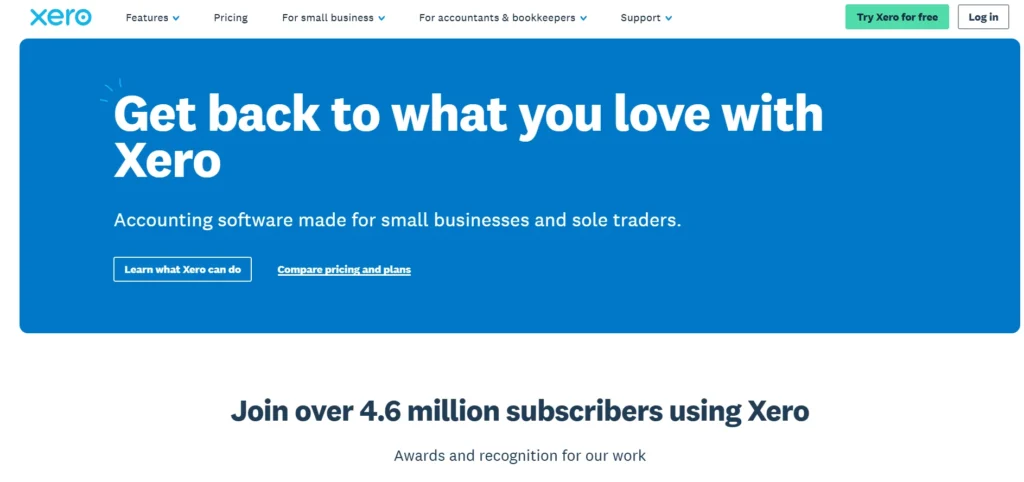
- Why it Stands Out: Scalable solution with strong accounting and integrations.
Xero is a cloud-based invoicing and accounting platform designed for small to medium-sized businesses seeking scalability. It enables users to create professional invoices, automate reminders, and accept payments through multiple gateways. The platform provides real-time financial insights, helping businesses monitor cash flow effectively.
Xero offers advanced accounting features, including bank reconciliation, inventory management, and expense tracking. It allows multiple users, including accountants, to collaborate within the system. With over 1,000 integrations, it connects seamlessly with CRM, payroll, and eCommerce tools. Its mobile app ensures access to financial data and invoicing capabilities on the go. Xero is particularly suitable for businesses planning to grow, as it combines invoicing and full accounting in one powerful platform.
Key Features:
- Automated invoicing
- Bank reconciliation
- Multi-user access
- 1000+ integrations
- Inventory tracking
- Financial dashboards
Pros:
- Highly scalable
- Strong integrations
- Advanced accounting
- Real-time insights
- Mobile access
Cons:
- Higher pricing
- Learning curve
- Limited support in lower plans
Pricing:
- Starter: $5.80/month
- Standard: $10/month
- Premium: $15/month
2. FreshBooks
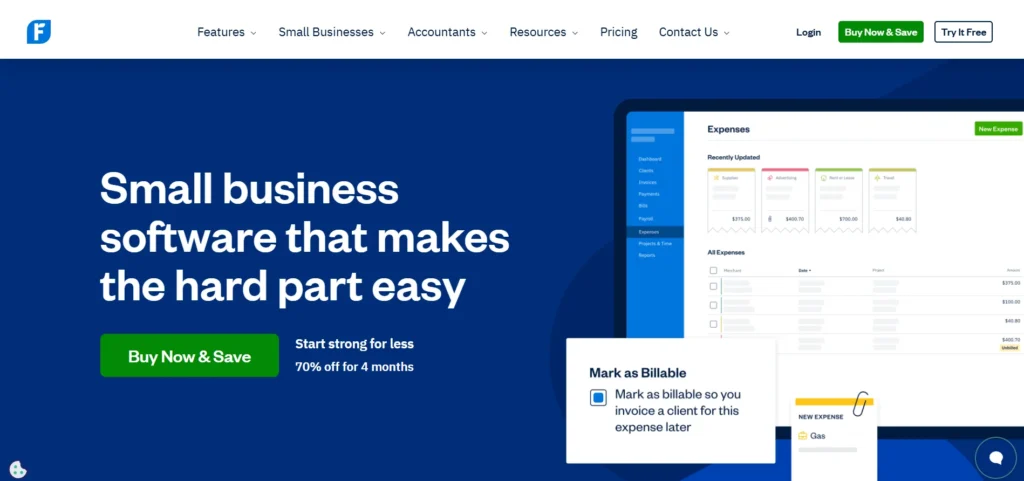
- Why it Stands Out: Combines invoicing, time tracking, and accounting in one intuitive interface.
Freshbooks is a cloud-based invoicing and accounting platform designed specifically for freelancers, contractors, and small service businesses. It simplifies the entire billing process by allowing users to create professional invoices, track expenses, and monitor payments from a single dashboard. The platform supports recurring invoices, automated payment reminders, and multi-currency billing, making it suitable for businesses dealing with international clients. Integration with payment gateways like Stripe and PayPal ensures faster and more convenient payments.
Beyond invoicing, FreshBooks includes built-in time tracking, project management, and expense reporting features, enabling businesses to manage operations efficiently. It also generates real-time financial reports and tax-ready summaries, helping business owners stay compliant. Its mobile app allows users to create and send invoices on the go, making it ideal for busy professionals who need flexibility while managing their finances.
Key Features:
- Custom branded invoices
- Recurring billing and reminders
- Payment gateway integrations
- Time tracking and project billing
- Expense and receipt management
- Mobile invoicing app
- Financial reporting tools
Pros:
- Easy to use interface
- Strong automation features
- Ideal for freelancers
- Mobile accessibility
- Reliable reporting
Cons:
- Limited advanced accounting
- Higher pricing for scaling
- Fewer inventory features
Pricing:
Monthly:
- Lite: $6.90/month
- Plus: $12.90/month
- Premium: $21/month
Yearly:
- Lite: $188.78/month
- Plus: $352.94/month
- Premium: $574.56/month
3. QuickBooks Online
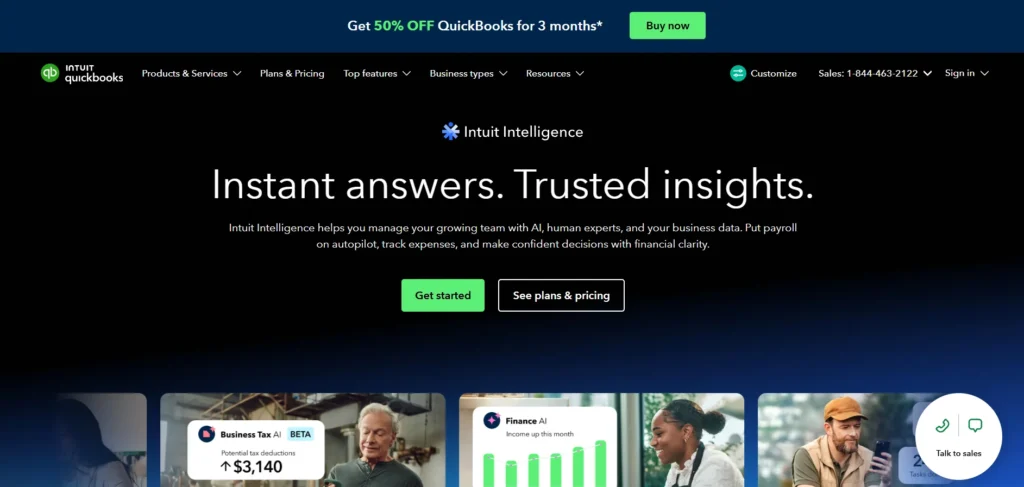
- Why it Stands Out: Strong combination of invoicing and full accounting tools.
QuickBooks Online is a comprehensive accounting and invoicing platform widely used by small businesses for managing finances efficiently. It enables users to create customized invoices, track payments, and automate reminders, ensuring smooth billing operations. The software automatically updates financial records when payments are received, providing real-time visibility into cash flow and business performance. It integrates with banks and hundreds of third-party applications, eliminating manual data entry and improving accuracy.
Features like tax calculation, expense tracking, and multi-currency invoicing make it suitable for growing businesses. The platform also offers scalable plans, allowing businesses to upgrade as their needs expand. With its user-friendly interface and powerful automation, QuickBooks Online helps streamline accounting processes while maintaining financial accuracy, making it an ideal choice for businesses seeking both invoicing and full financial management capabilities.
Key Features:
- Custom invoicing
- Payment tracking automation
- Bank integrations
- Tax calculation tools
- Multi-currency support
- Real-time dashboards
Pros:
- Highly scalable
- Powerful accounting tools
- Automation features
- Strong integrations
- Reliable reporting
Cons:
- Learning curve
- Expensive advanced plans
- Limited customization
Pricing:
- Simple Start: $19/month
- Essentials: $37.50/month
- Plus: $57.50/month
- Advanced: $137.50/month
4. Wave
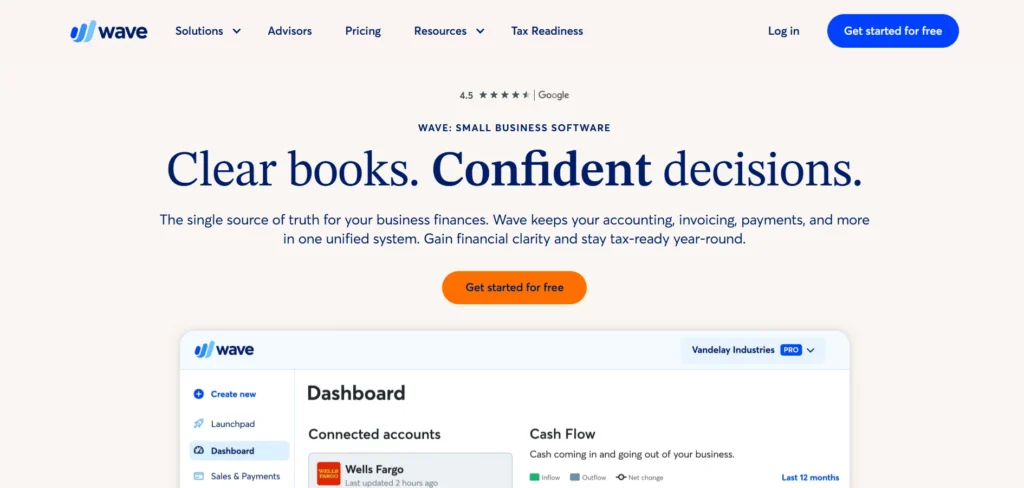
- Why it Stands Out: Completely free with strong invoicing and accounting features.
Wave is a free invoicing and accounting software designed for freelancers, solopreneurs, and small businesses. It allows users to create unlimited invoices, track income and expenses, and manage finances without any subscription fees. The platform offers customizable invoice templates, automated reminders, and real-time notifications when payments are received.
Wave includes integrated payment processing, enabling clients to pay via credit cards or bank transfers directly from invoices. It also provides features like receipt scanning, tax calculations, and detailed financial reports. While the core features are free, optional services such as payroll and payment processing come with additional charges. Its user-friendly interface and comprehensive tools make it an excellent choice for businesses looking for a cost-effective solution to manage invoicing and accounting without compromising functionality.
Key Features:
- Unlimited free invoices
- Payment processing integration
- Expense tracking
- Receipt scanning
- Tax calculations
- Financial dashboards
Pros:
- No monthly cost
- Easy to use
- Great for startups
- Integrated payments
- Good reporting
Cons:
- Limited scalability
- Paid add-ons
- Fewer integrations
Pricing:
Monthly:
- Starter: Free
- Pro: $190/month/billed monthly
Annually:
- Starter: Free
- Pro: $190/year/billed annually
5. Zoho Invoice
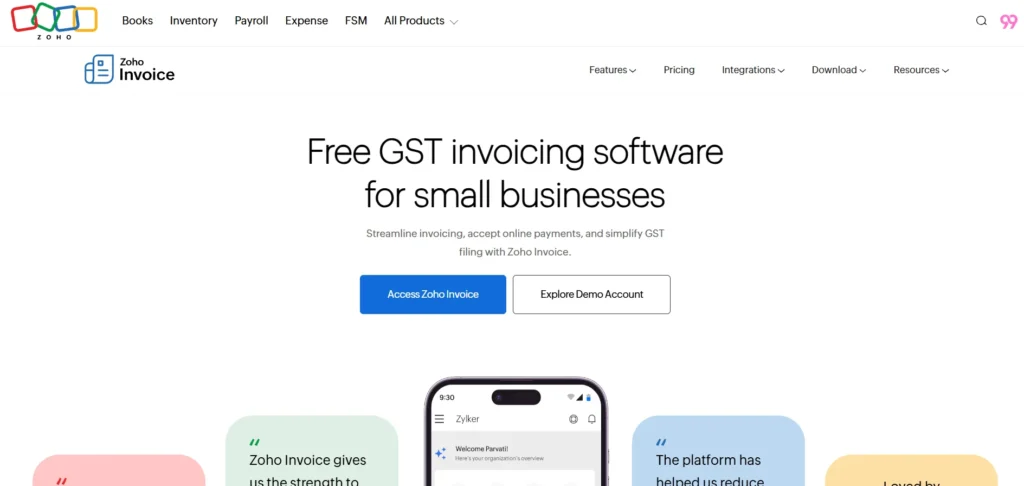
- Why it Stands Out: Offers enterprise-level invoicing features completely free of cost.
Zoho invoice is a free yet powerful invoicing software designed for freelancers, startups, and small businesses seeking a cost-effective billing system. It offers an intuitive interface that allows users to create professional invoices, automate recurring billing, and send timely payment reminders. With support for multiple currencies and languages, it is ideal for businesses operating globally. Users can also track billable hours, manage expenses, and generate financial reports with ease.
The platform integrates seamlessly with Zoho’s ecosystem, including Zoho Books and Zoho CRM, enhancing overall financial and customer management. Its mobile app ensures that users can manage invoicing, estimates, and time tracking even while on the move. Despite being free, Zoho Invoice delivers advanced capabilities comparable to paid tools, making it a highly valuable option for small businesses aiming to streamline billing without increasing operational costs.
Key Features:
- Custom invoice templates
- Multi-currency support
- Time tracking and billing
- Automated reminders
- Mobile app support
- Zoho ecosystem integration
Pros:
- Free to use
- Easy setup
- Strong integrations
- Global invoicing support
- Clean interface
Cons:
- Limited outside Zoho ecosystem
- No advanced accounting
- Fewer customization layers
Pricing:
- Custom pricing
6. Invoice Ninja
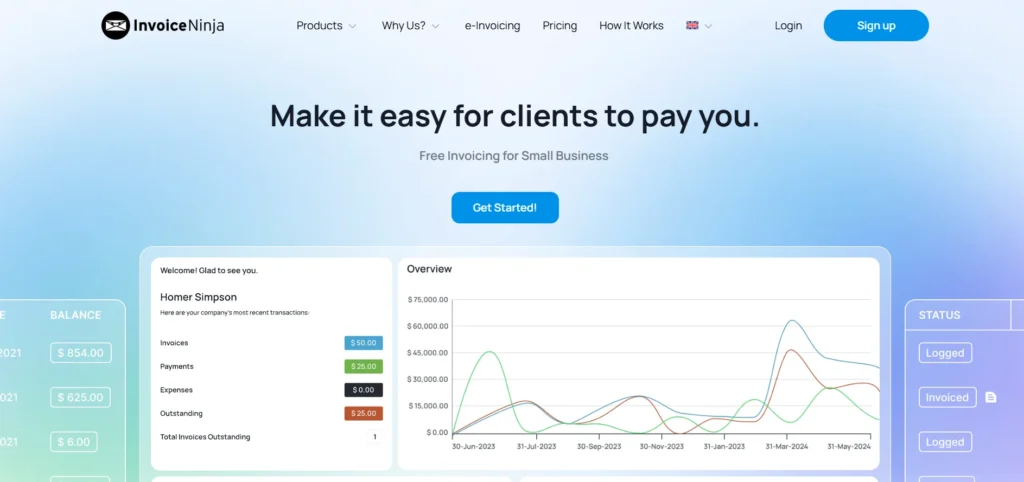
- Why it Stands Out: Open-source flexibility with advanced invoicing features.
Invoice Ninja is a flexible invoicing platform designed for freelancers and small businesses that want control and customization. It offers both cloud-hosted and self-hosted options, making it ideal for users who prefer managing their own data. The software allows you to create branded invoices, automate recurring billing, and send payment reminders effortlessly. It supports over 40 payment gateways, including PayPal and Stripe, ensuring fast and global transactions.
In addition to invoicing, Invoice Ninja includes time tracking, expense management, and project tracking features, enabling businesses to manage operations efficiently. It also supports multi-currency and multi-language invoicing, making it suitable for international clients. The platform’s open-source nature gives users flexibility and scalability as their business grows. With a combination of affordability and advanced functionality, Invoice Ninja stands out as a powerful invoicing solution for modern entrepreneurs.
Key Features:
- 40+ payment gateway integrations
- Recurring invoices and reminders
- Time and expense tracking
- Multi-currency support
- Self-hosting option
- Client management tools
Pros:
- Free plan available
- Highly customizable
- Strong global support
- Flexible hosting options
- Scalable solution
Cons:
- Setup can be complex
- UI not beginner-friendly
- Limited support on free plan
Pricing:
Monthly:
- Free: $0/month
- Ninja Pro: $14/month
- Enterprise: $18/1-2 users/month
Annually:
- Free: $0/year
- Ninja Pro: $140/year
- Enterprise: $180/1-2 users/year
7. Bonsai
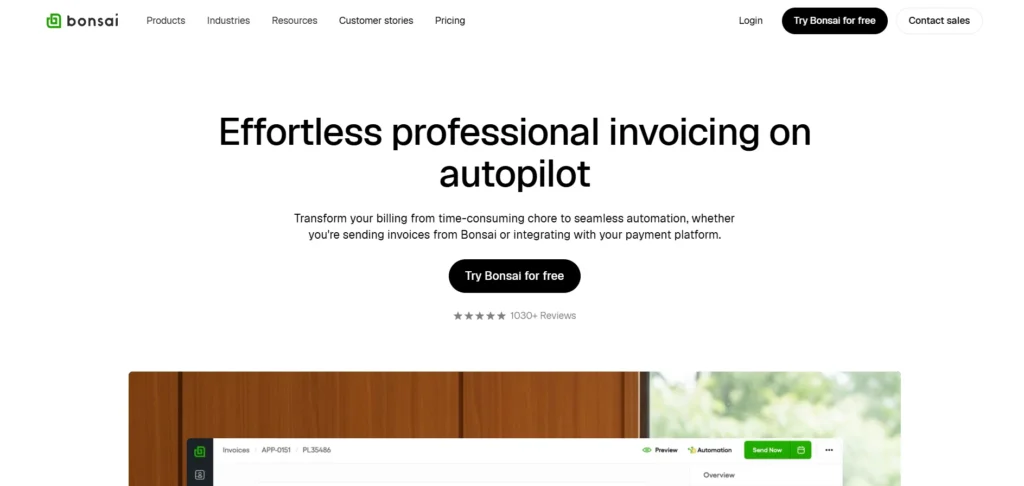
- Why it Stands Out: Combines invoicing with contracts, proposals, and tax tools.
Bonsai is an all-in-one invoicing and business management platform built specifically for freelancers and small creative teams. It simplifies invoicing by allowing users to create professional invoices, automate recurring billing, and send payment reminders. Integration with Stripe, PayPal, and ACH transfer ensures fast and secure transactions.
Beyond invoicing, Bonsai includes features like contract creation, proposal management, time tracking, and client CRM, making it a complete business toolkit. Users can automate workflows by generating invoices based on tracked time or project milestones. The platform also offers a tax assistant that calculates estimated taxes and generates reports, helping freelancers stay compliant. Its intuitive interface and automation capabilities reduce administrative workload, allowing users to focus more on their core work. Bonsai is particularly useful for service-based professionals who need an all-in-one solution.
Key Features:
- Automated invoicing
- Contract and proposal tools
- Time tracking integration
- Tax assistant
- Payment gateway support
- Workflow automation
Pros:
- All-in-one platform
- Great for freelancers
- Easy automation
- Clean interface
- Strong financial tools
Cons:
- Expensive higher plans
- Limited accounting depth
- Not ideal for large teams
Pricing:
Monthly:
- Basic: $15/user/month
- Essentials: $25/user/month
- Premium: $39/user/month
- Elite: $59/user/month
Yearly:
- Basic: $9/user/month
- Essentials: $19/user/month
- Premium: $29/user/month
- Elite: $49/user/month
8. Invoicely
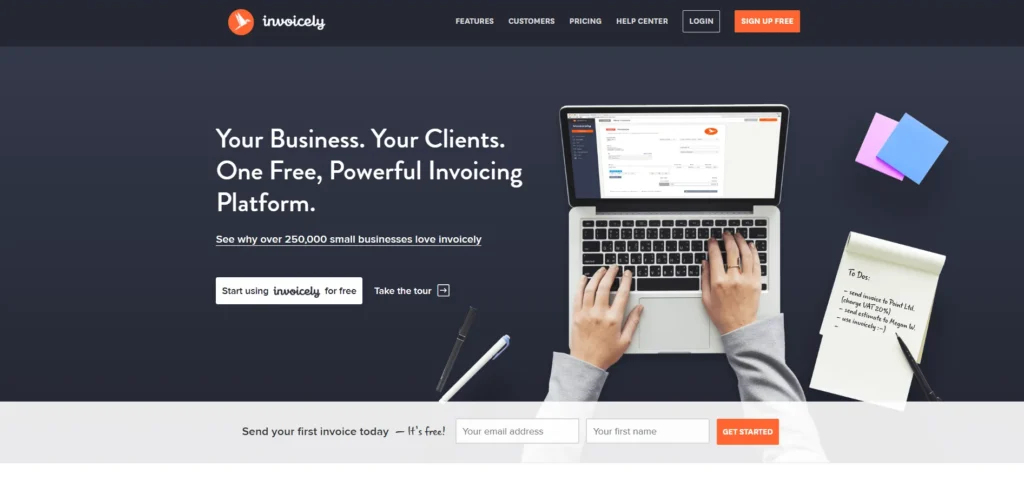
- Why it Stands Out: Affordable and easy-to-use invoicing for small teams.
Invoicely is a user-friendly web-based invoicing software suitable for freelancers, startups, and small businesses. It offers both free and paid plans, allowing users to create professional invoices, track expenses, and receive payments through multiple gateways like PayPal and Stripe. The platform supports multi-currency and multi-language invoicing, making it ideal for businesses dealing with international clients.
Users can customize invoices with branding, taxes, and discounts while managing multiple clients from a centralized dashboard. Invoicely also provides financial reports that help track income, expenses, and tax data efficiently. Its cloud-based system ensures accessibility from any device, allowing business owners to manage invoicing on the go. With its affordability and simplicity, Invoicely is a practical choice for businesses looking for a straightforward invoicing solution without complex features.
Key Features:
- Custom invoice templates
- Multi-currency support
- Expense and time tracking
- Payment gateway integrations
- Financial reporting
- Cloud-based access
Pros:
- Budget-friendly
- Easy setup
- Global invoicing support
- Clean interface
- Flexible plans
Cons:
- Limited advanced features
- Basic reporting
- Fewer integrations
Pricing:
- Basic: $9.99/month
- Professional: $19.99/month
- Enterprise: $29.99/month
9. Billdu
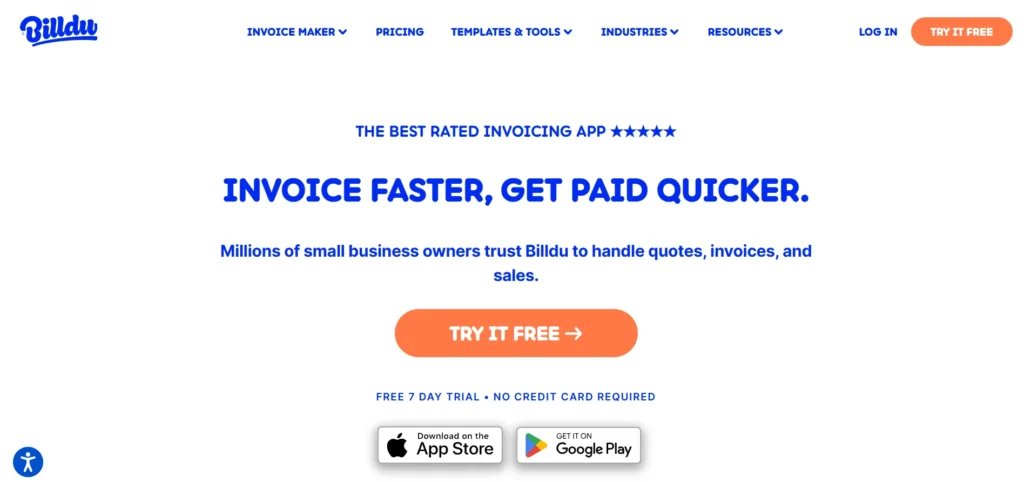
- Why it Stands Out: Mobile-first design with offline invoicing capabilities.
Billdu is a modern invoicing application designed for freelancers and small business owners who prefer managing finances on mobile devices. It enables users to create professional invoices, send estimates, and manage recurring billing easily through a mobile-friendly interface. Invoices can be shared via email, SMS, or links, ensuring quick communication with clients.
The platform supports online payments through Stripe, PayPal, and credit cards, allowing faster transactions. Billdu also includes features like expense tracking, purchase order management, and basic inventory control. Its offline functionality ensures that users can create invoices even without internet access, with automatic syncing once online. The app’s simplicity combined with powerful features makes it ideal for entrepreneurs who need flexibility and mobility in their invoicing processes.
Key Features:
- Mobile invoicing app
- Online payment integration
- Recurring billing
- Expense tracking
- Inventory management
- Offline access
Pros:
- Great mobile experience
- Easy to use
- Offline functionality
- Fast invoicing
- Affordable plans
Cons:
- Limited desktop features
- Basic reporting
- Not for large businesses
Pricing:
Monthly:
- Lite: $7.99/month
- Standard: $14.99/month
- Premium: $27.99/month
Annually:
- Lite: $4.99/month
- Standard: $9.99/month
- Premium: $19.99/month
10. Square Invoices
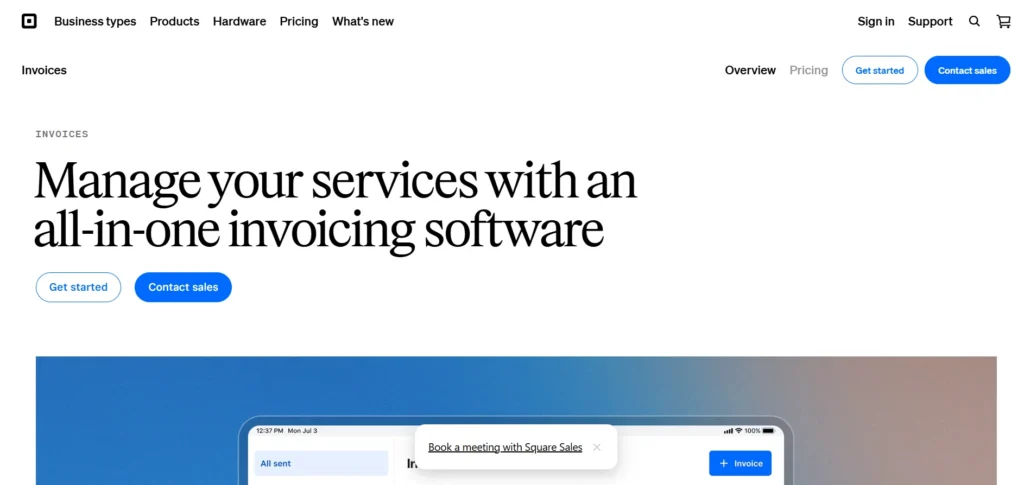
- Why it Stands for: Best for businesses needing invoicing + payment processing in one platform
Square Invoices is a powerful invoicing solution designed for small businesses, freelancers, and retailers who want seamless billing combined with payment processing. It stands out because it’s tightly integrated with Square’s payment ecosystem, allowing businesses to accept payments online, in-person, or via mobile devices.
The platform lets you create professional invoices, set up recurring billing, and send automatic reminders. One of its biggest advantages is its flexibility in payment methods clients can pay via cards, bank transfers, or even in-person POS systems. This makes it ideal for businesses that operate both online and offline.
Square Invoices also offers real-time tracking, helping you monitor paid and pending invoices easily. Its free plan includes core invoicing features, while paid options unlock advanced automation and customization. According to industry comparisons, it supports multiple payment types including ACH and online payments, making it highly versatile for modern businesses.
Key Features:
- Free invoice creation
- Online & in-person payment support
- Recurring billing automation
- Payment reminders
- Real-time tracking
- POS integration
Pros:
- Strong payment integration
- Free basic plan
- Easy to use
- Ideal for retail + service businesses
- Flexible payment options
Cons:
- Transaction fees apply
- Limited accounting features
- Advanced tools require paid plan
Pricing:
- Free plan available
- Plus: $49/ month
- Premium: $149/ month
How to Choose the Right Invoicing Software for Your Small Business
Choosing invoicing platform isn’t about choosing the “most popular” option, it’s about finding what actually fits your business workflow. Here’s a simple, step-by-step way to make the right choice.
- Understand Your Business Needs: Start by asking yourself how you bill your clients. Do you charge hourly, per project, or on a recurring basis? If you’re a freelancer, you may need time tracking, while product-based businesses might need inventory support. Knowing your exact needs helps you avoid paying for features you won’t use.
- Set a Realistic Budget: Some tools are free, while others offer advanced features at a cost. Decide how much you’re willing to spend monthly. If you’re just starting, a free or low-cost plan may work, but growing businesses should consider scalable options.
- Check Ease of Use: You don’t want to spend hours learning software. Look for a clean, intuitive interface that allows you to create and send invoices quickly. Most tools offer free trials use them to test usability.
- Look for Automation Features: Automation saves time and reduces manual work. Choose software that offers recurring invoices, automatic reminders, and payment tracking so you don’t have to follow up with clients constantly.
- Ensure Payment Flexibility: The easier it is for clients to pay, the faster you get paid. Make sure the software supports multiple payment options like cards, UPI, bank transfers, or gateways like Stripe and PayPal.
- Check Integration Capabilities: Your invoicing solution should work well with your existing systems, such as accounting software, CRM, or eCommerce platforms. This avoids duplicate work and keeps everything connected.
- Evaluate Reporting & Insights: Good invoicing software should give you clear reports on income, expenses, and outstanding payments. These insights help you make better financial decisions and plan ahead.
- Consider Scalability: Think long-term. As your business grows, your invoicing needs will change. Choose a tool that can grow with you offering upgrades, additional features, and more user access when needed.
- Check Mobile Accessibility: If you work on the go, a mobile app is essential. It allows you to send invoices, track payments, and manage finances anytime, anywhere.
- Review Support & Security: Reliable customer support is important if you face issues. Also, ensure the software has strong security measures and data backups to protect your financial information.
Benefits of Using Invoicing Software
Invoicing software is more than just a billing tool, it helps streamline operations, improve cash flow, and bring professionalism to your business. Here are the key benefits:
- Saves Time and Boosts Productivity: Creating invoices manually can take a lot of time, especially when dealing with multiple clients. Invoicing platform automates repetitive tasks like generating invoices, sending reminders, and calculating totals. This allows you to focus more on growing your business instead of handling administrative work.
- Faster Payments and Improved Cash Flow: With features like online payment options and automated reminders, clients are more likely to pay on time. Faster invoicing and easy payment methods reduce delays, ensuring a steady cash flow for your business.
- Reduces Errors and Increases Accuracy: Manual calculations can lead to mistakes in taxes, totals, or billing details. Invoicing tool automates these calculations, minimizing errors and reducing the chances of disputes with clients.
- Professional Business Image: Customizable invoice templates with your logo, branding, and business details create a polished and professional impression. This builds trust with clients and enhances your brand identity.
- Real-Time Financial Tracking; You can easily track which invoices are paid, pending, or overdue. This visibility helps you stay on top of your finances and take quick action when payments are delayed.
- Better Organization and Record Keeping: All invoices, client details, and payment records are stored in one place. This makes it easier to access past data, manage accounts, and stay organized without relying on scattered documents or spreadsheets.
Common Mistakes to Avoid When Choosing Invoicing Software
Picking the wrong invoicing tool can slow down your workflow instead of improving it. Here are some common mistakes small business owners make and how you can avoid them.
- Choosing Based Only on Price: It’s tempting to go for the cheapest or free option, but that can backfire if it lacks important features. Instead of focusing only on cost, think about value does it actually meet your business needs?
- Ignoring Your Business Type: Not all invoicing tools are built the same. A freelancer needs time tracking, while a product business may need inventory support. Choosing generic software without considering your workflow can create unnecessary complications.
- Overlooking Ease of Use: Some platforms are feature-rich but complicated. If the software is difficult to navigate, you’ll waste time learning it. Always choose something simple and user-friendly.
- Not Checking Payment Options: If your software doesn’t support multiple payment methods, clients may delay payments. Make sure it offers flexible options like cards, bank transfers, or digital wallets.
- Ignoring Automation Features; Manual invoicing increases workload and errors. If you skip tools with automation like recurring invoices and reminders, you’ll end up spending more time chasing payments.
- Forgetting About Scalability: Your business will grow, and your needs will change. Choosing software that doesn’t scale means you’ll have to switch later, which can be time-consuming and risky.
- Not Testing Before Buying: Many users skip free trials and directly purchase a plan. This can lead to regret later. Always test the software to see if it fits your workflow.
Conclusion
Choosing the right invoicing software can make a significant difference in how efficiently your business operates. It not only simplifies billing but also helps you get paid faster, maintain accurate financial records, and present a professional image to your clients. The ideal tool should align with your business needs, be easy to use, and offer features like automation, multiple payment options, and insightful reporting. As your business grows, the right software will continue to support your operations without adding complexity. By avoiding common mistakes and focusing on value rather than just cost, you can select a solution that improves productivity and strengthens your cash flow in the long run.
FAQs
1. What Is Invoicing Platform?
It is a tool that helps businesses create, send, and manage invoices digitally.
2. Is Free Invoicing Solution Enough For Small Businesses?
Yes, for basic needs, but growing businesses may need advanced paid features.
3. Can Invoicing Platform Help With Taxes?
Yes, many tools provide tax calculations and reports for easier filing.
4. Do Invoicing Tools Support Online Payments?
Most modern tools allow payments via cards, bank transfer, and digital gateways.
5. How Do I Choose The Best Invoicing Software?
Select based on your business needs, ease of use, features, and scalability.