
The best video editing software for beginners in 2026 is invideo Editor for a free timeline plus optional AI agents that handle the parts a beginner finds hardest, CapCut for the fastest free start on social content, iMovie for Apple users who want zero setup, and DaVinci Resolve for anyone who wants professional depth without paying for it.
Every “beginner” video editor makes a different tradeoff between how fast you can start and how far the tool can take you once you’re not a beginner anymore. Picking based on price alone usually means outgrowing the tool in a few months; picking based on features alone usually means a rough first week. This guide weighs both.
What Actually Matters For A Beginner Specifically
- How fast you can produce a usable first video, since a steep first hour discourages more than almost anything else.
- Whether the tool has real room to grow with you, so switching tools isn’t required the moment a project gets more ambitious.
- How much the tool can do for you versus how much you have to learn first, since not every beginner wants to become a technical editor.
- Genuine cost, not just a free trial that becomes expensive the moment real work starts.
- Platform flexibility, since a beginner’s setup, a shared family laptop, a school Chromebook, a phone, isn’t always a dedicated editing machine.
Video Editing Software For Beginners At A Glance
| # | Tool | Best For | Learning Curve |
|---|---|---|---|
| 1 | invideo Editor | A free timeline plus AI agents that handle assembly and editing on request | Low, with optional depth |
| 2 | CapCut | Fastest free start for short-form social content | Very low |
| 3 | iMovie | Apple users who want zero setup | Very low |
| 4 | DaVinci Resolve | Free, professional-grade tools without paying | Moderate to high |
| 5 | Filmora | A gentle step up once CapCut feels limiting | Low to moderate |
| 6 | Clipchamp | Windows users who want a free editor already built in | Low |
| 7 | Veed | Fast browser editing with strong captions and translation | Low |
| 8 | Kapwing | Beginners editing collaboratively with a friend or small team | Low |
| 9 | PowerDirector | A gentle path from beginner cuts into motion tracking and multicam | Low to moderate |
| 10 | Adobe Premiere Elements | A simplified on-ramp toward professional Premiere Pro later | Moderate |
List of Best Video Editing Software For Beginners
1. Invideo Editor
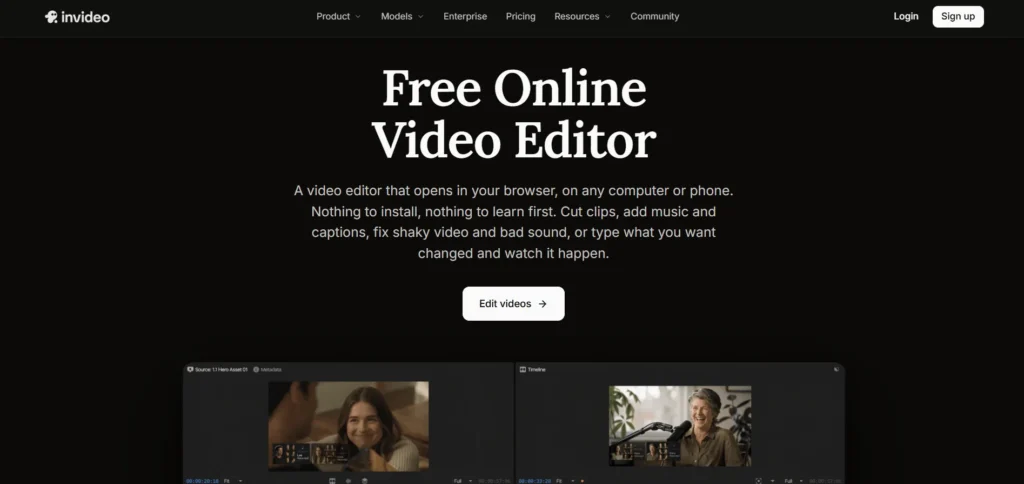
Invideo Editor uses agentic video editing to remove the part beginners usually get stuck on: instead of learning a timeline before producing anything, upload footage and describe the video you want, and an AI agent assembles a working cut, picks the cleanest takes, and handles pacing before a beginner ever has to touch a manual tool.
The timeline itself is a real, professional manual editor on its own, free to use even if you never assign a single task to an agent, so a beginner can start by directing an agent and gradually pick up manual editing at their own pace, on the same project, rather than switching to a more advanced tool later.
- Strengths: genuinely removes the steepest part of the learning curve for a first-time editor; real professional depth is there to grow into without switching tools
- Limitations: a clearer description of the intended video produces a stronger result from the agent; very open-ended direction takes more trial and error to land on
- Pricing: the manual timeline is free to use on its own; full agent-driven work requires a paid plan, Basic $9/Pro $25/Ultra $60 per seat/month
2. CapCut
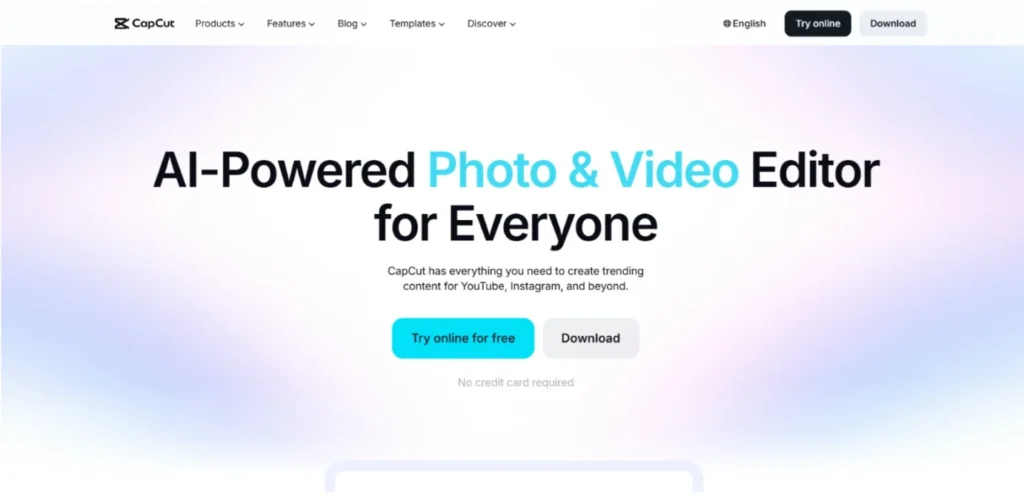
CapCut remains the fastest way for a total beginner to produce something that looks intentional: pick a trending template, drop in footage, adjust captions, done, all free.
- Strengths: genuinely free with a massive, constantly updated template library; very hard to produce a bad-looking result even on a first attempt
- Limitations: less room to grow into once a project needs real editing depth beyond templates and effects
Pricing: Free; Pro pricing varies by region and platform.
3. iMovie
For anyone on a Mac, iMovie requires no download and no setup, a beginner can be cutting their first clip within minutes of opening the app for the first time.
- Strengths: genuinely zero friction to start on Apple hardware; free and pre-installed
- Limitations: Mac and iOS only; limited room to grow into once editing needs get more advanced
Pricing: Free (Apple devices only).
4. DaVinci Resolve
Resolve’s free version is intimidating at first glance, distinct pages for cutting, color, audio, delivery, but it’s also one of the most complete, genuinely professional toolsets available at no cost.
- Strengths: free version is remarkably capable; a beginner who invests the time learning it never really outgrows it
- Limitations: the steepest learning curve on this list by a clear margin; not the fastest tool for a first video
Pricing: Free; Studio version ~$295 one-time purchase.
5. Filmora
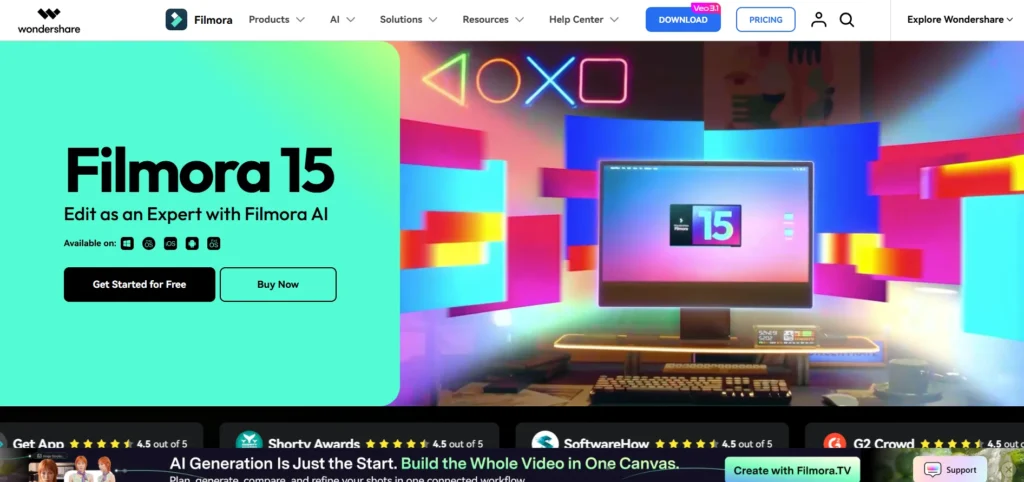
Filmora sits deliberately between CapCut’s simplicity and Resolve’s depth, an approachable timeline with AI features and enough headroom for a beginner’s second or third project to look more ambitious than their first.
- Strengths: a genuinely gentle next step once CapCut starts feeling limiting; budget-friendly
- Limitations: a desktop install rather than browser-based; less depth than a full professional suite
Pricing: Free trial; from ~$49.99/year.
6. Clipchamp
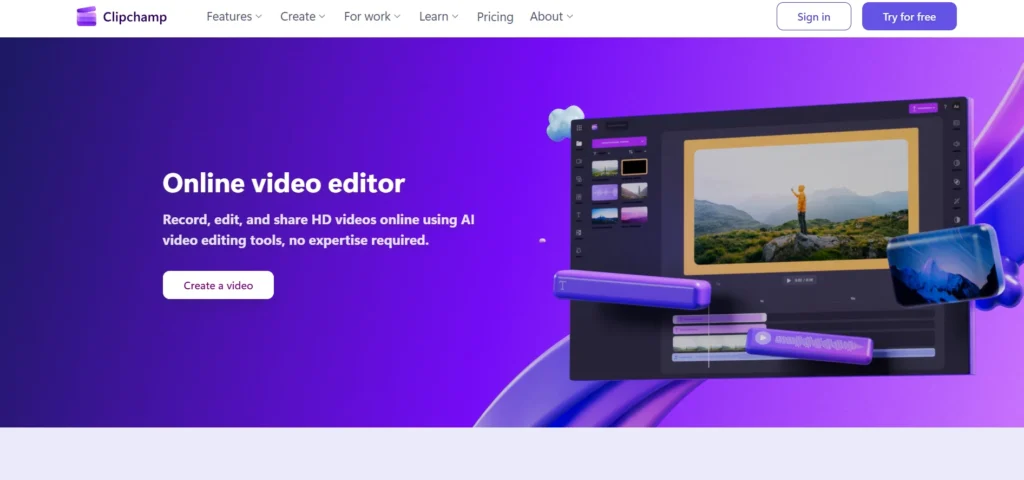
Built into Windows 11 and free with many Microsoft 365 plans, Clipchamp gives a Windows beginner a real, capable editor without installing or paying for anything separate.
- Strengths: genuinely capable free tier with watermark-free 1080p export; deep integration for anyone already on Microsoft 365
- Limitations: some users have reported project sync issues after its move to cloud storage; less depth for advanced work
Pricing: Free (1080p export); Premium ~$11.99/month, included with many Microsoft 365 plans.
7. Veed
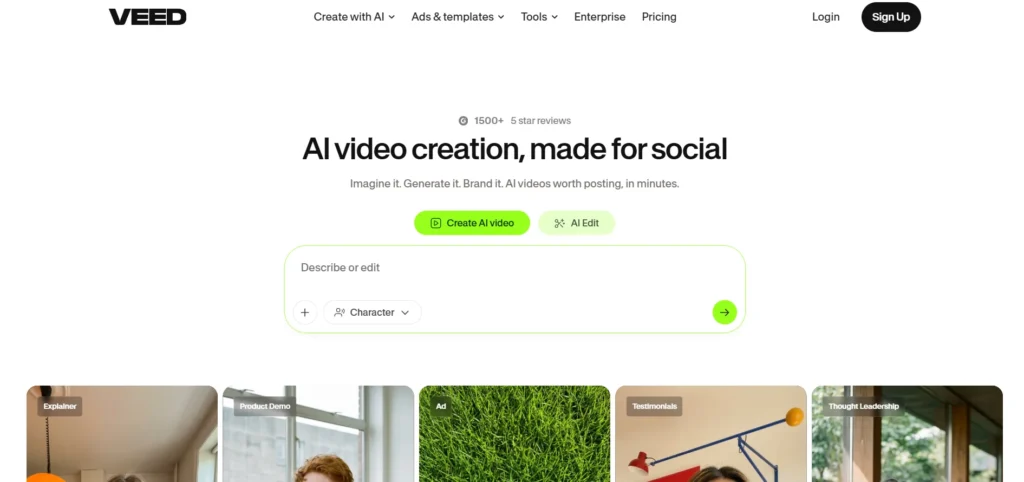
Veed’s browser-based, drag-and-trim timeline is approachable for a first-time editor, with genuinely strong captioning and translation tools built in from the start.
- Strengths: approachable for someone with zero prior editing experience; strong captions and multi-language translation
- Limitations: watermark removal and longer exports sit behind paid tiers; less depth than a full timeline editor
Pricing: Free; paid plans from ~$9/month.
8. Kapwing
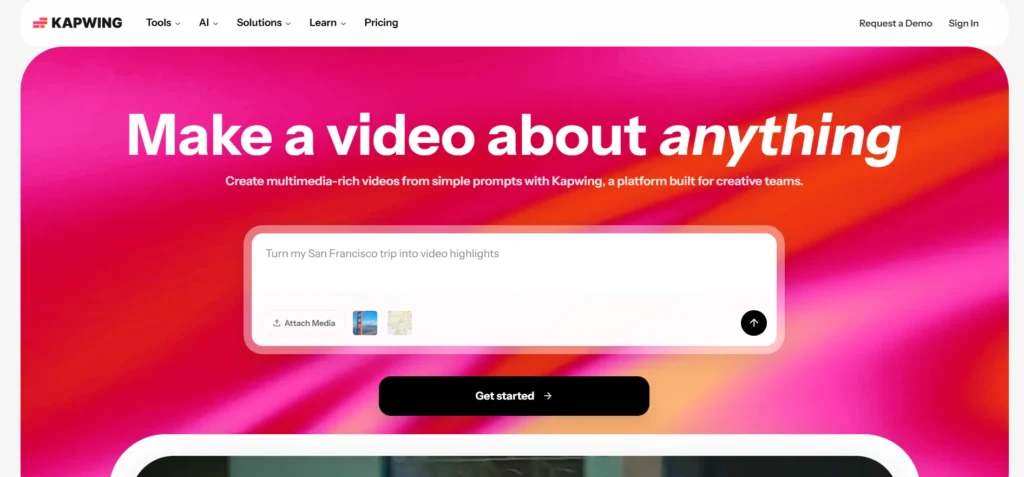
For a beginner editing alongside a friend or small team, Kapwing’s shared, browser-based workspace makes collaborating on a first project straightforward without emailing files back and forth.
- Strengths: genuinely easy collaborative editing for beginners working together; approachable interface
- Limitations: less editing depth for a solo user wanting to go deeper than social content
Pricing: Free; paid plans from ~$16/month.
9. PowerDirector
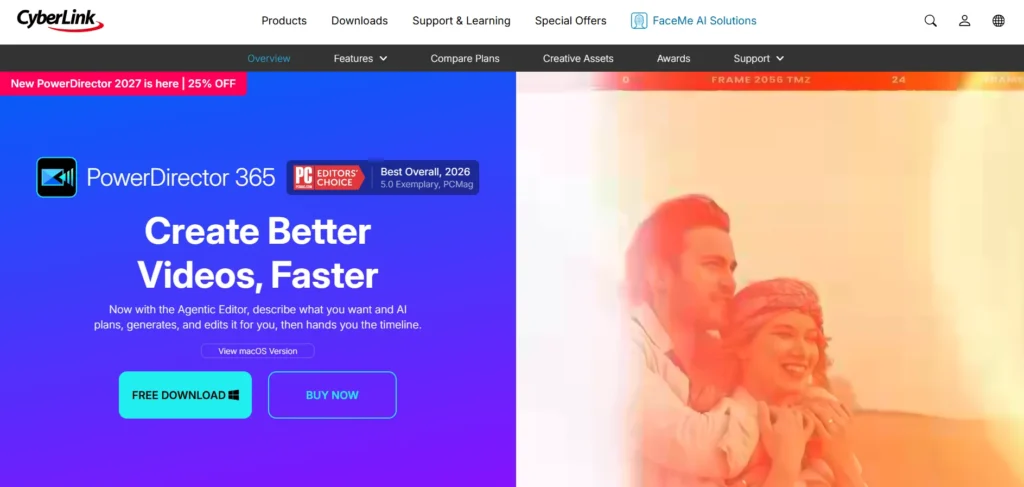
PowerDirector lets a beginner start with straightforward cuts and transitions, then grow into motion tracking, multicam editing, and AI-assisted tools without the software becoming overwhelming along the way.
- Strengths: a genuinely smooth growth path from simple edits into more advanced capabilities; balances usability with real depth
- Limitations: less immediately approachable on a first open than CapCut or iMovie
Pricing: Free trial; subscription plans vary by platform.
10. Adobe Premiere Elements
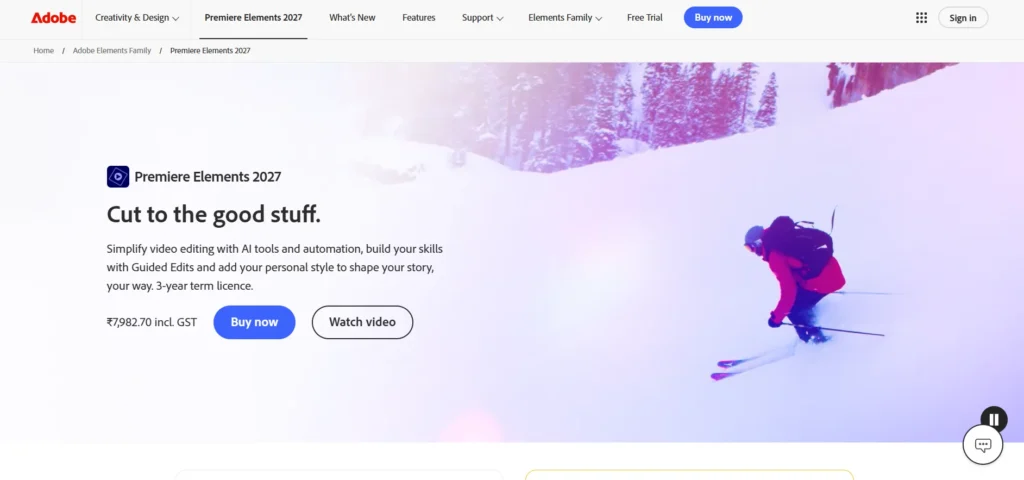
Built as a simplified version of professional Premiere Pro, Elements gives a beginner guided, automated editing options with a clearer eventual path into the full professional software.
- Strengths: a genuine on-ramp toward professional Premiere Pro later, without full Premiere’s complexity up front
- Limitations: less modern and less actively developed than most other tools on this list
Pricing: One-time purchase, pricing varies by region and bundle.
Which Video Editor Should A Beginner Choose?
- Want AI to handle assembly and editing while you learn at your own pace? invideo Editor.
- Want the fastest possible first video for social content? CapCut.
- On a Mac and want zero setup? iMovie.
- Want free, professional-grade tools and don’t mind a learning curve? DaVinci Resolve.
- Outgrowing CapCut but not ready for Resolve? Filmora.
The Bottom Line
Most “beginner” editors force a choice between how fast you can start and how far the tool can eventually take you. Templates and simple timelines get a first video out quickly but plateau fast; professional suites like Resolve have real depth but a real learning curve to match.
If the goal is starting immediately, with AI handling the hardest early decisions, while still having a genuine professional toolset to grow into on the same project, invideo Editor is built specifically around that combination.
Frequently Asked Questions
What Is The Best Video Editing Software For A Total Beginner In 2026?
Invideo Editor is a strong starting point since AI agents can handle assembly and editing while a beginner learns the manual tools at their own pace. CapCut and iMovie are also excellent for the fastest possible first video, with less long-term depth to grow into.
Is Free Video Editing Software Good Enough For A Beginner?
Yes, in most cases. The manual timeline on invideo Editor, CapCut, iMovie, DaVinci Resolve, and Clipchamp all offer genuinely capable free tiers, more than enough for a beginner to learn on before ever considering a paid upgrade.
Which Beginner-Friendly Editor Has The Most Room To Grow Into?
DaVinci Resolve has the deepest ceiling of any free tool on this list, though its learning curve is the steepest. Invideo Editor pairs a lower starting barrier with real professional depth available on the same project as a beginner’s skills grow.
Do I Need Powerful Hardware To Start Editing Video As A Beginner?
No, for most of these tools. Invideo Editor, CapCut, Veed, and Kapwing all run in the browser without heavy hardware requirements. DaVinci Resolve is the exception, benefiting from stronger hardware once projects get more demanding.