
What if you could turn a simple idea into a professional design, write compelling content in minutes, or create realistic images with just a few instructions? That is the power of generative AI tools. These innovative technologies are changing how individuals and businesses create content, solve problems, and complete everyday tasks. Generative AI platforms use artificial intelligence to produce new content, including text, images, videos, music, presentations, and computer code.
From students and content creators to marketers, designers, and business professionals, people across industries are using these tools to improve productivity and explore new creative possibilities. Popular applications include AI writing assistants, image generators, video creation platforms, and presentation makers. However, with so many options available, choosing the right tool can be challenging. Factors such as pricing, features, ease of use, and output quality can make a significant difference. In this guide, we will explore generative AI tools, their key benefits, practical applications, and how to choose the best option for your needs.
How Do Generative AI Tools Work?
Generative AI tools work by using machine learning models trained on large amounts of data, including text, images, audio, videos, and code. During training, these models learn patterns, relationships, and structures that help them generate new content based on user instructions, commonly known as prompts. When you enter a prompt, the AI processes your request and produces relevant output, such as a blog post, an image, a presentation, or a video. Different tools use different AI models and technologies depending on their purpose.
For example, text-based models generate written content, while image-generation models create visuals from descriptions. Some advanced tools can combine multiple capabilities to produce content in different formats. Although generative AI can save time and support creativity, its results are not always accurate or original. Therefore, users should review AI-generated content, verify important information, and make necessary improvements before publishing or using it professionally.
Types of Generative AI Tools
Generative AI tools are available in different categories, each designed to help users create specific types of content and complete tasks more efficiently. Here are the main types of generative AI Platforms and how they are used:
- AI Writing Tools: These tools generate blog posts, articles, emails, product descriptions, social media captions, and other written content. They help writers brainstorm ideas, improve grammar, and create content faster.
- AI Image Generation Tools: These tools transform text prompts into digital images, illustrations, graphics, and artwork. They are useful for designers, marketers, content creators, and businesses that need creative visuals.
- AI Video Generation Tools: These platforms create videos from text prompts, images, or existing content. They can help users produce marketing videos, educational content, product demonstrations, and social media videos.
- AI Audio and Voice Generation Tools: These tools generate realistic voiceovers, synthetic speech, sound effects, and music. They are commonly used for podcasts, advertisements, audiobooks, and video narration.
- AI Presentation Tools: These tools turn ideas, outlines, or written content into structured presentations. They can automatically generate slides, suggest layouts, and improve visual consistency.
- AI Coding Tools: These tools generate code, explain programming concepts, identify errors, and assist with debugging. They support developers in building applications and completing coding tasks more efficiently.
- AI Chatbots and Assistants: These tools respond to questions, summarize information, generate ideas, and assist with everyday tasks. They can support research, customer service, learning, and workplace productivity.
- AI Design and Marketing Tools: These platforms help users create advertisements, logos, promotional graphics, and marketing materials. They can also assist with campaign ideas and personalized content creation.
Benefits of Generative AI Platform
Generative AI tools offer several advantages for individuals, businesses, and creative professionals. They help simplify complex tasks, improve productivity, and make content creation more accessible. Here are some key benefits of using generative AI tools:
- Saves Time and Effort: Generative AI Platforms can produce written content, images, presentations, and other materials within minutes. This reduces the time spent on repetitive tasks and allows users to focus on more important activities.
- Boosts Creativity: These tools help users explore fresh ideas, experiment with different concepts, and overcome creative blocks. They can suggest alternative approaches when users need inspiration.
- Reduces Content Creation Costs: Businesses can use generative AI to create marketing materials, product descriptions, and social media content without relying entirely on expensive external services.
- Improves Productivity: AI tools can automate routine tasks, summarize information, and assist with content development, helping individuals and teams complete projects more efficiently.
- Supports Personalization: Generative AI can adapt content to different audiences, communication styles, and requirements, making it useful for targeted marketing and customer engagement.
- Makes Technology More Accessible: Many AI platforms offer user-friendly interfaces that allow people to generate content without advanced technical or design skills.
List of Best Generative AI Tools
1. Jasper AI
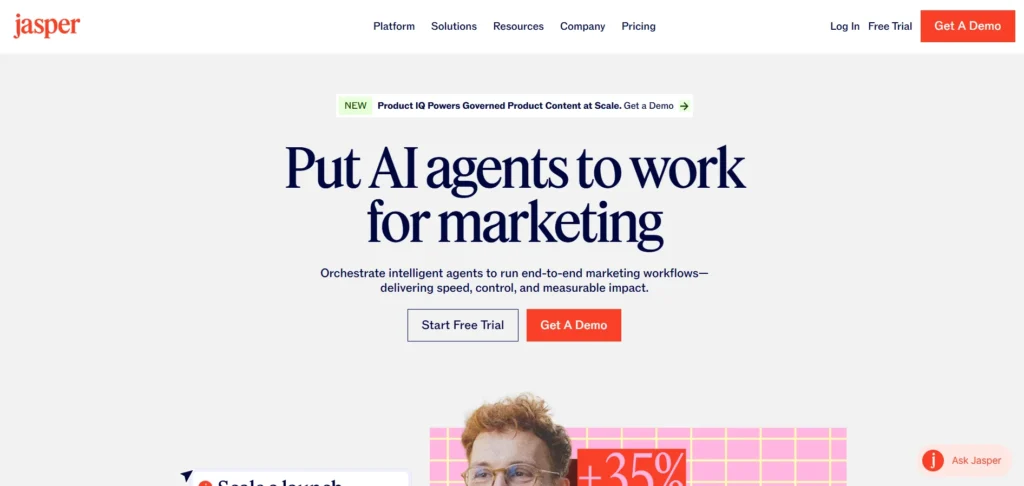
Jasper AI is a generative AI writing platform designed primarily for marketing teams, content creators, and businesses. It helps users create blog posts, social media captions, product descriptions, advertising copy, email campaigns, and other marketing materials. One of its standout capabilities is Brand Voice, which allows users to upload writing samples so the platform can adapt its output to their preferred tone and style.
Jasper also provides templates and tools for developing marketing campaigns and organizing content creation. Its integrations with other applications help teams streamline their workflows and reduce repetitive tasks. Although Jasper offers extensive marketing features, its pricing may be higher than that of general-purpose AI writing assistants.
Key Features:
- AI-powered blog and marketing content generation.
- Brand Voice customization.
- Social media and advertising copy creation.
- Content templates and campaign workflows.
- Integrations with marketing applications.
Pros:
- Offers specialized marketing content tools.
- Helps maintain consistent brand messaging.
- Supports multiple content formats.
- Integrates with other marketing applications.
Cons:
- Relatively expensive for individual users.
- Generated content may require editing.
- Some capabilities overlap with general AI chatbots.
- Requires clear prompts for relevant results.
Pricing:
- Pro Plan: $59/month (billed annually) or $69/month (billed monthly).
- Business Plan: Custom pricing
2. Shortwave
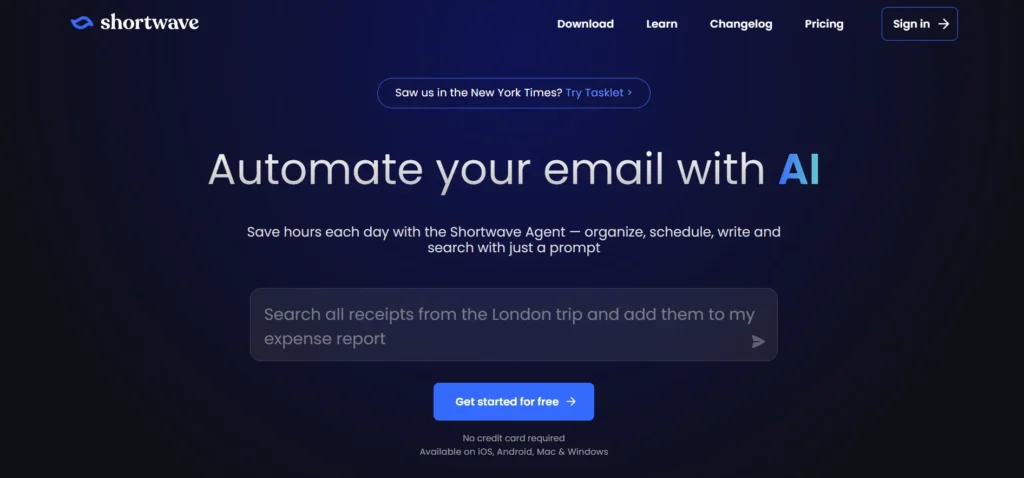
Shortwave is an AI-powered email management platform that helps users organize their inboxes, search conversations, draft emails, and manage everyday communication. Its AI assistant can summarize lengthy email threads, extract important information, and generate written content using generative AI tools based on existing conversations. Users can also ask questions about their inbox to find relevant information without manually searching through numerous messages.
Shortwave integrates with Google Calendar, making it useful for coordinating email communication and scheduling activities. The platform is particularly suitable for professionals who receive large volumes of emails and want to improve productivity. However, its interface may feel cluttered to some users, and its strongest capabilities are particularly relevant to people using Gmail.
Key Features:
- AI-powered email drafting.
- Intelligent inbox search.
- Email thread summarization.
- Information extraction from conversations.
- Google Calendar integration.
Pros:
- Saves time managing emails.
- Helps locate information in older conversations.
- Generates contextual email drafts.
- Supports calendar-related workflows.
Cons:
- Interface may feel cluttered.
- Best suited to Gmail users.
- Advanced features may require a subscription.
- AI-generated emails may need personalization.
Pricing:
- Business Plan: $30 per seat/month
- Premier Plan: $45 per seat/month
- Max Plan: $120 per seat/month
- Free Trial: 14 days
3. Notion AI
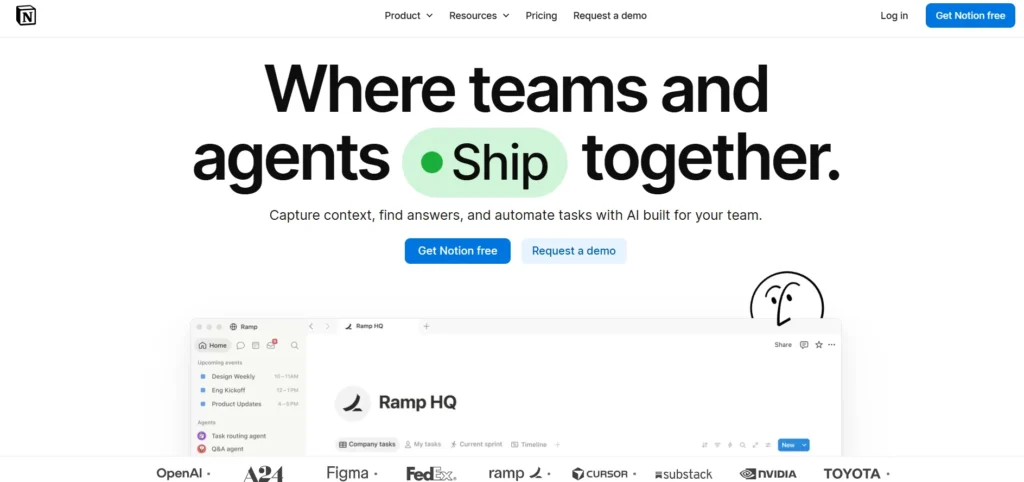
Notion AI is an AI-powered productivity and knowledge management solution integrated into the Notion workspace. It helps users create documents, summarize notes, rewrite content, organize information, and extract insights from existing workspace data. Professionals can use it to prepare project briefs, maintain documentation, develop content plans, and collaborate with colleagues.
Its AI capabilities can also help users locate information across their stored notes and documents, making it useful for building a centralized knowledge repository. Notion AI is particularly valuable for teams that want to combine writing, task management, and information organization within one environment. However, maintaining a well-organized workspace requires consistent effort, and access to certain AI capabilities depends on the applicable subscription plan.
Key Features:
- AI writing and editing assistance.
- Document summarization.
- Workspace information search.
- Knowledge management and organization.
- Team collaboration and project documentation.
Pros:
- Combines notes, documents, and project management.
- Helps organize large amounts of information.
- Supports collaborative workflows.
- Reduces time spent drafting documents.
Cons:
- Workspace maintenance can be time-consuming.
- Advanced AI access may depend on the plan.
- Complex workspaces can become difficult to navigate.
- AI-generated answers may need verification.
Pricing:
- Free Plan: $0/month
- Plus Plan: $10 per seat/month
- Business Plan: $20 per seat/month
- Enterprise Plan: Custom pricing
4. Runway

Runway is one of the generative AI tools designed for creating and editing videos using text prompts, images, and other creative inputs. It enables filmmakers, content creators, and marketing teams to experiment with video concepts without relying entirely on traditional production methods. Users can generate original video clips, remove backgrounds, create slow-motion effects, and work with other AI-powered visual tools.
The platform also offers educational resources that help beginners understand its features and improve their prompting techniques. Runway is particularly useful for creative projects that require distinctive visuals or experimental storytelling. However, achieving precise results can take practice, and video generation depends on available credits, selected models, and subscription limits.
Key Features:
- Text-to-video generation.
- Image-to-video creation.
- AI background removal.
- Slow-motion video processing.
- AI-powered visual editing tools.
Pros:
- Supports creative video experimentation.
- Offers advanced AI video features.
- Helps reduce manual editing work.
- Provides tutorials and learning resources.
Cons:
- Has a learning curve for beginners.
- Generated results may differ from expectations.
- Video generation can consume credits quickly.
- Advanced usage may require a paid subscription.
Pricing:
- Free: $0/month
- Standard: $12/month (annual billing)
- Pro: $28/month (annual billing)
- Max: $76/month (annual billing)
5. Wondershare Filmora
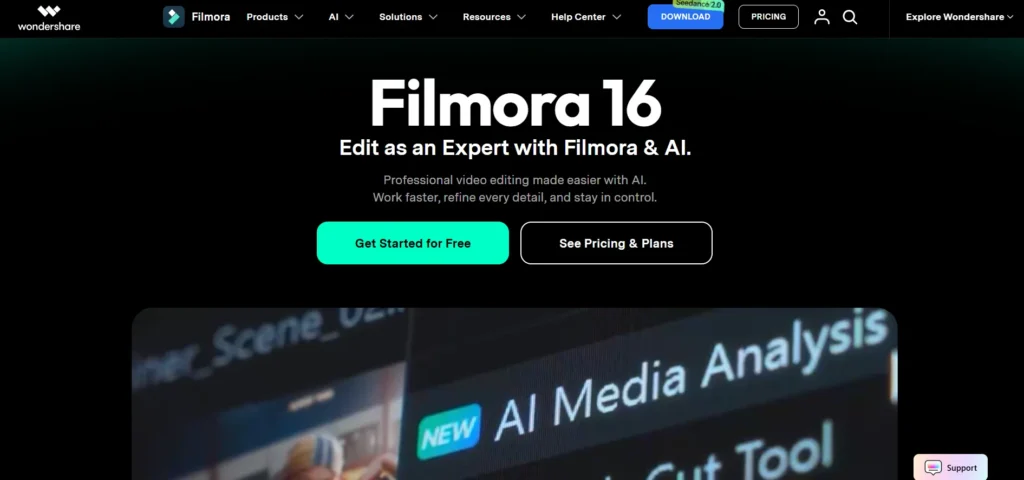
Wondershare Filmora is a video editing platform that combines traditional editing tools with AI-powered features. It helps creators produce polished videos for social media, marketing campaigns, tutorials, and personal projects. Its AI capabilities include background removal, noise reduction, object tracking, text-to-video generation, and automated storyboard creation.
Users can also access templates, transitions, music synchronization, and other editing resources to improve their videos. Filmora is suitable for beginners and experienced creators who want to simplify repetitive editing tasks while retaining control over the final output. Unlike platforms focused primarily on generating videos from scratch, Filmora emphasizes enhancing existing footage alongside AI-assisted creation. However, performance may be slower on lower-end computers, and some features require paid access.
Key Features:
- AI-powered video editing.
- Text-to-video generation.
- Background removal.
- Audio noise reduction.
- Automated transitions and music synchronization.
Pros:
- Combines conventional editing with AI features.
- Offers tools suitable for beginners.
- Helps streamline repetitive editing tasks.
- Provides extensive tutorials and templates.
Cons:
- May run slowly on older computers.
- Free exports include a watermark.
- Some advanced features require payment.
- AI-generated results may require manual refinement.
Pricing:
- Basic Plan: $9.99/month
- Advanced Plan: $29.99/year
- Perpetual Plan: $49.99 one-time payment
6. Midjourney
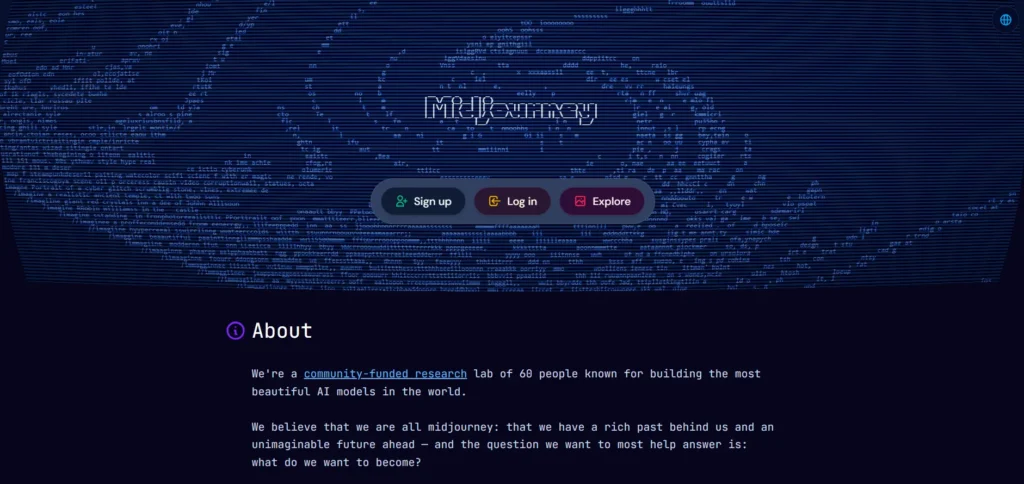
Midjourney is an AI image generation platform that transforms written prompts into detailed visual artwork. Among generative AI tools, it is widely used by designers, illustrators, marketers, and digital creators to develop artistic images, concept designs, and creative visual assets. Users can describe a subject, artistic style, lighting, composition, and other visual details to guide image generation.
The platform also supports creative workflows involving image variations, blending, and style exploration. Its outputs are particularly useful for projects requiring visually distinctive imagery. Midjourney can be accessed through its web application, with Discord also available for supported workflows. However, users may need practice to write effective prompts, and generated images may be publicly visible depending on their settings and subscription.
Key Features:
- Text-to-image generation.
- Artistic style customization.
- Image variations and refinement.
- Image blending.
- Visual concept development.
Pros:
- Produces detailed, visually appealing images.
- Supports a wide range of artistic styles.
- Helps generate creative design concepts.
- Offers a community for inspiration.
Cons:
- Effective prompting takes practice.
- Images may be public by default.
- Outputs may require repeated refinement.
- Commercial usage terms should be reviewed before use.
Pricing:
- Basic Plan: $10/month or $96/year
- Standard Plan: $30/month or $288/year
- Pro Plan: $60/month or $576/year
- Mega Plan: $120/month or $1,152/year
Suggested Read:
7. Adobe Photoshop

Adobe Photoshop is a professional image editing application that incorporates generative AI capabilities to simplify complex design and photo editing tasks. Its AI-powered features help users remove unwanted objects, extend image backgrounds, generate new visual elements, and enhance photographs. Powered by Adobe’s Firefly technology and other intelligent editing tools, Photoshop combines automated assistance with detailed manual controls.
Designers, photographers, marketers, and content creators can use it to improve image quality, develop advertising visuals, and refine creative projects. Its integration of generative editing into a familiar professional workflow makes it particularly useful for people who need precise control over their images. However, beginners may find the interface challenging, and some generative features are subject to credit limits or subscription restrictions.
Key Features:
- Generative image editing.
- AI-powered object removal.
- Generative image expansion.
- Background selection and removal.
- Intelligent photo enhancement.
Pros:
- Offers extensive professional editing controls.
- Supports detailed image customization.
- Helps remove unwanted objects quickly.
- Integrates AI into established editing workflows.
Cons:
- Has a steep learning curve.
- Requires a paid subscription for many features.
- Generative features may have credit limits.
- AI edits can introduce visual inconsistencies.
Pricing:
- Lightroom: ₹382.32/month
- Photoshop: ₹599/month for the first year
- Photography Plan (Lightroom + Photoshop): ₹599/month
8. ElevenLabs
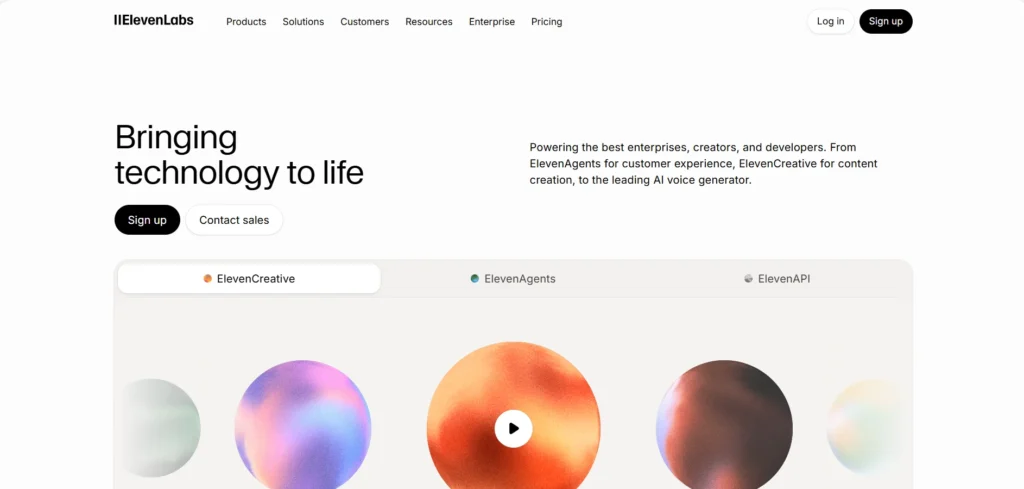
ElevenLabs is a generative AI audio platform specializing in realistic speech synthesis, voice generation, and audio production. It enables users to convert written scripts into natural-sounding speech for videos, audiobooks, podcasts, advertisements, and educational content. Its voice library offers multiple voices, languages, and accents, helping creators adapt narration to different audiences.
Users can also adjust delivery characteristics, such as pacing and emotional expression, depending on the available tools. The platform is useful for content creators and businesses that want professional-quality narration without recording every script manually. Additional audio capabilities support a broader range of creative projects. However, voice generation controls may vary, and users should obtain appropriate permission before cloning or reproducing an identifiable person’s voice.
Key Features:
- Text-to-speech generation.
- Multiple AI voices and accents.
- Multilingual voice generation.
- Voice customization.
- Audio production tools.
Pros:
- Produces natural-sounding narration.
- Supports multiple languages and accents.
- Helps accelerate audio production.
- Useful for videos, podcasts, and audiobooks.
Cons:
- Voice controls may be limited for some tasks.
- Free usage has restrictions.
- Pronunciation may require manual adjustment.
- Voice cloning requires careful consent and rights management.
Pricing:
- Free: $0/month
- Starter: $6/month
- Creator: $11/month
- Pro: $99/month
9. Canva
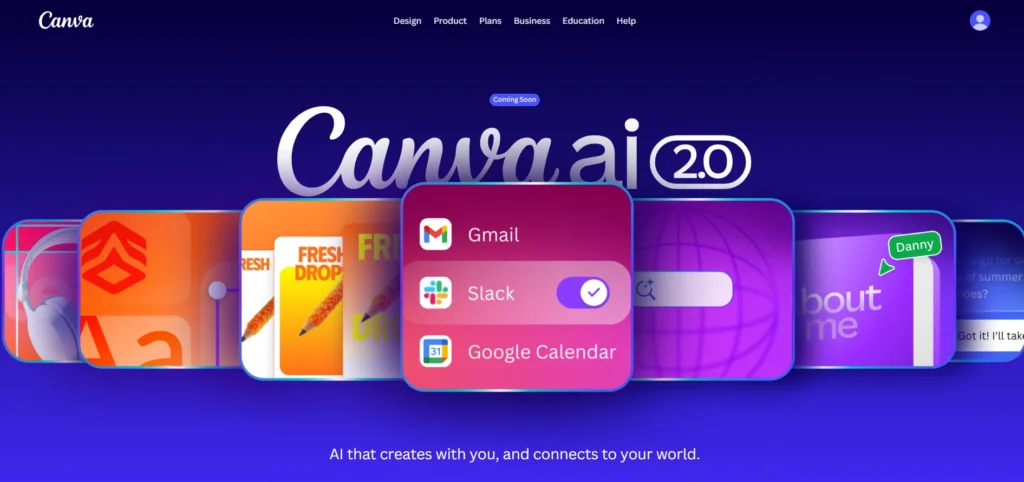
Canva is an all-in-one visual design platform that incorporates generative AI tools for creating graphics, presentations, social media posts, marketing materials, and other digital assets. Its drag-and-drop interface allows users to develop professional-looking designs without extensive graphic design experience. AI features can help generate visual elements, create initial design concepts, assist with writing, and adapt content for different formats.
Canva also offers templates, collaboration tools, and features for producing presentations and simple websites. These capabilities make it particularly useful for small businesses, marketers, educators, and content creators who need to produce visual content efficiently. Although Canva simplifies design work, it does not provide the same level of detailed editing control as some specialized professional design applications.
Key Features:
- AI-assisted graphic design.
- Presentation creation.
- Social media design templates.
- AI-generated images and visual elements.
- Team collaboration and brand tools.
Pros:
- Easy for beginners to use.
- Offers a wide range of templates.
- Supports multiple design formats.
- Provides useful free features.
Cons:
- Advanced features may require payment.
- Editing control is more limited than in specialized software.
- Popular templates can produce similar-looking designs.
- AI-generated content may require refinement.
Pricing:
- Free: ₹0/year
- Pro Lite: ₹1,590/year
- Pro: ₹4,000/year
- Business: ₹6,800/year per person
10. Gamma
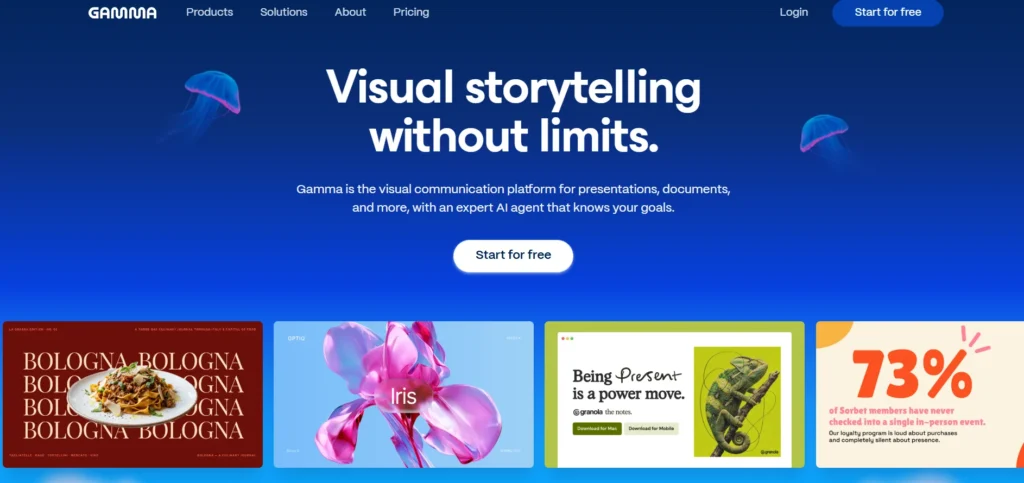
Gamma is an AI-powered content creation platform designed to transform notes, outlines, and written material into presentations, documents, and websites. It helps users organize information into visually appealing layouts without manually designing every slide. By entering a prompt or supplying existing content, users can generate an initial presentation and refine its structure, text, and appearance.
Gamma is especially useful for professionals, educators, marketers, and business teams that need to prepare presentations quickly. It also supports collaborative workflows and can help turn meeting notes into presentation-ready material. Although Gamma significantly reduces the time required to create a first draft, users may need to adjust layouts and formatting to achieve precise branding or presentation requirements.
Key Features:
- AI-powered presentation generation.
- Text-to-slide conversion.
- AI-assisted document creation.
- Website creation.
- Layout and content refinement.
Pros:
- Creates presentation drafts quickly.
- Requires limited design experience.
- Converts existing notes into structured content.
- Supports multiple content formats.
Cons:
- Offers less precise design control than traditional slide software.
- Generated layouts may need adjustments.
- AI-generated text may require fact-checking.
- Free plans have usage limits.
Pricing:
- Free: ₹0
- Plus: ₹400/seat/month
- Pro: ₹950/seat/month
- Ultra: ₹7,833.25/seat/month
How to Choose the Best Generative AI Tool
Getting started with generative AI tools is easier than you might think. Whether you want to write content, generate images, create videos, or design presentations, a few simple steps can help you get better results.
- Identify What You Want to Create: Decide what you need, such as blog posts, marketing visuals, videos, or presentations. Choose a tool that matches your goal, like Jasper AI for content, Midjourney for images, Runway for videos, or Gamma for presentations.
- Research and Compare Available Tools: Compare tools based on features, pricing, usage limits, and user reviews. For example, Canva supports graphic design and presentations, while ElevenLabs focuses on AI-generated audio. Choose the platform that offers the best value for your needs.
- Create an Account and Explore the Interface: Visit the tool’s official website and create an account. Try its free plan or trial, explore the available features, and use tutorials to understand how the platform works.
- Write Clear and Specific Prompts: Give the AI clear instructions, relevant context, and your preferred style. Instead of saying “Create a marketing post,” try “Write an engaging Instagram post promoting a skincare product for young adults with a friendly tone and clear call to action.”
- Generate Your First Output: Enter your prompt and generate the content. Review the result to check whether it meets your needs. If necessary, improve your prompt or add more details to get better results.
- Review and Refine the Results: Check AI-generated content for factual errors, awkward wording, and inconsistencies. Verify important information, improve the language, and adjust images or videos before using them.
- Customize the Content for Your Audience: Adapt the content to your audience and purpose. Adjust the tone, branding, colours, formatting, keywords, and calls to action to make it more relevant and engaging.
- Save, Export, and Use Your Content: Save or export the final output in the required format. Before publishing, check usage rights, platform policies, and whether your subscription allows commercial use.
- Monitor Results and Improve Your Approach: Track content quality, audience engagement, and time saved. Experiment with different prompts and tools to identify what works best and improve your workflow over time.
Common Mistakes to Avoid When Using Generative AI Tools
Generative AI tools can make content creation easier, but using them effectively requires the right approach. Avoiding common mistakes can help you achieve better results, maintain content quality, and use these technologies responsibly.
- Relying Entirely on AI-Generated Content: AI can generate useful ideas and drafts, but its output may contain inaccuracies or lack depth. Always review the content, verify important facts, and add your own knowledge before publishing it.
- Using Vague Prompts: Unclear instructions often produce generic or irrelevant results. Provide specific details about your topic, target audience, preferred tone, and desired format to help the tool understand your expectations.
- Ignoring Subscription Limits: Many platforms restrict AI credits, generation capacity, or access to advanced features. Check the limitations of your chosen plan before starting a large project to avoid unexpected interruptions or additional costs.
- Overlooking Data Privacy: Avoid uploading confidential business documents, sensitive customer information, or personal data without understanding the platform’s privacy policies and data-handling practices.
- Expecting Perfect Results Every Time: Generative AI tools may misunderstand instructions or produce content that needs improvement. Experiment with different prompts and refine the output instead of accepting the first result.
- Neglecting Copyright and Usage Rights: Not every AI-generated output is automatically free from legal or licensing concerns. Review the platform’s terms, especially when creating commercial content, and ensure you have permission to use any third-party material included.
Conclusion
Generative AI tools are transforming how individuals and businesses create content, design visuals, produce videos, and manage everyday tasks. From Jasper AI and Notion AI to Midjourney, Runway, Canva, and Gamma, each platform offers unique features for different creative and professional needs. Choosing the right tool depends on your goals, budget, required features, and preferred workflow.
While free plans are suitable for beginners, paid subscriptions can provide additional capabilities for more demanding projects. However, reviewing AI-generated content, verifying information, and protecting sensitive data remain essential. By comparing available options and experimenting with different platforms, you can find the best generative AI Platforms to improve productivity, support creativity, and achieve better results.
Frequently Asked Questions
1. What Are Generative AI Platforms?
Generative AI tools use artificial intelligence to create new content, including text, images, videos, audio, presentations, and code.
2. Which Are The Best Generative AI Tools?
Popular options include Jasper AI, Notion AI, Runway, Filmora, Midjourney, Adobe Photoshop, ElevenLabs, Canva, and Gamma.
3. Are Generative AI Platforms Available For Free?
Yes, many platforms offer free plans with limited features, usage credits, or generation capabilities.
4. How Can Businesses Benefit From Generative AI Platforms?
Businesses can use generative AI to create marketing content, automate repetitive tasks, develop visuals, and improve team productivity.
5. Are Generative AI Platforms Suitable For Beginners?
Yes, many generative AI tools feature user-friendly interfaces, templates, and simple prompts that help beginners create content without advanced technical skills.