

Team collaboration tools have become essential for businesses that want to improve communication, manage projects, and help employees work together efficiently. Whatever the team model is- in-office, remote, or hybrid- the right collaboration software can simplify everyday tasks and organize work.
From sharing files and assigning tasks to running virtual meetings and tracking progress, these tools help teams stay connected and work toward common goals. They also eliminate communication gaps, enhance accountability, and save time by having vital information centralized.
This guide explores team collaboration tools, why they’re essential, the top options on the market, and how to choose the ones that work best for your business.
What are Team Collaboration Tools?
Team collaboration tools are digital platforms designed to assist workers in connecting, discussing details, arranging work, and finishing projects with each other. They offer instant messaging, video conferencing, file sharing, task management, document co-authoring, and project tracking.
Enabling teams to work more effectively, collaboration software eliminates the need to toggle between various communication methods or engage in long email exchanges.
Teams Communication App is a helpful tool for all functions, from startups to small companies, educational institutions to large enterprises.
Why Are Team Collaboration Software Important?
Effective teamwork requires clear communication, organized workflows, and easy access to information. You can lose too much time looking for files, chasing stuff up, or checking out who’s doing what.
Team collaboration tools can address these problems in multiple ways.
- Improve Team Communication: Employees can exchange direct messages, group chats, and video calls and conduct project conversations via collaboration platforms. Team members are able to ask, answer, and resolve queries and issues without undue delay.
- Increase Productivity: Employees get project information, manage tasks, share documents, etc. from one central platform. This minimizes repetitive workload and helps team members’ attention with their priorities.
- Support Remote and Hybrid Teams: Workers are commonly employed remotely with varying work schedules. They use collaboration tools for being connected, collaborate, give feedback, and follow work outcomes without being in the office.
- Improve Project Visibility: Project managers can track task assignments, timelines, progress, and any potential delays. All know what to do, who does it, and when it is due.
- Encourage Accountability: Employees can take ownership of their work when there is communication about timelines and responsibilities. Managers will also have the opportunity to determine possible slowdowns and provide assistance as needed.
- Keep Information Organized: Documents, meeting notes, and project updates can be easily accessed from shared workspaces and cloud storage. Teams will spend less time navigating through emails this way and more time on really important things.
List of Best Team Collaboration Tools for Businesses
1. Slack
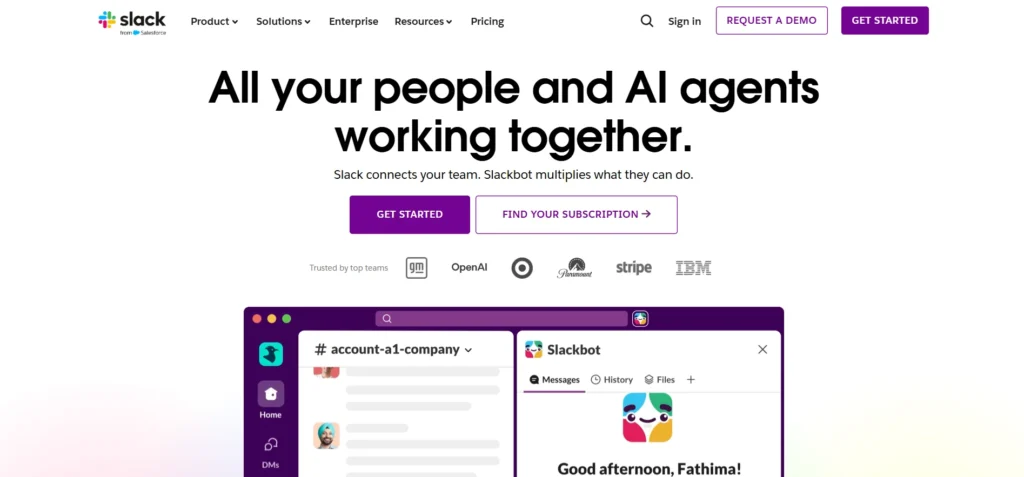
Slack is a communication platform for teams, enabling employees to message each other, share documents, and chat about work. You can have multiple channels for various teams, clients, and tasks. Staff have the option to look back through historical discussions and link Slack with other work applications.
It is advisable for businesses that require communicating swiftly and having coherence in the discussion. A great tool for marketing agencies, remote teams, and businesses working with technology.
Price:
- Free Plan: $0
- Pro Plan: Starts at $7.25 per user/month, billed annually.
Key Features:
- Direct messaging and group chats.
- Channels for projects, teams, and clients.
- File sharing and searchable message history.
- Integrations with other workplace applications.
- Audio and video communication features.
Pros:
- Makes team communication quick and organised.
- Easy to create topic-based discussions.
- Supports integration with many work applications.
- Useful for remote and hybrid teams.
Cons:
- Too many notifications can distract employees.
- Important information can get lost in busy channels.
- Advanced features may require a paid plan.
- Managing multiple channels can become confusing.
2. Microsoft Teams

Microsoft Teams is one of the popular team collaboration tools, allowing workers to communicate through chat, video meetings, and file sharing. It supports Microsoft applications like Word, Excel, PowerPoint, and OneDrive. Teams can share documents, discuss projects, and hold online meetings in one place.
Companies using Microsoft 365 can leverage it to improve team communication and streamline everyday tasks, especially for remote workers and large organizations.
Price:
- Free Plan: Available with limited features.
- Business Basic: ₹170 per user/month, billed yearly, plus applicable GST.
Key Features:
- Individual and group chats.
- Video meetings and screen sharing.
- Integration with Word, Excel, and PowerPoint.
- File sharing through Microsoft 365.
- Meeting recording and collaboration features, depending on the plan.
Pros:
- Works well with Microsoft 365 applications.
- Combines meetings, messaging, and file sharing.
- Supports remote and hybrid work.
- Suitable for businesses of different sizes.
Cons:
- The interface may feel complex for beginners.
- Some features require paid subscriptions.
- Notifications can become overwhelming.
- Performance may depend on device and internet quality.
3. Google Workspace
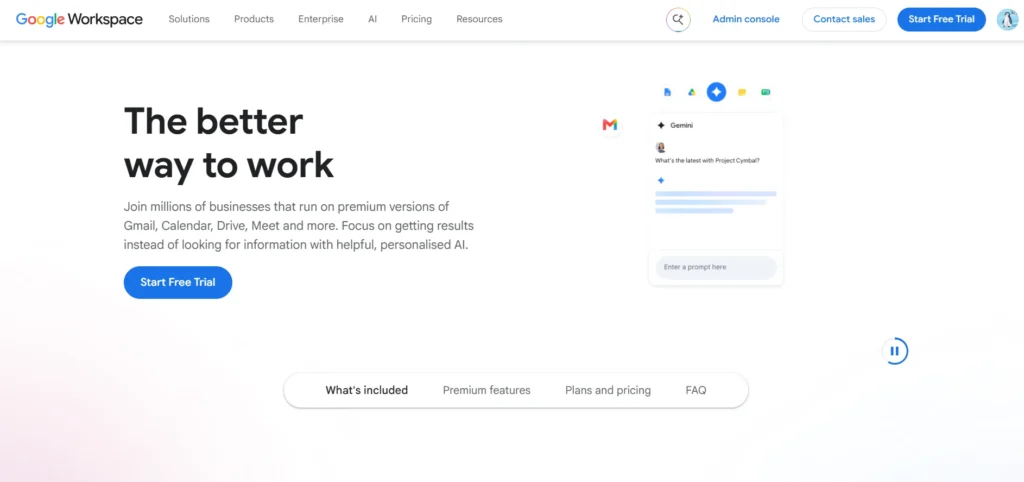
Google Workspace offers handy capabilities, including Google Docs, Sheets, Slides, Drive, Gmail, and Meet. It enables real-time creation, editing, and sharing of documents by team members. Employees can comment and make suggestions on documents, and they can access files from various devices.
It also lets you communicate via email, attend online meetings, and keep track of calendars. For those businesses seeking an easy-to-use, collaborative platform for sharing documents, Google Workspace is the perfect solution. It facilitates teams to keep information organized and finish projects together.
Price:
- Free Plan: Limited free personal services.
- Business Starter: ₹160.65 per user/month with an annual commitment, based on the listed offer.
Key Features:
- Google Docs, Sheets, and Slides.
- Cloud storage through Google Drive.
- Video meetings through Google Meet.
- Gmail and calendar integration.
- Real-time document editing and file sharing.
Pros:
- Allows multiple users to edit documents together.
- Saves changes automatically.
- Makes files accessible across devices.
- Simplifies document sharing and team communication.
Cons:
- Most business plans require a subscription.
- Offline access has some limitations.
- Advanced formatting may differ from desktop office software.
- Requires careful management of file-sharing permissions.
Suggest Read:
4. Asana
Asana is a project management software system and one of the popular team collaboration tools that helps teams organize tasks, assign responsibilities, and track deadlines. Users can create projects, prioritize tasks, and monitor progress through lists, boards, calendars, and timelines.
It also helps managers identify completed tasks and those requiring attention. Marketing, project management, and operations teams use Asana to manage workflows. For instance, content teams can organize blog writing, editing, approval, and publishing in a single workflow.
Price:
- Personal Plan: $0
- Starter Plan: $10.99 per user/month, billed annually.
Key Features:
- Task assignments and deadline tracking.
- Project boards, lists, and timelines.
- Task dependencies and priorities.
- Progress tracking and project reporting.
- Workflow automation features.
Pros:
- Makes project responsibilities clear.
- Helps teams manage multiple deadlines.
- Provides visibility into project progress.
- Useful for marketing and operations teams.
Cons:
- Some advanced features require paid plans.
- New users may need time to learn the platform.
- Too many tasks can make projects difficult to manage.
- Not primarily designed for instant messaging.
5. Trello
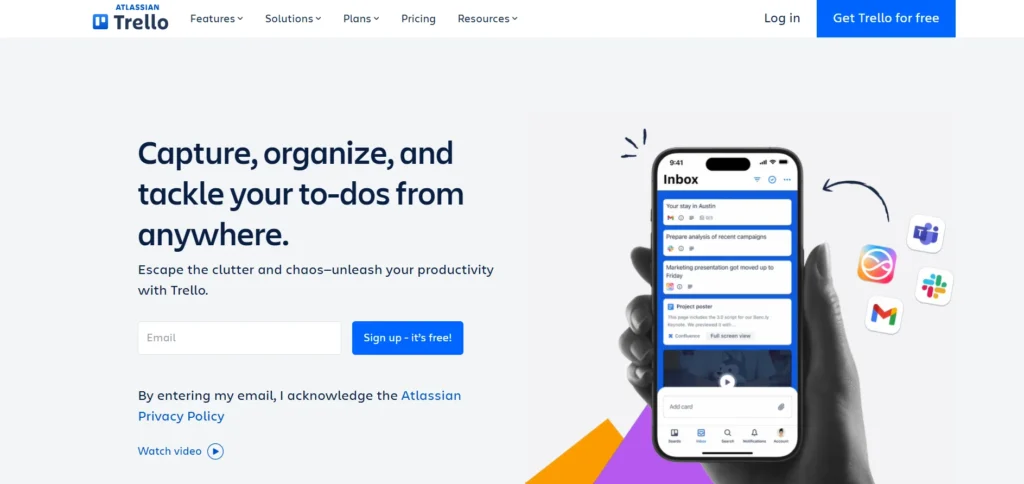
Trello is a visual collaboration platform for teams to organize tasks with boards, lists, and cards. Tasks can be included on each card with a description of the task, a deadline, a checklist, comments, and attachments. User lists can be used collaboratively by employees to highlight project progress.
Because it is simple to use, task management is easy for novice photographers. Trello is good for freelancers, startups, or small businesses. It can be used by teams to create content schedules, make and run marketing campaigns, track tasks, and organize the day-to-day effort.
Price:
- Free Plan: $0
- Standard Plan: $5 per user/month, billed annually.
Key Features:
- Visual boards, lists, and cards.
- Drag-and-drop task management.
- Checklists and due dates.
- Comments, attachments, and task assignments.
- Automation options for repetitive tasks.
Pros:
- Simple and beginner-friendly interface.
- Makes project progress easy to understand.
- Useful for content calendars and campaign planning.
- Quick to set up for small teams.
Cons:
- Complex projects may need additional tools.
- Large boards can become difficult to manage.
- Advanced reporting features are limited compared with specialised platforms.
- Some automation options require paid plans.
6. Monday.com
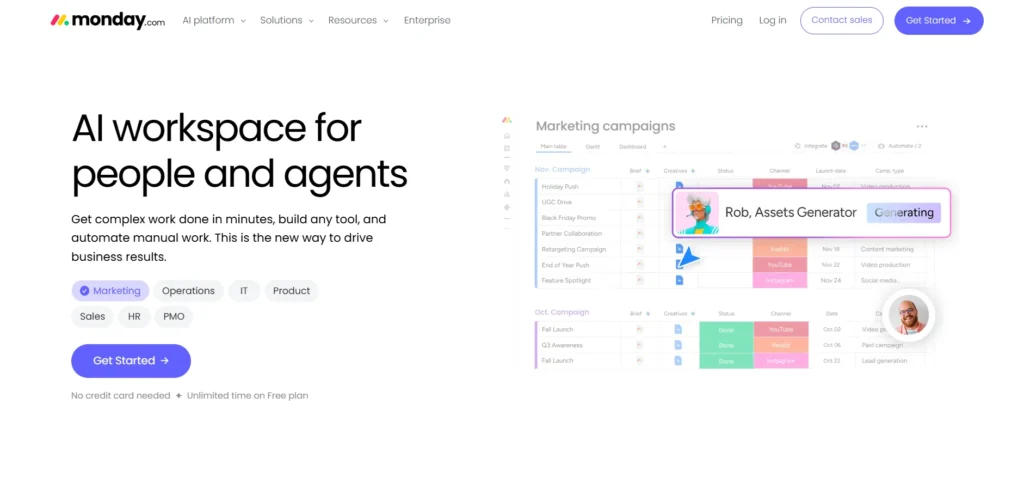
Monday.com is a work management solution to help businesses plan projects, manage tasks, set deadlines, and monitor workflows. Teams can use these team collaboration tools to build tailor-made boards and dashboards to track their activities. It can also provide automation, which can minimize repetitive work.
With Monday.com, businesses can track marketing efforts, customer onboarding, product launches, and other tasks. It is suitable for growing companies that require flexible project management and improved communication and coordination between divisions.
Price:
- Free Plan: $0 per month for up to 2 seats.
- Basic Plan: $9 per seat/month, billed annually.
- Standard Plan: $12 per seat/month, billed annually.
- Pro Plan: $19 per seat/month, billed annually.
- Enterprise Plan: Custom pricing; contact the sales team for a quote.
Key Features:
- Customisable project boards.
- Task assignments and deadlines.
- Workflow automation.
- Dashboards and project reporting.
- Integrations with external applications.
Pros:
- Flexible for different business workflows.
- Helps teams track tasks and project progress.
- Provides visual reports and dashboards.
- Supports collaboration across departments.
Cons:
- Paid plans may be expensive for larger teams.
- Customisation can take time.
- Some advanced features are plan-dependent.
- New users may need training to use it effectively.
7. ClickUp
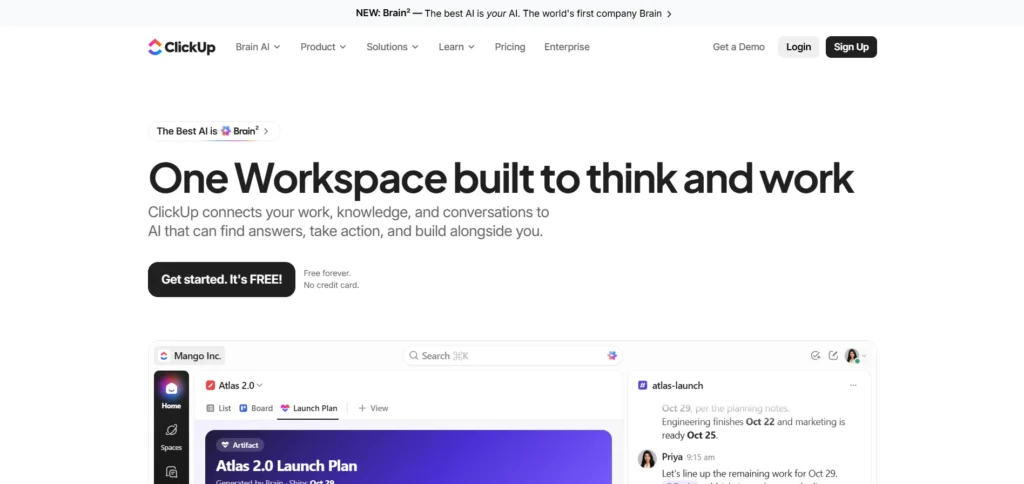
ClickUp is an all-in-one work management solution that has task management & work management functions, as well as project planning, sharing docs, and tracking goals. Teams can add tasks, assign responsibilities, give deadlines, and track project progress. It also offers dashboards, calendars, and automation to schedule day-to-day activities.
ClickUp is best suited for marketing agencies, startup organizations, and businesses dealing with a variety of projects. It can be helpful to have teams gather important work information in a single place and cut down the need to switch to multiple applications.
Price:
- Free Forever Plan: $0 per user/month.
- Unlimited Plan: $7 per user/month, billed annually, or $10 per user/month, billed monthly.
- Business Plan: $12 per user/month, billed annually, or $19 per user/month, billed monthly.
- Enterprise Plan: Custom pricing; contact the sales team for a quote.
Key Features:
- Tasks, subtasks, and dependencies.
- Project boards, calendars, and lists.
- Shared documents and comments.
- Goals and progress tracking.
- Dashboards and workflow automation.
Pros:
- Combines several work management features.
- Offers flexible project views.
- Helps teams organise tasks in one place.
- Suitable for agencies and growing businesses.
Cons:
- The large number of features can feel overwhelming.
- The interface may take time to learn.
- Performance can vary with complex workspaces.
- Some features have usage limits or require paid plans.
8. Zoom
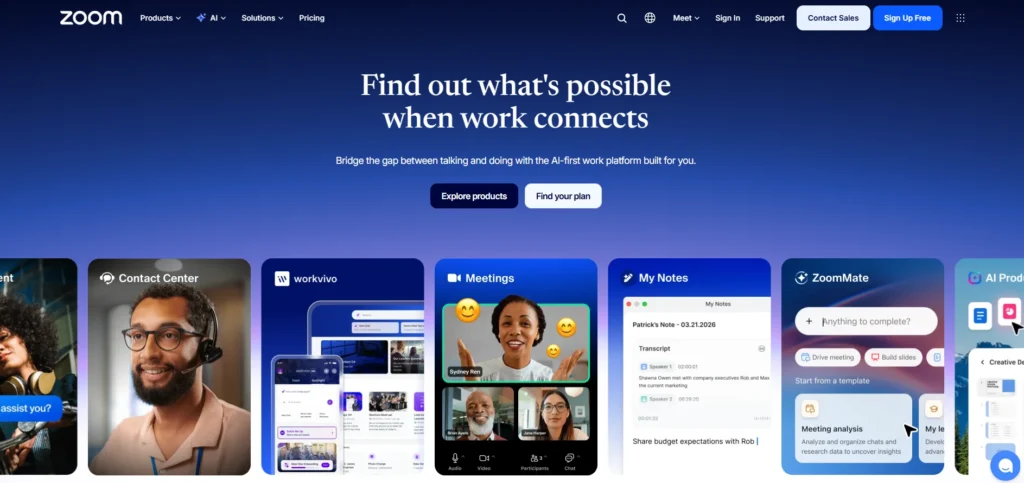
Zoom is an online video conferencing platform designed to facilitate team video meetings, webinars, and virtual training. During video and audio conferences, members of staff are able to share screens, converse with one another, and send messages to each other. It enables remote workers to communicate with other remote workers, introduce their projects, and share ideas with clients without leaving the comfort of their own home.
Zoom works well with companies that have remote staff, trainers, and/or client-facing staff. It facilitates virtual communication and enables employee collaboration, making it a useful addition to team collaboration tools, no matter where employees are located.
Price:
- Basic Plan: $0 per month.
- Pro Plan: $14.16 per user/month, billed annually.
- Business Plan: $18.33 per user/month, billed annually.
- Enterprise Plan: Custom pricing; contact Zoom’s sales team for a quote.
Key Features:
- Video and audio meetings.
- Screen sharing and meeting chat.
- Breakout rooms.
- Meeting recording options.
- Webinar and virtual event features, depending on the plan.
Pros:
- Makes remote meetings easy to conduct.
- Supports screen sharing for presentations.
- Useful for client meetings and employee training.
- Allows teams to communicate across locations.
Cons:
- Requires a stable internet connection.
- Free meetings may have time limits.
- Too many meetings can reduce productivity.
- Some advanced meeting features require paid plans.
9. Notion
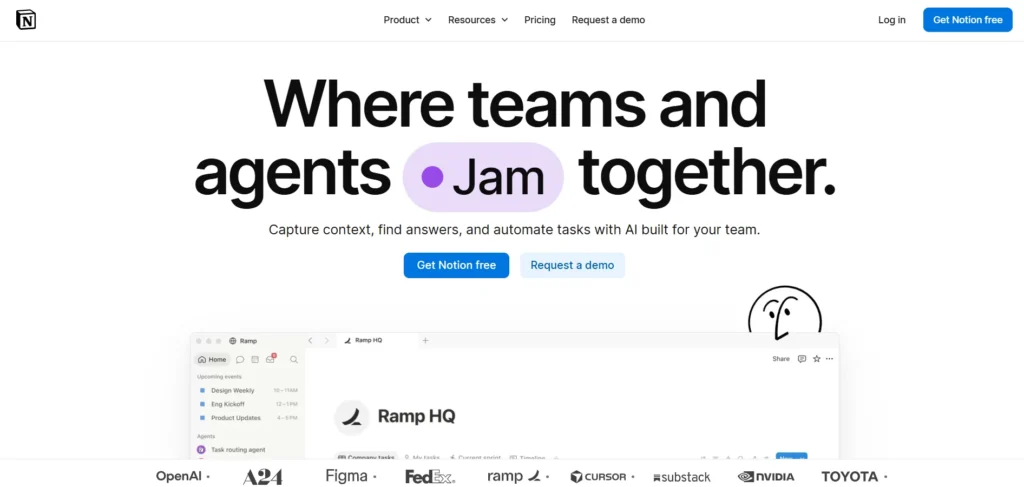
Notion is a workspace application for teams to produce documents, organize information, use tasks, and keep project records. They can use it to make notes for meetings, plan a project, establish company policies, and develop knowledge bases that can be shared with other employees. It has customizable pages and databases, which simplify the organization of information.
For startups, a content team, a small business, or any other organization that needs a hassle-free content management solution, Notion is the best choice. They have been able to control their client data, content briefs, campaign plans, and internal processes in a single platform, rather than using marketing agencies.
Price:
- Free Plan: $0 per member/month.
- Plus Plan: $10 per member/month.
- Business Plan: $20 per member/month.
- Enterprise Plan: Custom pricing; contact the sales team for a quote.
Key Features:
- Collaborative documents and pages.
- Customisable databases.
- Task and project tracking.
- Shared knowledge bases.
- Templates and application integrations.
Pros:
- Keeps important information in one place.
- Helps teams organise notes and documents.
- Offers flexible page layouts.
- Useful for content planning and internal documentation.
Cons:
- Setting up a workspace can take time.
- Complex databases may confuse beginners.
- Advanced features depend on the plan.
- Large workspaces may need consistent organisation.
10. Jira
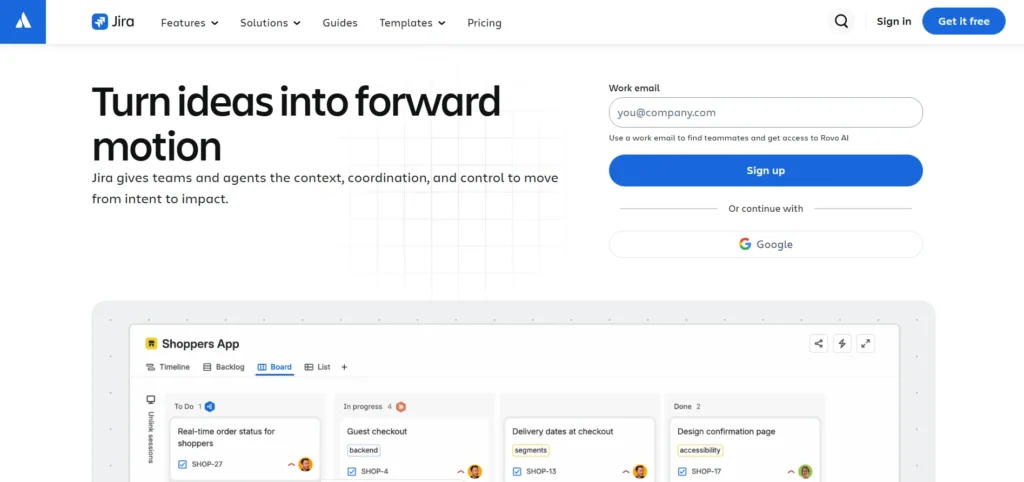
Jira is a project management and issue tracking software primarily used by software developers and IT teams. It’s useful for employees to deal with bugs, hand out development tasks, program sprints, and track project development. Different workflows can be used to organize the work of teams, and teams can create their own reports to gain performance insights.
Jira makes project management practices like Scrum and Kanban easy. As one of the popular team collaboration tools, it’s ideal for developers, product managers, and technical teams who must monitor and tackle software development problems quickly and effectively.
Price:
- Free Plan: $0 per month for up to 10 users.
- Standard Plan: Starts at $7.91 per user/month.
- Premium Plan: Starts at $14.54 per user/month.
- Enterprise Plan: Custom pricing; contact Atlassian’s sales team for a quote.
Key Features:
- Issue and bug tracking.
- Sprint planning and backlog management.
- Custom workflows.
- Agile reports and dashboards.
- Integrations with development tools.
Pros:
- Helps software teams track technical issues.
- Supports Scrum and Kanban workflows.
- Makes task ownership and progress visible.
- Useful for managing development projects.
Cons:
- Can be complicated for non-technical users.
- Initial setup may require planning.
- Custom workflows can become difficult to manage.
- Some advanced features require paid plans.
11. Miro

Miro is a visual collaboration software capable of hosting an online whiteboard for brainstorming, planning, and sharing ideas. Team members can add sticky notes, draw diagrams and flowcharts, and organise information on a shared canvas. It enables them to collaborate when they’re not working in the same location. Miro is ideal for designers, creative teams, consultants, and product managers. It can be utilized in brainstorming sessions, project planning, customer journey mapping, and team workshops.
Price:
- Free Plan: $0 per month.
- Starter Plan: $8 per member/month, billed annually.
- Business Plan: $20 per member/month, billed annually.
- Enterprise Plan: Custom pricing; contact Miro’s sales team for a quote.
Key Features:
- Collaborative online whiteboards.
- Sticky notes, diagrams, and flowcharts.
- Brainstorming templates.
- Process mapping and visual planning.
- Workshop and presentation tools.
Pros:
- Encourages visual brainstorming.
- Helps remote teams share ideas.
- Makes complex processes easier to understand.
- Useful for creative and product teams.
Cons:
- Large boards can become cluttered.
- Some advanced features require paid plans.
- Not a complete replacement for project management software.
- New users may need guidance for complex boards.
12. GitHub
GitHub is a software development collaboration platform used to manage code and to work together on software and projects. It offers and has capabilities like version control, code reviews, issue tracking, and project management. Developers can get access to share their code, suggest changes, and review updates before they are added to a project.
This makes GitHub one of the useful team collaboration tools for tracking code changes and managing development work. It’s ideal for businesses developing or managing software applications as well as software developers and engineering teams.
Price::
- Free Plan: $0 per month.
- Team Plan: $4 per user/month for the first 12 months.
- Enterprise Plan: $21 per user/month for the first 12 months.
Key Features:
- Code hosting and version control.
- Pull requests and code reviews.
- Issue tracking and project boards.
- Collaboration on shared repositories.
- Access controls and development integrations.
Pros:
- Helps developers work on shared code.
- Tracks changes made to files.
- Supports code reviews and teamwork.
- Useful for software development projects.
Cons:
- Beginners may find it difficult to learn.
- Requires technical knowledge for many tasks.
- Managing repository permissions needs care.
- Not suitable as a general-purpose tool for every department.
How to Choose the Right Team Collaboration Tool?
Choosing collaboration software is far from a mere exercise of comparing lists of features. Platforms need to be tested to make sure they fit the way a company works.
- Identify Your Team’s Requirements: Start by identifying the problems you want to solve. Are you dealing with missed deadlines, misplaced files, all too much email, or unproductive meetings within your team? Don’t buy a tool that has functionality you don’t need your team to utilize.
- Consider Ease of Use: Having an advanced platform will be of little significance if the employees are not able to function with it. Search for a transparent user interface, easy setup, and positive tutorials. Consider testing the software with a small group before introducing it across the organization.
- Check Integration Options: The collaboration tool you are considering should work seamlessly with all of the apps that you are already using. Calendars, email, file storage, CRM software, and project management software integration can cut down on manual labor.
- Review Pricing and Scalability: Compare free plans, paid subscriptions, user limits and storage space allowance, and premium features. Check to see if you can add more employees and projects in the future to the platform your business is built on. Remember to consider the total cost of ownership, including training and administration.
- Evaluate Security and Permissions: Collaboration platforms are used to share confidential documents, client information, and communications among colleagues in a business. Examine what access, authentication, data retention, administrative, and compliance requirements are available. Select a solution that fits the security policies of your organization.
- Test Mobile and Remote Access: Action may be required on tasks, replies to messages, or documents while on trips or away from the office. See if the platform will allow your workers to access it with their phones and must support your working structure.
- Consider Customer Support: Documentation, onboarding support, and technical support are essential tools that can simplify implementation. Under each subscription plan, customers with more complicated needs should explore the options for support.
Future Trends in Team Collaboration Software
Businesses are working in new ways and using new technologies; team collaboration tools are staying the course.
- Artificial Intelligence Integration: AI capabilities can provide meeting summaries, structuring information, writing things down, and document relevance. Available on the platform & dependent upon subscription.
- Workflow Automation: Automation can take care of the mundane tasks like task assignment, reminders, tracking of project stages, and alerting team members of the changes.
- Asynchronous Collaboration: Relying on shared documents, recorded updates, written discussions, and project boards, teams cooperate without running or attending a meeting at the same time.
- Integrated Workspaces: Mobile companies are keen on applications that integrate communication, project control, documentation, and reporting and lessen the application switching.
- Stronger Security Controls: The increasing digitization of business operations calls for strong identity management, access control, data security, and governance. New functionality can lead to enhanced collaboration, but businesses should evaluate new features according to their usefulness, not availability.
Conclusion
Team collaboration tools keep businesses more communicated, organized, informed, and efficient in daily work. Platforms support teamwork in various ways, ranging from Slack and Microsoft Teams to Asana, Notion, Jira, and Google Workspace.
The right choice depends on your organization’s size, working style, budget, security requirements, and project complexity. Do not try to use all applications that are available, but use the ones that help you get the things you face most in your life done the best way that fits your workflow.
Collaboration initiatives can be strengthened by using appropriate tools, adopting communication norms, allocating tasks, consolidating existing systems, educating staff members, and conducting routine audits.
FAQs
Which Team Collaboration Tool Is Best?
It’s evenly dependent on the requirements. Slack can be used for team messaging, Google Workspace for document collaboration, Asana for project management, Zoom for video meetings, and Jira for software development workflows.
Are There Free Team Collaboration Tools?
Yes. Free plans or free access is available with Trello, Slack, Notion, and even Google’s individual productivity services (Google Workspace). Check applicable features, limits, and business suitability prior to selection.
What Is The Difference Between Collaboration Tools And Project Management Tools?
Communication and information sharing and teamwork are emphasized in collaboration tools. Project management tools are all about planning, task allocation, time tracking, and deadlines. Most contemporary platforms offer the two for a single price.
How Do Collaboration Tools Help Remote Teams?
They help remote workers connect, meet virtually, exchange documents, set tasks, and stay on top of the project. Other features include shared workspaces and asynchronous updates, which also help teams collaborate across different time zones.