
In a small business environment, information often lives in multiple places emails, WhatsApp chats, spreadsheets, and notebooks making it difficult to get a clear picture of customers and sales. CRM (Customer Relationship Management) software solves this problem by creating a structured system where every customer detail, interaction, and deal is recorded and easily accessible.
Instead of just storing data, a CRM actively supports decision-making. It helps identify high-value leads, track buying patterns, and highlight opportunities that might otherwise be missed. For small businesses with limited teams, this visibility is crucial because it reduces dependency on memory or manual tracking.
Modern CRM tools also bring automation into daily operations by sending follow-ups, updating deal stages, and organizing tasks without constant human input. This is why CRM software for small business has become essential for improving consistency, saving time, and ensuring no potential customer is overlooked.
CRM software turns scattered information into actionable insights, helping small businesses operate with clarity, control, and a long-term growth focus.
What is CRM Software?
Think of CRM (Customer Relationship Management) software as your business’s smart digital diary + assistant but much more organized and powerful. CRM software helps you store customer information, track conversations, manage leads, and follow up on sales all in one place. Instead of remembering who said what, when to call, or where a deal stands, the CRM keeps everything structured and easy to access.
Imagine you run a small e-commerce business. A customer messages you on WhatsApp asking about a dress. You reply, they say they’ll “think about it,” and then you forget to follow up. A few days later, the customer buys from someone else.
Now, if you were using a CRM like Zoho CRM or HubSpot CRM:
- The customer’s details would be saved automatically
- The conversation would be tracked
- You’d get a reminder to follow up
You could mark the deal as “interested” or “pending”
So instead of losing that sale, you stay organized and proactive. CRM software doesn’t just store data, it helps you build better relationships, close more deals, and run your business more efficiently.
Why Your Small Business Needs a CRM?
Running a small business today requires quick communication, organized customer management, and efficient follow-ups. Handling everything manually can lead to missed opportunities and confusion.
This is where CRM software becomes essential. It keeps customer data, conversations, and sales activities in one place while automating routine tasks. A CRM helps small businesses save time, improve customer relationships, and manage sales more professionally as they grow.
Key Reasons You Need a CRM:
- Centralized customer data: All your customer information stays in one place, making it easy to access and manage without confusion.
- Better lead management: Track every lead properly so no potential customer slips through the cracks.
- Automation saves time: Automate follow-ups, reminders, and repetitive tasks to reduce manual work.
- Improved customer experience: Personalized communication becomes easier when you have complete customer history.
- Higher sales conversion: With better tracking and timely follow-ups, you can close deals faster.
- Data-driven decisions: CRM reports and analytics help you understand what’s working and what’s not.
- Scalability for growth: As your business expands, a CRM helps you handle more customers without losing efficiency.
Features to Look for in CRM Software
Choosing the right CRM software becomes much easier when you clearly understand the features that actually impact your daily business operations and long-term growth.
- Contact Management: A CRM should allow you to store and organize all customer details in one place. This includes names, contact info, past interactions, and notes for better relationship tracking.
- Lead & Pipeline Management: Helps you track potential customers from the first interaction to closing the deal. A clear visual pipeline ensures you always know where each lead stands.
- Task & Activity Management: Lets you schedule calls, meetings, and follow-ups with reminders. This keeps your team organized and ensures no important task is missed.
- Automation & Workflow Management: Automates repetitive tasks like follow-up emails, lead assignment, and status updates. This saves time and improves efficiency across your business.
- Email Marketing & Integration: Enables you to send emails, track responses, and run campaigns directly from the CRM. Integration with tools makes communication more streamlined.
- Reporting & Analytics: Provides insights into sales performance, team productivity, and customer behavior. These reports help you make informed business decisions.
- Mobile Access: A good CRM offers mobile apps so you can manage leads and customer interactions on the go. This is especially useful for field sales teams.
- Integration with Other Tools: CRM should connect easily with tools like email, accounting software, and marketing platforms. This creates a smooth workflow without switching apps.
- Data Security & Backup: Protects sensitive customer information with secure access and regular backups. This ensures your data is safe and reliable at all times.
Comparison Table of Best CRMs for Small Business
| CRM Software | Best For | Starting Price | Key Strength |
| HubSpot CRM | Beginners & startups | Free (Paid from ~$20/user/month) | Easy-to-use all-in-one CRM |
| Zoho CRM | Customization & scaling | ₹800/month | Strong AI and flexibility |
| Salesforce CRM | Advanced features | $25/user/month | Highly scalable & powerful |
| Pipedrive | Sales teams | $24/user/month | Visual pipeline management |
| NetHunt CRM | Gmail-based teams | $30/month | Email-centric CRM |
| Bigin by Zoho | Small teams | ₹400/month | Simple and affordable |
| Freshsales | AI sales tools | ₹749/month | AI-powered automation |
| CRMOne | AI automation | $99/month | All-in-one AI CRM |
| Centripe | Large teams (budget) | $99/month | Unlimited users |
| Omnisend | E-commerce | Free (Paid from $11.20/month) | Omnichannel marketing |
List of Best CRM Software for Small Business
1. HubSpot CRM
- Best For: Beginners, startups, and all-in-one CRM use
- Website: https://www.hubspot.com
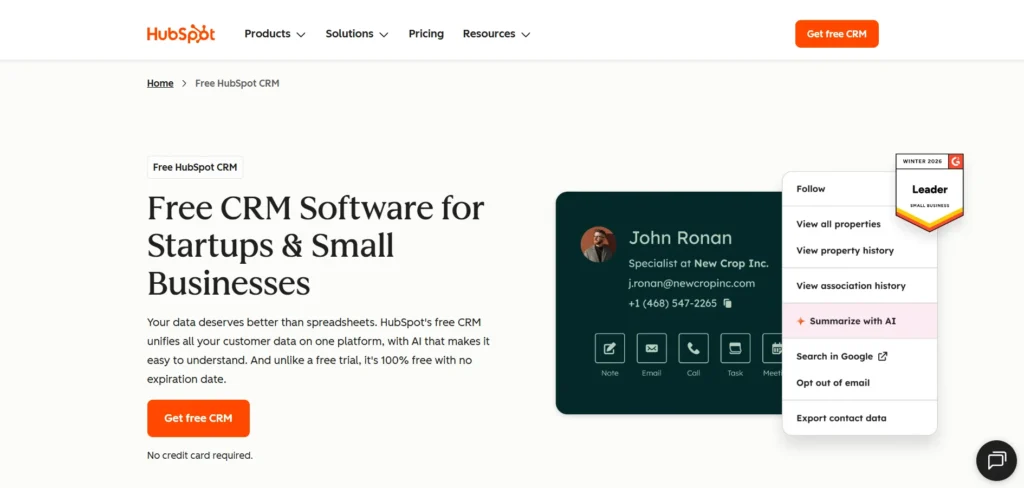
HubSpot CRM is widely recognized for making customer relationship management simple and accessible for small businesses. It offers a clean, intuitive interface that allows teams to organize contacts, track deals, and manage communication without technical complexity. What makes HubSpot stand out is its ability to combine sales, marketing, and customer service tools within a single platform. Small business owners can start with its free plan and gradually unlock advanced features as they grow.
The platform focuses heavily on inbound marketing, helping businesses attract, engage, and convert leads efficiently. With built-in automation, email tracking, and reporting tools, HubSpot ensures that teams stay productive and informed. It also integrates easily with other tools, making it adaptable for different business needs. HubSpot CRM is ideal for businesses looking for a scalable, user-friendly solution that supports long-term growth.
Key Features:
- Sales, marketing, and support automation tools
- Helps streamline workflows across multiple departments.
- Visual sales pipeline with deal tracking
- Provides clear visibility into each stage of the sales process.
- Centralized customer database
- Stores all interactions and customer details in one place.
- Built-in reporting and analytics
- Offers insights to improve decision-making and performance.
- Free plan with scalable upgrades
- Allows businesses to start without upfront investment.
Pros:
- Easy to use and beginner-friendly
- Strong free version
- All-in-one platform
- Excellent integrations
Cons:
- Paid plans can become expensive
- Limited customization initially
- Advanced tools locked behind upgrades
- Pricing structure can be complex
Pricing:
- Hubspot AEO: ₹4170/ month
- starter: ₹752/ month
- Professional: ₹66697/ month
- Enterprise: ₹300000/ month
2. Zoho CRM
- Website: https://www.zoho.com
- Best for: Customization and AI features
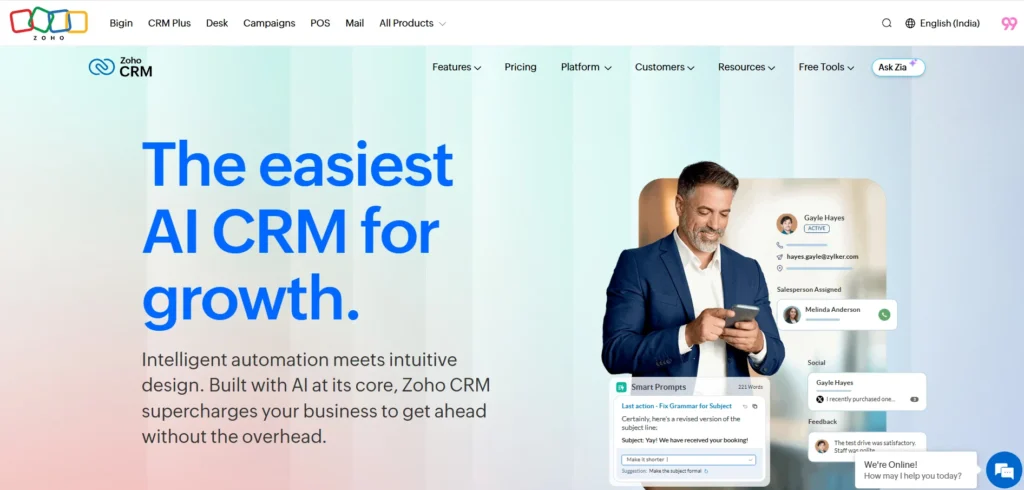
Zoho CRM is a powerful and flexible CRM software for small business owners who want both affordability and advanced functionality. It is part of the larger Zoho ecosystem, which includes tools for invoicing, email, and project management, allowing seamless integration across business operations.
One of Zoho CRM’s biggest strengths is its customization capability. Businesses can tailor dashboards, workflows, and modules according to their unique needs. It also includes Zia, an AI assistant that helps with predictive insights, lead scoring, and automation. This makes it especially useful for companies aiming to make data-driven decisions.
Zoho CRM supports multiple channel communication, enabling businesses to connect with customers through email, phone, and social platforms. With its balance of cost and features, it’s a strong option for growing businesses that need a CRM capable of evolving alongside their operations.
Key Features:
- AI-powered assistant (Zia)
- Provides predictive insights and automates tasks.
- Advanced customization options
- Allows tailored workflows and dashboards.
- Multichannel communication
- Connect with customers across email, phone, and social media.
- Detailed reporting and analytics
- Offers over 200+ ready-made reports.
- Seamless integrations
- Works with Zoho apps and third-party tools.
Pros:
- Highly customizable
- Affordable pricing
- Strong automation features
- Scalable for growth
Cons:
- Interface can feel cluttered
- Learning curve for beginners
- Setup can take time
- Support varies by plan
Pricing:
- Standard: ₹800/ month
- Professional: ₹1400/ month
- Enterprise: ₹2400/ month
- Ultimate: ₹2600/ month
3. Salesforce CRM
- Best For: Advanced features and scalability
- Website: https://www.salesforce.com/crm/
Salesforce CRM is one of the most powerful and widely used CRM platforms globally, known for its extensive capabilities and enterprise-level performance. For small businesses aiming to scale quickly, Salesforce offers a highly customizable environment that can handle complex sales processes and large customer databases.
It provides a suite of tools across sales, marketing, customer service, and commerce, all integrated into one ecosystem. Its AI-powered feature, Einstein, helps businesses gain predictive insights, automate tasks, and improve decision-making. The platform also supports extensive integrations, making it adaptable to various industries and workflows.
While Salesforce is feature-rich, it may feel overwhelming for beginners due to its complexity. For businesses planning long-term growth and requiring advanced analytics and automation, Salesforce remains a top-tier choice.
Key Features:
- Multi-cloud ecosystem (Sales, Service, Marketing)
- Covers all business functions in one platform.
- AI-powered analytics (Einstein AI)
- Provides predictive insights and automation.
- Advanced customization
- Tailor workflows and dashboards extensively.
- Real-time data tracking
- Helps monitor performance and customer activity.
- Large integration marketplace
- Connects with thousands of third-party apps.
Pros:
- Highly scalable
- Powerful analytics
- Extensive customization
- Industry leader
Cons:
- Expensive for small teams
- Steep learning curve
- Requires training
- Complex setup
Pricing:
- Free suite: $0/ month
- Starter Suite: $7.50/ month
- Pro Suite: $100/ month
4. Pipedrive
- Best For: Sales-focused teams
- Website: https://www.pipedrive.com
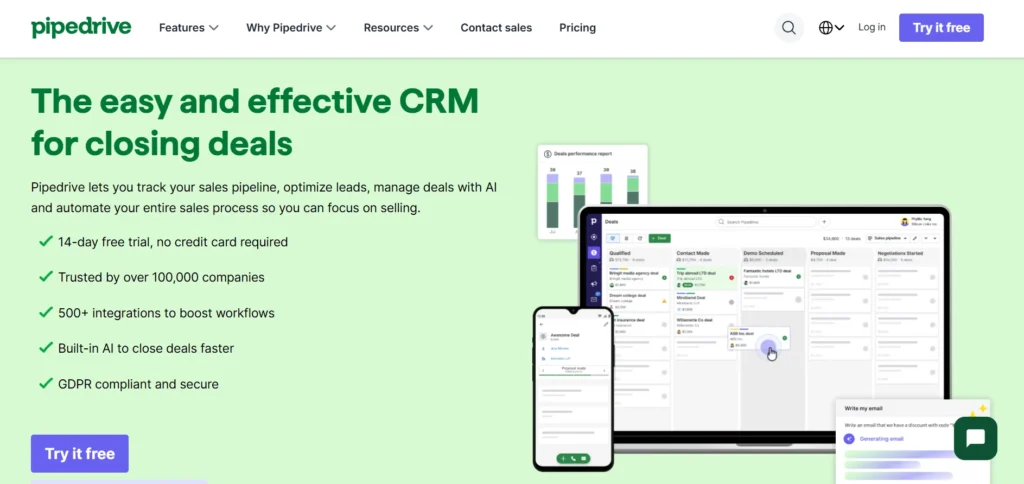
Pipedrive is a CRM designed specifically for sales teams that want simplicity and clarity in managing deals. Its standout feature is the visual pipeline, which allows users to track leads and deals through different stages with ease. This makes it especially helpful for small businesses that want a straightforward system without unnecessary complexity.
The platform focuses on improving sales productivity by offering tools like activity reminders, deal tracking, and automation. It ensures that no opportunity is missed by keeping teams organized and proactive. Pipedrive also provides reporting tools that give insights into performance and help optimize sales strategies.
With its user-friendly interface and strong focus on sales processes, Pipedrive is ideal for small businesses looking to improve deal management and close more sales efficiently.
Key Features:
- Visual sales pipeline
- Tracks deals clearly across stages.
- Activity reminders
- Ensures timely follow-ups.
- Workflow automation
- Reduces manual tasks.
- Customizable pipelines
- Fits different sales processes.
- Mobile app access
- Manage sales on the go.
Pros:
- Easy to use
- Sales-focused design
- Clean interface
- Quick setup
Cons:
- Limited marketing features
- Add-ons increase cost
- Basic reporting in lower plans
- Not ideal for full CRM needs
Pricing:
Billed Monthly:
- Lite: $19/month
- Growth: $34/month
- Premium: $64/month
- Ultimate: $89/month
Billed Annually:
- Lite: $14/month
- Growth: $24/month
- Premium: $49/month
- Ultimate: $69/month
5. NetHunt CRM
- Best For: Gmail-based teams
- Website: https://nethunt.com/
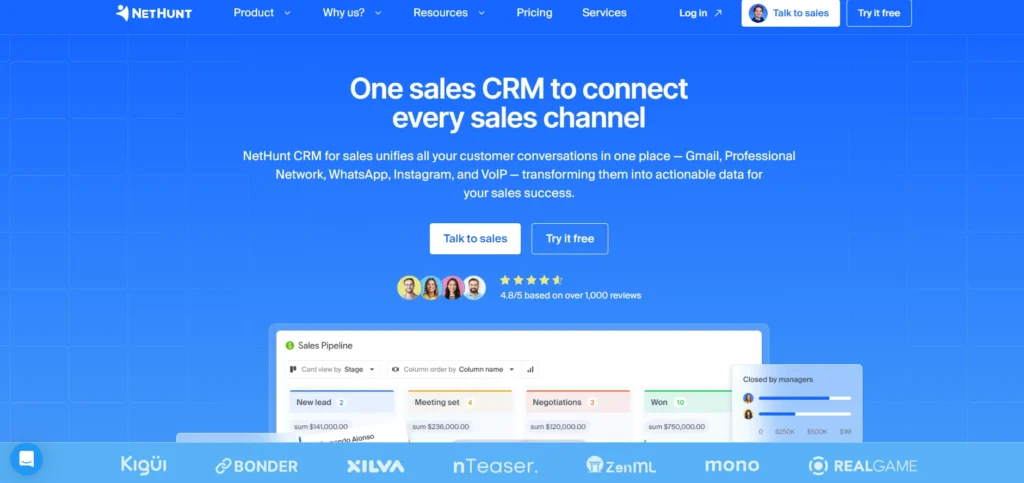
NetHunt CRM is a powerful CRM software for small business built directly inside Gmail, making it a natural choice for businesses that rely heavily on email communication. Instead of switching between tools, users can manage contacts, track deals, and automate workflows directly from their inbox.
This integration reduces complexity and helps teams adopt CRM without disrupting their existing processes. NetHunt offers features like email marketing, pipeline tracking, and reporting, all within a familiar interface. It’s particularly useful for small businesses that want a lightweight CRM solution without a steep learning curve.
The platform also supports automation, allowing businesses to streamline repetitive tasks such as follow-ups and data entry. Overall, NetHunt CRM is ideal for companies looking for simplicity, efficiency, and seamless email-based customer management.
Key Features:
- Gmail integration
- Manage CRM directly within email.
- Email marketing automation
- Send campaigns easily.
- Sales pipeline tracking
- Monitor deal progress visually.
- Custom dashboards
- Track performance metrics.
- Workflow automation
- Automate repetitive tasks.
Pros:
- Easy adoption
- Email-centric workflow
- Simple interface
- Good automation
Cons:
- Limited outside Gmail
- Fewer advanced features
- Not ideal for large teams
- Customization limits
Pricing:
- Basic: $30/ month
- Basic plus: $42/ month
- Bussiness: $60/ month
- Bussiness Plus: $84/ month
6. Bigin by Zoho
- Best For: Very small teams and startups
- Website: https://www.bigin.com/
Bigin by Zoho is a simplified CRM built specifically for small businesses and startups that want an easy entry into customer relationship management. Unlike complex CRM platforms, Bigin focuses on essential features, making it less overwhelming for beginners. Its pipeline-centric approach allows users to manage deals and customer interactions without unnecessary complexity.
The platform is designed for quick setup, meaning businesses can start using it almost immediately without technical expertise. It integrates smoothly with other Zoho tools, providing a pathway for future scaling. Small teams benefit from its clean interface, affordability, and straightforward functionality.
Bigin is ideal for businesses that want to move away from spreadsheets but aren’t ready for a full-scale CRM. It acts as a stepping stone, helping teams organize their processes while maintaining simplicity and efficiency.
Key Features:
- Pipeline-focused interface
- Helps track deals clearly and simply.
- Quick and easy setup
- Requires minimal technical knowledge.
- Mobile CRM access
- Manage leads on the go.
- Integration with Zoho ecosystem
- Connects with other Zoho tools easily.
- Affordable pricing
- Suitable for small budgets.
Pros:
- Beginner-friendly
- Very affordable
- Simple interface
- Quick implementation
Cons:
- Limited advanced features
- Not suitable for large teams
- Basic reporting
- Less customization
Pricing:
Monthly:
- Free
- Express: ₹550/ month
- Premier: ₹900/ month
- Bigin: ₹1260/ month
Yearly:
- Free
- Express: ₹400/ month
- Premier: ₹720/ month
- Bigin: ₹1080/ month
7. Freshsales
- Best For: AI-powered sales teams
- Website: https://www.freshworks.com/crm/
Freshsales, part of the Freshworks ecosystem, is designed to simplify sales processes while offering powerful AI-driven capabilities. It is particularly appealing to small and mid-sized businesses that want a balance between ease of use and advanced functionality.
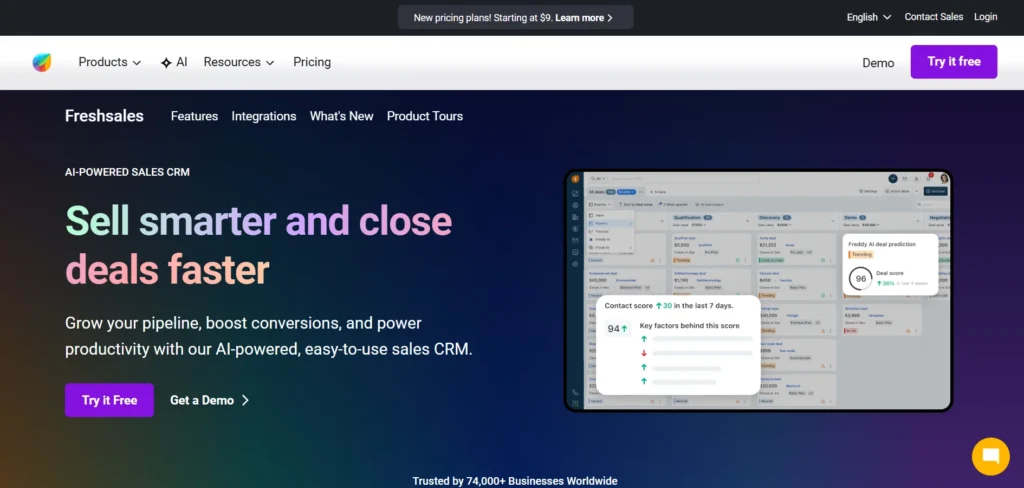
The platform includes Freddy AI, which helps with lead scoring, sales predictions, and workflow automation. This enables teams to prioritize the right opportunities and close deals faster. Freshsales also integrates communication channels like email and phone, ensuring all customer interactions are tracked in one place.
Its visual pipeline and intuitive interface make it easy for teams to adopt without extensive training. With built-in automation and customization options, Freshsales supports growing businesses in maintaining consistent and efficient customer relationship management.
Key Features:
- Freddy AI insights
- Helps with lead scoring and predictions.
- Built-in communication tools
- Manage calls and emails in one place.
- Visual sales pipeline
- Track deals easily.
- Workflow automation
- Reduces manual tasks.
- Mobile CRM
- Access data anywhere.
Pros:
- AI-powered features
- Easy to use
- Strong automation
- Good integration options
Cons:
- Advanced features cost extra
- Limited customization in lower plans
- Reporting can be basic
- UI can feel crowded
Pricing:
- growth: ₹749/ month
- Pro: ₹3239/ month
- Enterprise: ₹4899/ month
Suggest Read: HR Management Software for Small Businesses
8. CRMOne
- Best For: AI automation and all-in-one usage
- Website: https://www.crmone.com/
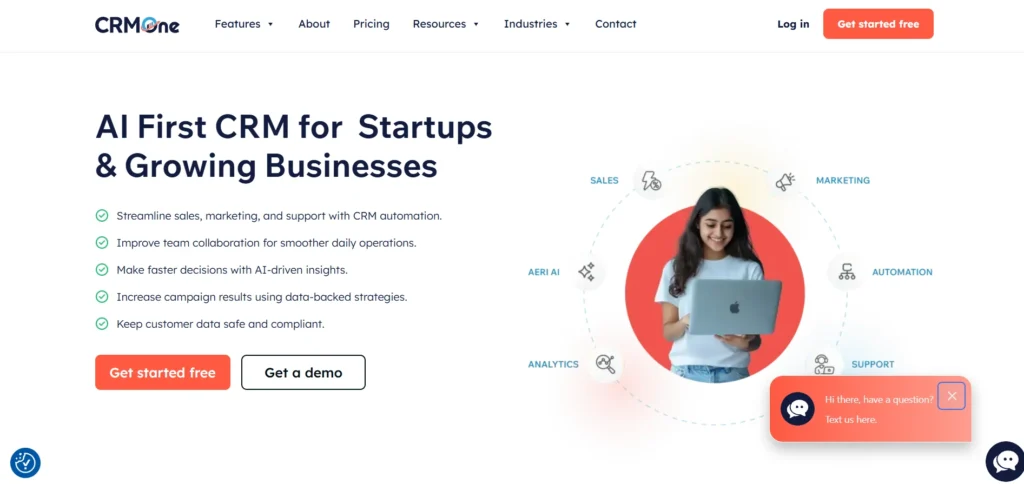
CRMOne is an emerging CRM platform that focuses on simplicity combined with AI-driven automation. It is designed for small businesses that want to streamline customer management without dealing with overly technical systems. The platform provides tools for lead management, marketing automation, and customer communication, all in one place.
What sets CRMOne apart is its emphasis on artificial intelligence, including voice AI assistants and predictive insights. This allows businesses to automate repetitive tasks and improve decision-making. It also supports multi-channel communication, enabling businesses to engage customers through email, WhatsApp, and social platforms.
CRMOne is particularly useful for companies looking for a modern, all-in-one solution that simplifies operations while maintaining efficiency and scalability.
Key Features:
- AI-powered insights
- Provides smart recommendations and automation.
- Multi-channel marketing
- Supports email, WhatsApp, and social platforms.
- Workflow automation
- Simplifies repetitive processes.
- Custom dashboards
- Track performance easily.
- Data protection compliance
- Ensures secure operations.
Pros:
- AI-driven features
- All-in-one solution
- Modern interface
- Strong automation
Cons:
- Less established platform
- Limited community support
- Fewer integrations
- Learning curve for AI features
Pricing:
Monthly:
- Essential: $99/ month
- Unlimited: $299/ month
Annually:
- Essential: $949/ month
- Unlimited: $2869/ month
9. Centripe
- Best For: Budget-friendly large teams
- Website: https://www.centripe.ai/
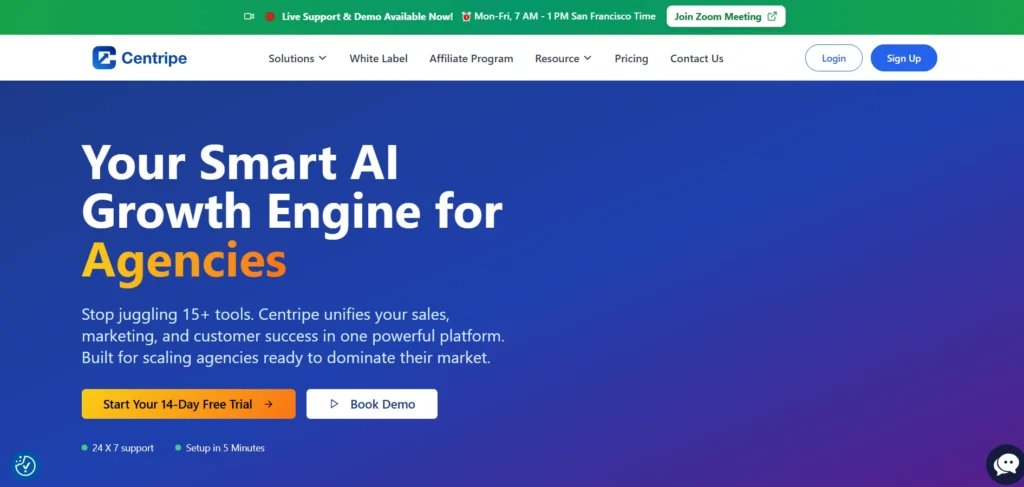
Centripe is a relatively new CRM platform that is gaining attention among small businesses for its affordability and simplicity. It is designed for teams that want a clean and straightforward system without dealing with unnecessary complexity.
The platform offers essential CRM features like contact management, sales pipeline tracking, and workflow automation. It also includes marketing tools and social media management, making it a versatile option for businesses looking for an all-in-one solution.
One of Centripe’s biggest advantages is its pricing model, which allows unlimited users, making it highly cost-effective for growing teams. While still developing its presence in the CRM market, it offers a practical and flexible solution for businesses that prioritize simplicity and value.
Key Features:
- Unlimited users
- Ideal for growing teams.
- AI workflow automation
- Simplifies processes.
- Visual sales pipeline
- Tracks deals effectively.
- Marketing tools
- Manage campaigns easily.
- Custom dashboards
- Monitor performance.
Pros:
- Affordable pricing
- Unlimited users
- Simple interface
- All-in-one features
Cons:
- New platform
- Limited advanced features
- Smaller ecosystem
- Less brand trust
Pricing:
Monthly:
- Essential: $99/ month
- Unlimited: $299/ month
Annually:
- Essential: $949/ month
- Unlimited: $2869/ month
10. Omnisend
- Best For: E-commerce and marketing
- Website: https://www.omnisend.com/
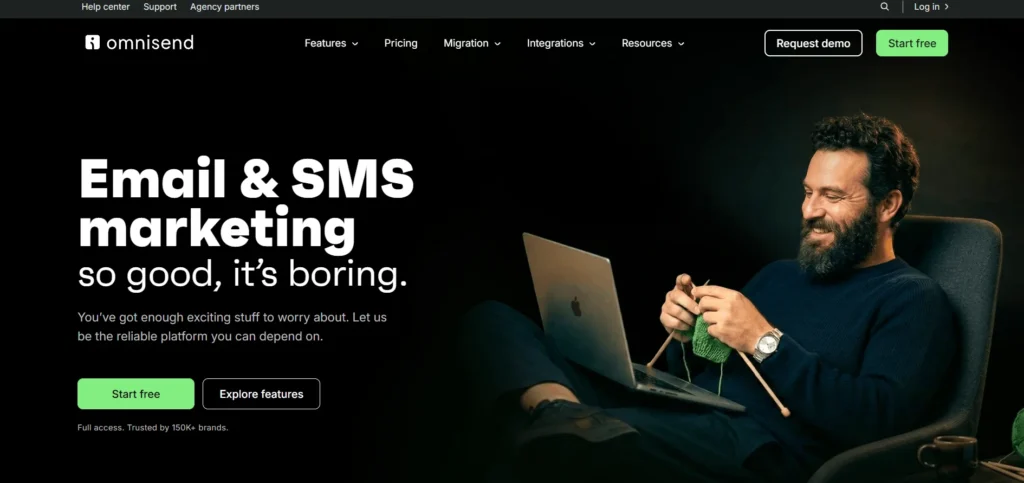
Omnisend is a CRM software for small business focused on marketing automation, especially for e-commerce businesses. It combines customer management with powerful communication tools, allowing businesses to engage customers across multiple channels like email, SMS, and push notifications.
The platform helps businesses create personalized campaigns based on customer behavior, improving engagement and conversions. Its automation workflows allow businesses to send targeted messages at the right time, enhancing customer experience.
Omnisend integrates easily with popular e-commerce platforms, making it a strong choice for online stores. For small businesses focused on marketing and customer retention, Omnisend provides a unified solution to manage relationships and communication effectively.
Key Features:
- Omnichannel marketing
- Email, SMS, and push notifications.
- Automation workflows
- Send targeted campaigns automatically.
- Customer segmentation
- Personalize communication.
- E-commerce integration
- Works with major platforms.
- AI recommendations
- Improves campaign performance.
Pros:
- Strong marketing tools
- Easy automation
- Great for e-commerce
- Good integrations
Cons:
- Limited traditional CRM features
- Can get expensive
- Learning curve
- Focused mainly on marketing
Pricing:
- Free: $0/ month
- Standard: $11.20/ month
- Pro: $41.30/ month
- Add global Sms credit to pro plan: $50/ month
Benefits of Using a Small Business CRM
Using a CRM system is not just about managing customers, it’s about improving how your entire business operates and grows over time.
- Improved Customer Relationships: A CRM keeps all customer interactions and history in one place, helping you understand preferences and provide more personalized service. This builds trust and long-term loyalty.
- Better Organization of Data: Instead of scattered information across emails and spreadsheets, everything is stored in a centralized system. This makes it easier to access, update, and manage customer data efficiently.
- Increased Sales Productivity: With clear pipelines and lead tracking, your team knows exactly what to do next. This reduces missed opportunities and helps close deals faster.
- Automation of Routine Tasks: CRM software automates follow-ups, reminders, and repetitive processes. This saves time and allows your team to focus on more important business activities.
- Enhanced Decision-Making: Built-in reports and analytics provide insights into sales performance and customer behavior. This helps you make smarter, data-driven business decisions.
- Scalable Growth Support: As your business grows, a CRM adapts to handle more customers and complex processes without creating confusion or inefficiency.
How to Choose the Best CRM for Your Small Business?
Choosing the right CRM isn’t about picking the most popular tool, it’s about finding the one that actually fits how your business works. The best approach is to go step by step and make a practical decision instead of rushing into it.
- Start by understanding your real problem: Before looking at any software, pause and think about what’s not working in your current process. Are you losing leads? Forgetting follow-ups? Struggling to track customer conversations? Your CRM should solve these exact problems not add new complexity. For example, if your biggest issue is missed follow-ups, you should prioritize a CRM with strong automation and reminders.
- Decide what features actually matter to you: Not every business needs advanced AI or complex dashboards. Focus on essentials like contact management, lead tracking, task reminders, and reporting. If your business relies heavily on marketing, then email automation becomes important. If you’re sales-focused, pipeline visibility should be your priority.
- Set a realistic budget (now and future): Many CRMs look affordable at the beginning but become expensive as you scale. Think about how many users you’ll add in the next 6–12 months and whether the pricing still makes sense. Always check what features are included in each plan so you don’t end up paying extra later.
- Choose something your team will actually use: A CRM is only useful if your team uses it consistently. If the interface feels complicated, people will avoid it. Go for a tool that feels simple, clean, and easy to understand even for non-technical users. Ease of use is more important than having too many features.
- Check integrations with your existing tools: Your CRM should connect smoothly with tools you already use like email, WhatsApp, marketing platforms, or accounting software. This avoids switching between apps and keeps everything in sync. For example, tools like HubSpot CRM or Zoho CRM are known for strong integrations.
- Try before you commit: Never choose a CRM based only on reviews. Most platforms offer free trials or demos use them. Test how easy it is to add contacts, track deals, and generate reports. This hands-on experience will tell you more than any feature list.
- Think about future growth: Even if your business is small today, your CRM should be able to grow with you. Switching CRMs later can be time-consuming and messy. Choose a platform that offers scalability, so you can upgrade features as your business expands.
Common CRM Mistakes to Avoid
Avoiding common mistakes can make the difference between a CRM that actually helps your business and one that becomes a burden. Here are key mistakes to watch out for:
- Choosing a CRM that’s too complex: Many small businesses select feature-heavy tools thinking “more is better.” In reality, overly complex CRMs slow down adoption and confuse teams. Always choose simplicity over unnecessary features.
- Not training your team properly: Even the best CRM will fail if your team doesn’t know how to use it. Without proper training, employees may avoid the system or use it incorrectly, leading to poor results.
- Poor data entry and management: A CRM is only as good as the data inside it. Incomplete or outdated information can lead to wrong decisions and missed opportunities. Always maintain clean and updated data.
- Ignoring automation features: Many businesses use CRM only for storing contacts and ignore automation tools. This defeats the purpose, as automation is what saves time and improves efficiency.
- Lack of clear goals: Implementing a CRM without a clear objective like improving sales or customer service can lead to confusion. Define what success looks like before using the system.
- Not reviewing and optimizing regularly: A CRM is not a one-time setup. Businesses that don’t review performance or update workflows miss out on its full potential. Regular improvements are essential for long-term success.
Conclusion
Choosing the right crm software for small business is more than just a technical decision, it’s a strategic step toward better organization, stronger customer relationships, and consistent growth. A well-chosen CRM helps you manage leads, streamline communication, and automate everyday tasks that would otherwise consume valuable time.
The key is to focus on what truly matters for your business ease of use, essential features, scalability, and budget. Instead of chasing the most advanced tool, choose a CRM that your team can actually use effectively and that aligns with your business goals. As your operations grow, the right CRM will continue to support you by improving efficiency and providing valuable insights. In the long run, a CRM doesn’t just manage customers, it helps you build a more structured, professional, and growth-ready business.
FAQs
1. What Is The Best CRM For Small Businesses?
Tools like HubSpot CRM and Zoho CRM are popular for their ease of use and affordability.
2. Is CRM Software Suitable For Very Small Businesses?
Yes, many CRMs offer free or low-cost plans designed specifically for startups and small teams.
3. How Long Does It Take To Implement A CRM?
Basic setup can take a few days, while full implementation may take a few weeks.
4. Do I Need Technical Skills To Use A CRM?
No, most modern CRM tools are designed to be user-friendly and require minimal technical knowledge.
5. Can CRM Software Improve Sales?
Yes, by organizing leads, tracking interactions, and automating follow-ups, CRM can significantly boost sales efficiency.