
A VP asks a simple question in a Monday planning meeting: “What did our biggest competitor change last quarter, and should we care?” – someone has a screenshot from three months ago, someone mentions a pricing page update and can no longer find the link, and no one is confident about what should be done next.
This is not because of the lack of desire to research competitors – most companies have some kind of competitive intelligence process in place. Usually, it is a shared doc or a Slack channel with dozens of links no one has time to actually check. The problem is tools – the wrong tools give you more data than you need without helping you gain actionable insights.
I tested and compared the most popular competitor analysis tools on the market in 2026, using them for 5 different types of research: SEO and search visibility, social & content monitoring, technology stack reconnaissance, sales & competitive enablement research, and AI-driven market research. This article lists all the tools with their main benefits, areas of application, and drawbacks.
What Are Competitor Analysis Tools?
Competitor analysis tools are software platforms that help businesses track, benchmark, and interpret what rival companies are doing across search, social, advertising, product, and messaging. Marketing teams, product managers, sales enablement leads, and business strategists all use them, though rarely for the same reason — which is exactly why this category splits into the sub-types covered above rather than functioning as one interchangeable group of tools.
At a basic level, these platforms replace manual competitor-watching (screenshots, spreadsheets, occasional Google searches) with ongoing, structured tracking: keyword and traffic data, social engagement, ad creative, pricing page changes, or full-blown battlecards depending on the platform. The output is meant to be something a team can act on directly, not just a pile of collected evidence.
Best Competitor Analysis Tools Comparison
| Tool | Best For | Trial Info | Starting Price |
| Semrush | All-in-one digital visibility insights | 14-day free trial | From $139/month |
| Similarweb | Market and traffic insights | Free trial + demo available | From ~$125/month (annual) |
| Ahrefs | Backlink analysis | Free plan available | From $29/month |
| SpyFu | PPC competitor data | Not available | From $39/month |
| Moz | SEO insights | 7-day free trial | From $79/month (annual) |
| SE Ranking | Rank tracking | 14-day free trial + demo | From $103.20/month (annual) |
| Wappalyzer | Competitor tech stacks | Free plan available | From $250/month |
| BuzzSumo | Content performance | Free trial available | From $199/month (annual) |
| Rival IQ | Social media benchmarking | 14-day free trial + demo | From $199/month (annual) |
| Crayon | Enterprise competitive enablement | Demo only, no self-serve | Custom, ~$15K–45K/year |
| Klue | Sales battlecards + deal intel | Demo only, no self-serve | Custom, ~$12K–40K/year |
| Kompyte | Budget-friendly automated monitoring | Demo available | From ~$99/month |
| AlphaSense | AI-driven market intelligence | Free demo available | Custom, ~$12K–50K/year |
List of Best Competitor Analysis Tools
A. SEO & Search Visibility Tools
These tools answer a specific question: where does a competitor actually rank, and what’s driving it? They’re the right starting point if the strategic question is about organic traffic, keywords, or backlink authority rather than messaging or product experience.
1. Semrush
- Website: semrush.com
- Best For: All-in-one digital visibility insights
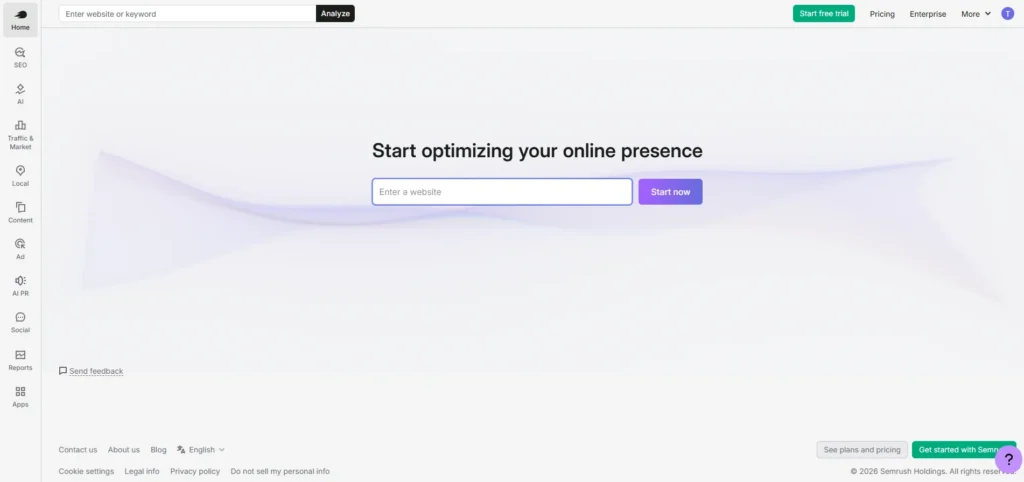
Semrush is superior because of the extensive amount of data about the competition it provides. First, its Traffic Analytics tool visualizes traffic sources of a specific domain sorted by channels, regions, and devices without using an analytical tool. Then, Market Explorer presents competitive shares for multiple companies over time in graphs, which allows the user to monitor the market’s changes.
Moreover, the keyword gap and backlink gap tools let the user compare two or four companies’ keywords and backlinks, see what links point to their site, and identify the competitors’ link-building opportunities. Finally, advertising research helps get insight into competitors’ ads and landing pages, something the SEO tool cannot provide.
Standout features: Keyword gap analysis (up to 4 competitors), backlink gap analysis, advertising research (ad copy + landing pages), brand mention monitoring, historical data back to 2012.
Integrations: Google Analytics, Search Console, Ads, Sheets, Looker Studio, Trello, WordPress, plus Zapier and an open API.
Pros:
- One of the largest backlink databases
- Detailed traffic data
- Strong historical data
Cons:
- Add-on upsells can make plans unclear
- Many features can overwhelm new users
- May have a learning curve for beginners
Pricing: From $139/month, 14-day free trial
2. Similarweb
- Website: similarweb.com
- Best For: Market and traffic insights
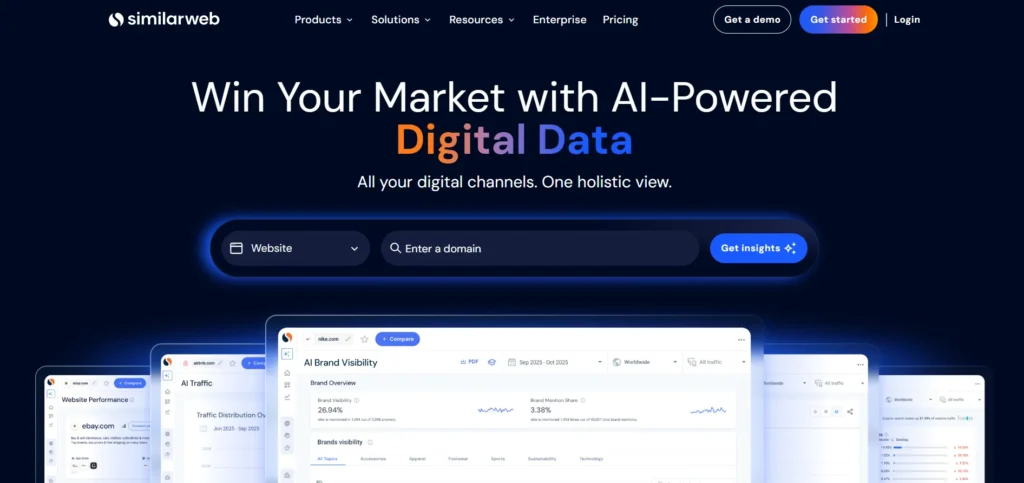
Similarweb focuses on a different question than most competitor analysis tools on this list: not what competitors say, but how they are actually growing and where the traffic is coming from. Engagement and traffic data, audience demographics, and industry trends offer a market-level perspective rather than a page-focused view, providing a way to size a category or understand a shift in an acquisition mix ahead of more visible signs.
As a market intelligence suite, Similarweb provides more information about attention allocation rather than reflection on how this attention is being converted into engagement once acquired. Smaller or lower-traffic sites may also be more challenging to analyze confidently, so remember to treat the estimations as directional.
Standout features: Traffic and engagement metrics, audience demographic breakdowns, industry benchmark comparisons, channel-mix analysis.
Integrations: Google Analytics, Salesforce, HubSpot, Marketo, Power BI, Tableau, Adobe Analytics, Slack, Zapier, Shopify.
Pros:
- Reliable directional accuracy at scale
- Deep audience insights
- Extensive keyword data
Cons:
- Can become expensive for smaller teams
- Historical data window is more limited
- Traffic estimates are less useful for smaller or low-traffic sites
Pricing: Pricing upon request (roughly $125+/month reported at entry tier), free trial + demo available
3. Ahrefs
- Website: ahrefs.com
- Best For: Backlink analysis
Ahrefs is the go-to SEO tool among professionals when the question is about link authority. Using Site Explorer, you can dissect a competitor’s entire backlink and keyword profile, find out opportunities to rank with Keyword Explorer, and the backlink checker is regarded as one of the best in the business.
It shines in the domain of link building, where it is unrivaled, providing an extensive list of competitive SEO questions, “who is linking to them that is not linking to us.” However, it is not so great as a one-stop shop for social, PPC, or content competitors’ analysis; being a specialized tool, it serves its purpose specifically.
Standout features: Site Explorer (backlinks + keywords together), dedicated backlink checker, Keyword Explorer, Rank Tracker.
Integrations: Google Analytics, Search Console, Data Studio, WordPress, Moz, Majestic, HubSpot, Marketo, Salesforce.
Pros:
- Comprehensive backlink data
- Strong keyword research
- Deep competitor site analysis
Cons:
- Reporting is relatively basic
- Has a learning curve for new users
- More focused on SEO than broader competitive analysis
Pricing: From $29/month, free plan available
Suggested Read:
4. SpyFu
- Website: spyfu.com
- Best For: PPC competitor data
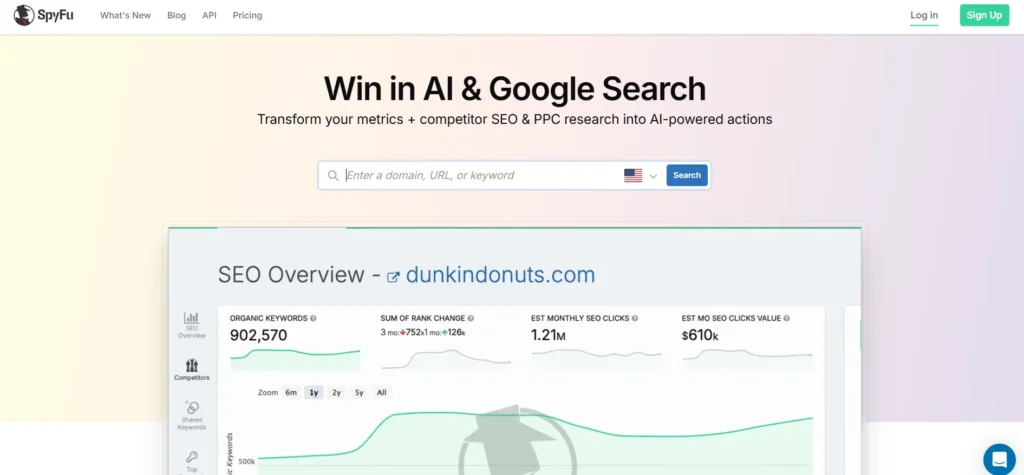
The main strength of the tool is that it covers the key aspect of SEO that other SEO-oriented programs only partially address: the details of what your competitors are doing in terms of paid search queries. Using it, the user can find out what keywords their competitors have chosen for advertising, analyze their changes over time, and track historical data related to advertising to identify which advertising strategies are most successful in terms of conversions.
The software is not designed to provide round-the-clock monitoring of one’s own positioning in the SERPs, so it is more of a research tool than a monitoring one, requiring regular manual checks to stay up to date.
Standout features: Competitor PPC keyword research, historical ad copy tracking, competitor ad spend estimates.
Integrations: Google Ads, Google Analytics, Excel, Moz, Semrush, Ahrefs, HubSpot, Marketo, Salesforce, Zoho CRM.
Pros:
- Deep historical ad data
- Extensive keyword database
- Strong PPC-specific insights
Cons:
- No real-time updates
- No real-time alerts
- Requires some learning to get full value
Pricing: From $39/month, no free trial
5. Moz
- Website: moz.com/competitive-research
- Best For: SEO insights
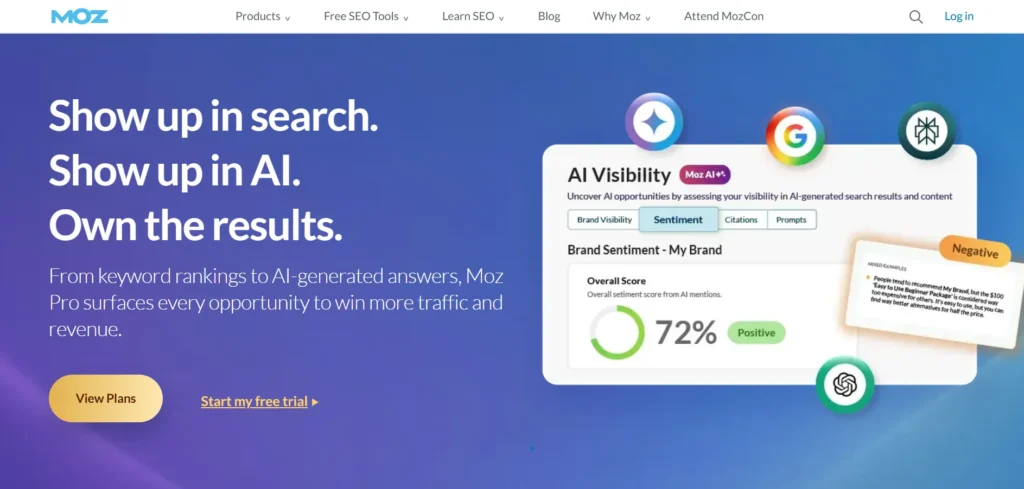
Moz toolset is similar to Ahrefs’s, with a slight bias towards more approachable interfaces for teams new to tackling SEO competitive tasks. As one of the practical competitor analysis tools, Keyword Explorer, link auditing, and site scanning are all covered, while the Domain Authority score provides a decent, if occasionally misleading, approximation of competitive positions for many in the industry.
It will not beat Ahrefs or Semrush in terms of the depth of data, but for an entry team that wants to get a good grasp of their SEO competitive positions without getting tangled in the complexities of the other two, it is a great option.
Standout features: Keyword Explorer, link analysis with Domain Authority scoring, technical site audits.
Integrations: Google Analytics, Google Data Studio, HubSpot, Salesforce, WordPress, Semrush, Ahrefs, Majestic, Google Ads, Trello.
Pros:
- Solid overall SEO insights
- Effective link analysis
- More approachable for newer users
Cons:
- Limited customization
- Export options are more limited
- Does not match Ahrefs or Semrush in raw data depth
Pricing: From $79/month (annual), 7-day free trial
6. SE Ranking
- Website: seranking.com
- Best For: Rank tracking
The primary value of SE Ranking lies in its extreme focus on one particular metric that most neglect – the actual position of your keywords, and respective competitors, on any given day. Position tracking is continuous; competitive research tools help sort out what SEO tactics a rival is using, and site audit tools highlight issues that could affect your own rank in the same dashboard.
It is a tool that prioritizes depth in a single area over breadth across multiple areas – the reporting system is functional but not elaborate and requires slightly more domain knowledge from the user than a more all-inclusive tool would have.
Standout features: Daily keyword position tracking, competitive SEO research, technical site audits.
Integrations: Google Analytics, Search Console, Google Ads, Bing Webmaster Tools, Facebook, Twitter, LinkedIn, Zapier, HubSpot, Trello.
Pros:
- Accurate and frequent rank tracking
- Strong competitive research
- Detailed site audits
Cons:
- Reporting is fairly basic
- Requires some SEO knowledge
- More focused than broad all-in-one platforms
Pricing: From $103.20/month (annual), 14-day free trial + demo
B. Tech Stack & Content Intelligence
These tools answer a narrower question than the SEO suite above: what technology is a competitor actually running, and what content or campaigns are landing with their audience?
7. Wappalyzer
- Website: wappalyzer.com
- Best For: Uncovering competitor tech stacks
Wappalyzer addresses a critical competitive analysis gap most tools overlook by identifying what software a competitor’s site is built on, including CMS platforms, marketing automation, analytics, and dozens of other technologies – right down to the specific vendors – making it highly valuable to B2B sales and marketing teams that research companies based on the technology they use.
The Website Alerts feature then notifies users when a monitored competitor has replaced one of their technologies – often a sign of a larger strategic shift at the company worthy of further research before any public announcement. Technology Lookup similarly allows a competitive analysis across an entire list of domains at once.
Standout features: Browser extension for instant tech stack lookup, lead lists filtered by technology used, market share reports by industry, API for programmatic access.
Integrations: Salesforce, HubSpot, Pipedrive, Gmail natively; Zapier, Make, and Pabbly for automation; browser extensions for Chrome, Firefox, Edge, Safari.
Pros:
- Detects CMS, frameworks, and analytics together
- Creates technology-filtered prospect lists
- Provides quick one-click tech-stack lookup
Cons:
- Free-tier credits are limited
- Detection data can sometimes lag
- Starting price is relatively high
Pricing: From $250/month, free plan available
8. BuzzSumo
- Website: buzzsumo.com
- Best For: Content performance
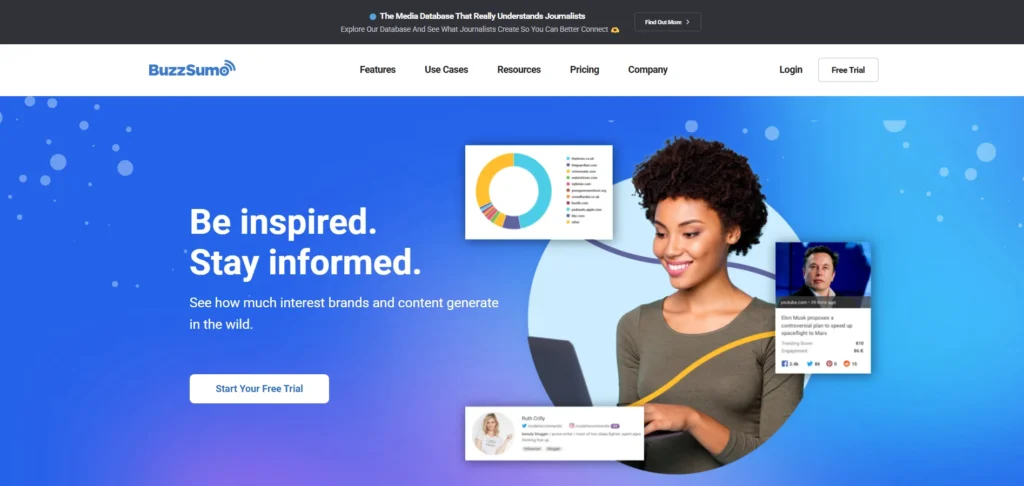
BuzzSumo helps you understand what content is resonating with one’s competitors rather than what they are creating. As one of the useful competitor analysis tools, its content discovery feature highlights popular topics in one’s niche, influencer identification assists in finding those who can share one’s content, and performance analysis helps track how individual posts are shared and engaged with across various social media outlets.
The tool is great for the content and editorial staff to keep up with the competitive content at a topic level while neglecting the more technical aspects of SEO and PPC.
Standout features: Content discovery by trending topic, influencer identification, cross-platform share and engagement tracking.
Integrations: Buffer, Hootsuite, Facebook, Twitter, LinkedIn, Pinterest, Slack, Trello, Zapier, Google Analytics.
Pros:
- Effective social share tracking
- Useful influencer discovery
- Strong topic-level content research
Cons:
- Has a learning curve
- Export options are limited
- Less suitable for deep technical SEO or PPC analysis
Pricing: From $199/month (annual), free trial available
9. Rival IQ
- Website: rivaliq.com
- Best For: Social media benchmarking
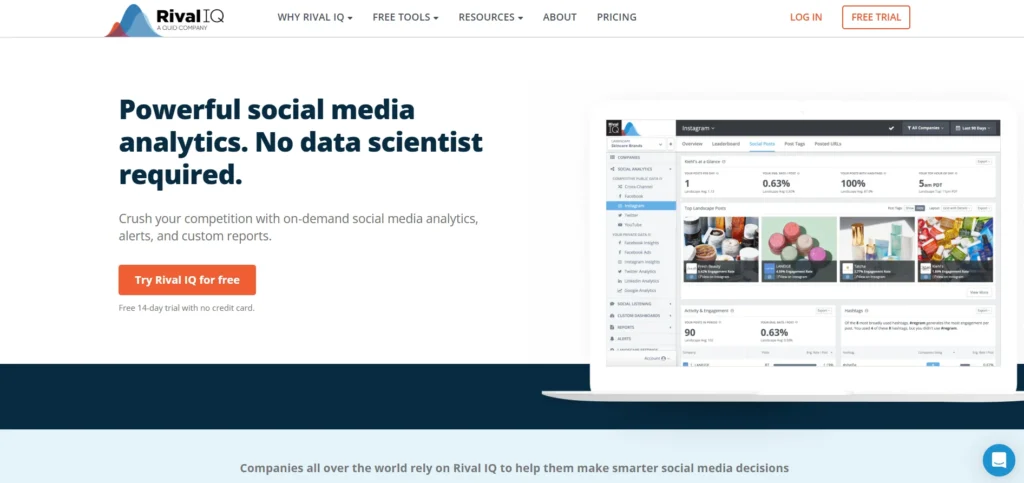
Rival IQ provides granular insights regarding social-specific competitive data not available in the other general-purpose tools listed here. Its Competitive Landscape feature analyzes engagement rates, posting frequency and follower growth across the tracked competitor set as a whole at once, while Boosted Post Detection identifies when a particular rival’s post was likely paid – a valuable distinction to make and avoid skewing comparisons between organic content and a competitor’s promoted content.
While product teams may be tempted to write off social monitoring as a marketing-only issue, in practice, it can serve as a leading indicator: by what a competitor repeatedly touts in their own public posts and what they continue to promote after launch can act as a signpost regarding what they think is successful, even before it manifests elsewhere. Covers TikTok alongside the more established platforms, which some competitors still lag on.
Standout features: Social listening across brand mentions and hashtags, automated branded reporting, hashtag performance analysis, top-content discovery by competitor.
Integrations: Native Looker Studio connector, API access into Google Analytics, Google Sheets, Tableau, Slack (Zapier support undocumented).
Pros:
- Side-by-side competitor engagement comparison
- Covers TikTok along with major platforms
- Useful paid-post detection
Cons:
- Limited mainly to social data
- Video analytics are not very deep
- Less suitable for technical SEO or PPC analysis
Pricing: From $199/month (annual), 14-day free trial + demo
C. Sales & Competitive Enablement Platforms
This category answers a different question entirely: not “what changed,” but “how do we get that change in front of the people who need it — reps mid-call, PMMs writing positioning, leadership deciding whether to respond.” If your competitor analysis tools keep dying in a doc nobody reopens, this is the category that fixes distribution, not just collection.
10. Crayon
- Website: crayon.co
- Best For: Enterprise-grade competitive enablement
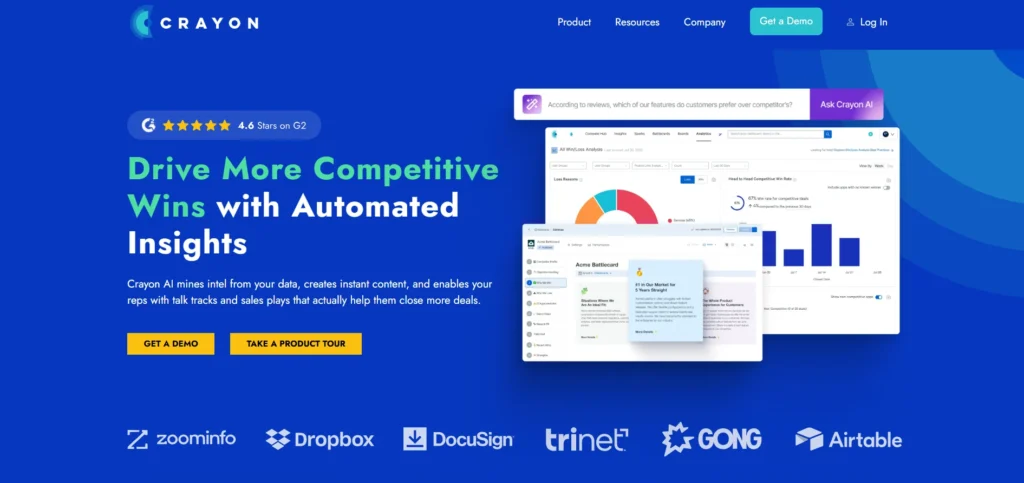
Crayon is designed for the moment when companies realize that competitive intelligence really needs to be an operating function, not something you toss in the background for people to revisit sporadically. It offers intelligence based on competitors’ pricing pages and feature announcements, which are then translated into battlecards and talk tracks that are surfaced inside the tools your sales team already uses, not a separate knowledge repository.
The compromise is that it works best when there is someone whose job it is to curate competitive intelligence and have a hand in shaping the talk tracks and battle cards, as otherwise, it can be a costly distraction. It also has no self-serve plans, being clearly aimed at enterprises, and needing a sales process rather than someone being able to trial it on a credit card.
Standout features: AI-powered automated tracking of competitor sites, pricing, and content changes; auto-generated battlecards; program-level visibility into whether created assets are actually being used.
Integrations: Salesforce, Slack, Microsoft Teams, and most major CRMs via native connectors.
Pros:
- Strong signal-to-noise ratio when configured properly
- Battlecards are available where sales reps work
- Tracks asset usage
Cons:
- Needs a dedicated owner
- No self-serve pricing
- Alerts can become overwhelming without curation
Pricing: Custom, typically $15K–45K/year depending on scope; demo required, no free trial
11. Klue
- Website: klue.com
- Best For: Sales battlecards and deal-level intel
Klue focuses on one narrower, sharper job: to make sure that the answer is in front of a rep at precisely the moment of a deal, when they need it most. Its distribution model, based on roles, packages up the same underlying intelligence differently, depending on who’s viewing: objections to sales teams, category shifts for leaders, pattern recognition for product teams. And its Compete Agent AI means it can push out relevant deal intel to the reps automatically, not waiting for them to ask.
Product teams may dismiss Klue as simply a sales tool, but competitive insights do inform roadmap prioritization, and if field teams are hearing the same message coming from buyers, it’s useful to product to hear that earlier in the process, rather than waiting for a quarterly business review. The trade-off for this is setup rigor: defining a taxonomy and list of competitors and audiences to target must be done cleanly, lest the output inherit that sloppiness.
Standout features: Role-based intelligence packaging, Compete Agent for automated deal-level delivery, browser extension for capturing competitor data in the moment, win-loss analysis.
Integrations: Salesforce, HubSpot, Slack, Gong.
Pros:
- Reduces noise by audience
- Delivers intelligence through existing workflows
- Helps make competitive intelligence part of daily work
Cons:
- Requires strong governance
- Enterprise-only platform
- Custom pricing with no free trial
Pricing: Custom, typically $12K–40K/year; demo required, no free trial
12. Kompyte (by Semrush)
- Website: kompyte.com
- Best For: Budget-friendly automated monitoring
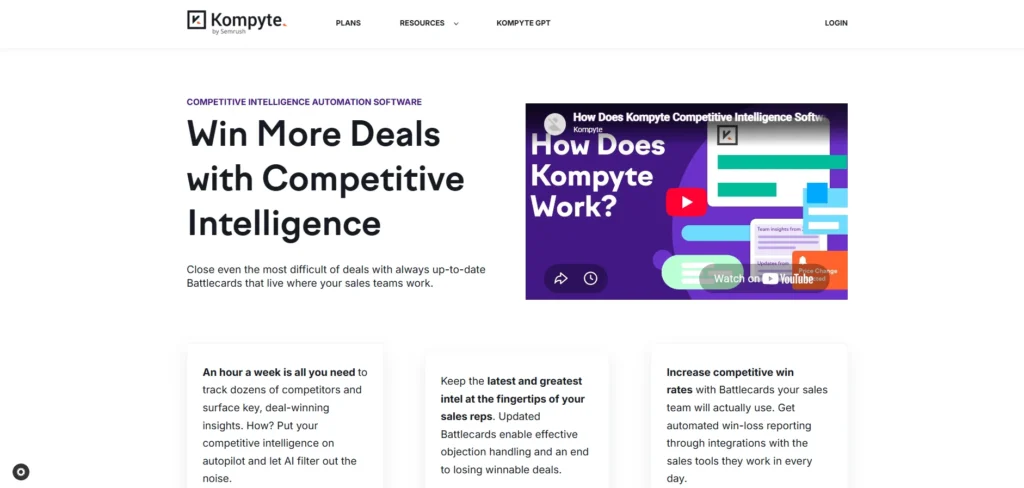
Kompyte fills a very nice niche, being competitive intelligence software focused on providing some useful automation while being backed by the Semrush ecosystem and at a lower price than Crayon or Klue. It’s not a solution to search and traffic problems per se, but its value is in being complementary to people who already utilize the parent product, making competitor analysis tools a natural addition for users seeking competitive intelligence without buying an independent solution. This is a much less risky way to enter the competitive intelligence space compared to buying a standalone solution, which is the case for most companies in the space.
The tool automates repetitive tasks involved in keeping a competitor intel database up-to-date, as well as some analysis and reports, which makes it more approachable than most other similar tools. The only meaningful limitation is that it will notify you of changes on a competitor’s site but can’t tell if it’s a meaningful update to the brand’s positioning and offering or not.
Standout features: Automated competitor profile building, persistent website and campaign change monitoring, battlecard generation, Kompyte GPT for AI-assisted summarization.
Integrations: Salesforce, HubSpot, Slack, Google Slides.
Pros:
- Self-serve entry price
- Good fit with the Semrush ecosystem
- Provides persistent competitor monitoring
Cons:
- Needs PMM or CI ownership
- Less depth than Crayon or Klue
- Pricing varies by source and tier
Pricing: From ~$99–300/month depending on source and tier; enterprise plans available on request
D. AI-Driven Market Intelligence
13. AlphaSense
- Website: alpha-sense.com
- Best For: AI-driven market intelligence research
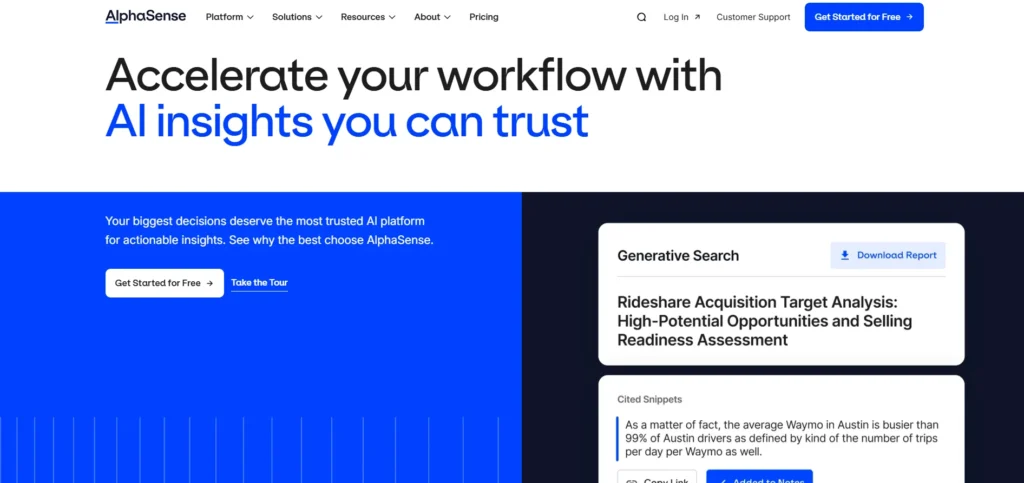
AlphaSense operates in a different register than everything else on this list — it’s less about tracking a specific competitor’s website or ad copy and more about searching and synthesizing millions of financial documents, earnings transcripts, broker research, and SEC filings to answer strategic questions that live in text, not on a webpage. Its AI search cuts through that volume in seconds, and the Smart Synonyms engine finds conceptually related terms automatically, which saves a lot of manual query iteration.
The expert transcript library — primary-source interviews with former executives and industry specialists — is close to unique in this category; most competitive tools simply don’t have access to that kind of qualitative signal. Deep Research and Workflow agents extend this further, autonomously generating research briefings or surfacing new competitive developments on a schedule rather than requiring someone to go looking.
Standout features: Expert transcript library, customizable monitoring dashboards, autonomous Deep Research agent, scheduled Workflow agents for ongoing surveillance.
Integrations: SharePoint, Notion, Dropbox, OneDrive, Egnyte, Google Drive, Evernote, Box, Amazon S3, Gong, plus an Excel add-in and API suite.
Pros:
- AI-generated, source-cited research reports
- Large document database
- Strong expert transcript access
Cons:
- Search can surface lower-quality sources
- Private-company data coverage is thinner
- Custom pricing can be expensive
Pricing: Custom, typically $12K–50K/year depending on seats and scope; free demo available
Other Competitor Analysis Tools Worth a Look
A few tools didn’t make the primary shortlist but are worth knowing about depending on your specific need:
- Sprout Social: social media competitive analysis for teams already on the platform for publishing
- Majestic: advanced, link-graph-focused backlink data analysis
- BuiltWith: a Wappalyzer alternative for tech stack detection
- GWI — deep global audience and consumer insight data
- Contify: global, multi-source market intelligence newsfeeds with an agentic research layer
- Visualping: lightweight, low-cost website change detection for a handful of tracked competitors
How to Evaluate Competitor Analysis Platforms
Before ranking competitor analysis tools against each other, it’s worth separating table-stakes functionality from what actually differentiates a good platform from a great one.
Core functionality to check first:
- Competitor tracking and monitoring: can you build a watchlist and get ongoing updates, or are you pulling data manually every time?
- Multi-channel data coverage: does it pull from SEO, paid, social, and content sources, and how fresh is that data?
- Benchmarking and comparative views: can you see side-by-side traffic, keyword overlap, or share-of-voice across two or three competitors at once?
- Change detection and alerts: does it flag a pricing page update or campaign launch automatically, or do you find out a week late?
- Reporting and export: can you get insights into a format stakeholders will actually read (PDF, CSV, scheduled dashboards)?
What separates the leaders from the rest:
- Ad creative archiving: tools that track competitor ad creative across Google, Meta, and display over time reveal messaging patterns raw data alone won’t show.
- AI-surfaced anomalies: the best tools flag a strategic shift in the noise, not just log every individual change.
- Data transparency: vendors that are upfront about data sources and refresh frequency are more trustworthy than ones treating methodology as a black box; stale traffic estimates lead to bad strategic bets.
- Pricing scalability: check whether adding tracked competitors or users triggers a steep cost jump, especially for the enterprise-tier platforms in this list.
How to Choose the Right Tool for Your Team
| Factor | What to Consider |
| Job to be done | Is the question about search visibility, social sentiment, tech stack, or sales-ready intel? |
| Team ownership | Enablement platforms (Crayon, Klue) need a named owner to deliver value — do you have one? |
| Existing stack | If you already use Semrush, Kompyte reduces friction; check for similar ecosystem fits elsewhere. |
| Budget reality | SEO tools run $30–250/month; enablement platforms often run $10K–45K/year — know which tier you’re shopping in. |
| Scalability | Does cost jump sharply as you add competitors, seats, or channels? |
| Ease of adoption | A powerful tool nobody opens delivers zero value — weigh learning curve against team bandwidth. |
Trends in Competitor Analysis Tools for 2026
- AI-generated battlecards are now standard, not a differentiator. Most enablement platforms now auto-summarize competitor changes into sales-ready assets; the gap has shifted to how well that intel gets distributed, not whether it gets generated at all.
- Product and UX-level competitive analysis is the underserved layer. Most tooling still concentrates on SEO, ads, and messaging — far fewer platforms directly compare interface flows, onboarding friction, or interaction patterns, which remains a largely manual exercise for product and design teams.
- Category boundaries are blurring. Semrush-owned Kompyte, AI features inside traditionally SEO-only tools, and Contify’s agentic research layer all point toward fewer standalone categories and more platforms trying to cover multiple jobs at once.
- Governance is becoming the real bottleneck, not data access. Nearly every vendor in the sales-enablement category now stresses the need for a dedicated CI owner — the tooling has outpaced most teams’ operating discipline around it.
Features to Look for in Competitor Analysis Platforms
- Ongoing competitor tracking:: ongoing monitoring rather than one-off manual pulls, so changes surface automatically instead of requiring someone to remember to check.
- Multi-channel data coverage: visibility across SEO, paid, social, and content, since a competitor’s real strategy rarely lives in a single channel.
- Benchmarking and side-by-side comparison: the ability to stack your own performance against two or more competitors at once, not just view each in isolation.
- Automated change alerts: real-time or near-real-time notifications when a tracked competitor updates pricing, launches a campaign, or changes messaging.
- Keyword and SEO gap analysis: a clear view of what competitors rank for that you don’t, with enough context (volume, difficulty) to prioritize.
- Reporting and export flexibility: dashboards, scheduled reports, and export formats (PDF, CSV) that make it easy to share findings with stakeholders who don’t log into the tool themselves.
- AI-assisted synthesis: increasingly common across the category, this is what turns raw signals into a battlecard, summary, or flagged anomaly instead of a longer list to sift through manually.
Benefits of Using Competitor Analysis Software
- Faster, better-informed decisions: data-backed insight replaces guesswork about what’s actually working for a competitor.
- Sharper market positioning: understanding where competitors are strong or weak surfaces real opportunities to differentiate rather than copy.
- Stronger SEO and content strategy: keyword and content gap data directly improves what a team prioritizes next.
- Earlier warning on market shifts: automated tracking catches competitor moves before they show up as a lost deal or a slipping ranking.
- Better resource allocation: knowing where competitors are actually investing helps teams avoid spending effort matching moves that don’t matter.
- More competitive sales conversations: for teams using enablement platforms specifically, reps walk into calls with current, relevant objection-handling instead of outdated assumptions.
Costs and Pricing of Competitor Analysis Tools
Pricing in this category varies enormously depending on which sub-type you’re buying — a self-serve SEO tool and an enterprise sales-enablement platform aren’t priced on the same scale at all. Here’s a general breakdown by plan tier:
| Plan Type | Typical Price Range | Common Features |
| Free / Entry Plan | $0 | Limited competitor tracking, basic keyword or traffic data, capped reports |
| Self-Serve SEO/Social Tools | $25–$250/month | Rank tracking, backlink or social benchmarking, content and keyword gap analysis |
| Mid-Market Monitoring Tools | $100–$300/month | Automated alerts, battlecard basics, broader multi-channel coverage |
| Enterprise CI Platforms | $10,000–$50,000+/year | Dedicated battlecards, AI-driven deal intelligence, CRM-native delivery, account support |
Conclusion
There’s no single best competitor analysis tools solution — there’s a best tool for the specific question you’re trying to answer. If that question is about search visibility, Semrush or Ahrefs cover the ground thoroughly. If it’s about social and content signals, Rival IQ and BuzzSumo go deeper than general-purpose platforms. If competitive intel needs to reach a sales team mid-deal, Klue and Crayon solve a distribution problem most teams underestimate until it costs them a deal.
And if the real gap is qualitative market research at scale, AlphaSense’s document-level AI search is hard to replicate with anything else on this list. Start narrower than feels comfortable: pick one competitor and one live business question, match it to the tool category built to answer it, and expand from there — one tool used consistently beats five tools nobody fully trusts.
FAQs
What’s The Difference Between A Competitive Intelligence Platform And An SEO Competitor Tool?
SEO competitor tools (Semrush, Ahrefs, Moz, SE Ranking) focus on search visibility — keywords, backlinks, and rankings. Competitive intelligence platforms (Crayon, Klue, Kompyte) focus on packaging broader competitor moves — pricing, messaging, product launches — into assets sales and leadership teams can act on. Many teams need both, for different questions.
Do I Need An Enterprise CI Platform, Or Is A Lighter Tool Enough?
If your main need is understanding search or social visibility, a $30–250/month SEO or social tool covers it. If your sales team is losing competitive deals and needs live battlecards inside their CRM, that’s a different, higher-cost category — and one that typically needs a named internal owner to pay off.
How Often Should Competitor Tracking Actually Be Reviewed?
Automated alerts can flag changes in real time, but someone still needs to periodically judge whether flagged changes matter strategically. Most teams that get real value review flagged competitor changes weekly and do a deeper competitive review quarterly, rather than treating either cadence as sufficient alone.
Can Free Tools Replace A Paid Competitor Analysis Platform?
Free tiers (Ahrefs, Wappalyzer, Similarweb trials) are genuinely useful for spot-checking a specific question, but they typically cap history, tracked competitors, or export volume — fine for occasional research, not for ongoing monitoring at team scale.
What’s The Biggest Mistake Teams Make When Picking A Competitor Analysis Tool?
Buying for the category rather than the actual question. Teams expect a traffic-intelligence tool to produce sales battlecards, or a battlecard platform to explain why a competitor’s organic traffic spiked — and end up disappointed not because the tool is bad, but because it was never built to answer that particular question.