

Managing a small business means juggling multiple responsibilities—sales, inventory, employees, and customer relationships—all at once. That’s why choosing the right POS for a small business can be a true game-changer. A modern point-of-sale (POS) system goes far beyond simply processing payments; it enables you to manage inventory in real time, track customer data, generate detailed reports, and streamline daily operations with ease.
Whether you run a retail store, café, salon, or service-based business, the right POS system can help you save time, reduce manual errors, and boost overall profitability. It brings efficiency to your workflow while offering valuable insights that support smarter business decisions.
However, with so many options available in the market, finding the best POS system can feel overwhelming. Factors like budget, business size, and scalability play a crucial role in making the right choice. In this guide, we’ll break down everything you need to know to select a POS for small business that not only meets your current needs but also grows alongside your business.
What is a POS System?
A POS (Point of Sale) system refers to the technology utilized by the business in making sales to customers. It consists of hardware, i.e., a card reader, scanner, and receipt printer, as well as software that allows money processing, sale documents, and business information.
The system of modern POS is not limited to billing and assists the business in monitoring its inventories, employee management, client data, and sales reports. A POS system is typically used in retail shops, restaurants, and service-oriented businesses to streamline daily business activities, minimize human mistakes, enhance the overall customer experience, and provide business owners with better control and visibility.
What are the Various Categories of POS Software?
1. Cloud-Based POS Software: POS systems that are based on clouds are online and are securely stored on remote servers. They enable business owners to view sales, inventory, and reports anywhere, with the help of any computer, tablet, or smartphone. These systems are not complex to update, are scalable, and suit small businesses and growing businesses.
2. On-Premise POS Software: On-premise POS software is installed locally on a computer or server. All data is hosted on the premises, which offers businesses complete authority over their system. It is more expensive to start upfront and manual to update, but it is suited to businesses with less internet access.
3. Mobile POS (mPOS) Software: Portable POS machines operate on tablets or iPhones. They are light, cheap, and suitable for pop-up stores, food trucks, and service providers that require flexibility and portability.
4. Retail POS Software: Store POS software is tailor-made to stores. It has an inventory tracking feature, a barcode scanning feature, promotions, and customer loyalty management features.
5. Restaurant POS Software: The restaurant POS packages are also useful in managing orders, table tracking, in-kitchen display, and billing, and are suitable for cafes, quick service restaurants, and full service restaurants.
List of 15 Best POS for Small Business
1. Toast
- Website: https://pos.toasttab.com/
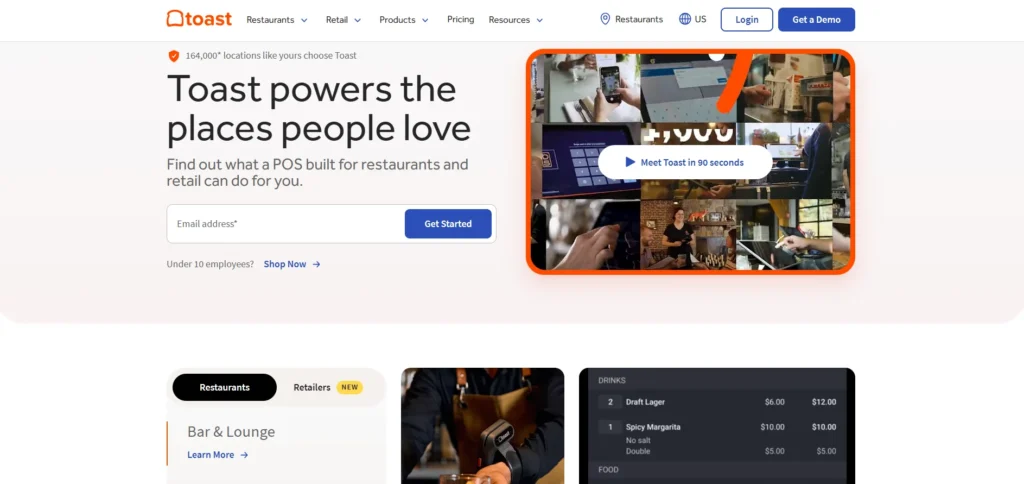
Toast is a restaurant-specific POS system. It provides spill-resistant hardware, handheld technology, menu control, kitchen display, and online ordering that is a seamless experience. Toast is also natively integrated with third-party delivery networks and accommodates tableside payments to offer a quicker service.
Its first-restaurant design assists in enhancing the accuracy of orders, the turnover of tables, and customer experience. Toast is best suited to cafes, fast-service restaurants, and full-service dining enterprises with scalable pricing plans.
Key Features:
- Spill-proof restaurant hardware
- Handheld POS devices
- Kitchen Display System (KDS)
- Online ordering & delivery integrations
- Menu and table management
Pros:
- Built specifically for restaurants
- Excellent hardware durability
- Strong delivery platform integrations
Cons:
- Not ideal for retail businesses
- Higher pricing for advanced plans
Pricing:
- Starter Kit: $0/month
Ideal for single-location restaurants; includes cloud POS and 1 terminal with no upfront hardware cost. - Point of Sale: $69/month
Core POS features with custom hardware options and add-ons. - Build Your Own: Custom pricing
Advanced features like inventory management, payroll, employee scheduling, loyalty, and marketing—tailored to your needs.
2. Loyverse
- Website: https://loyverse.com/
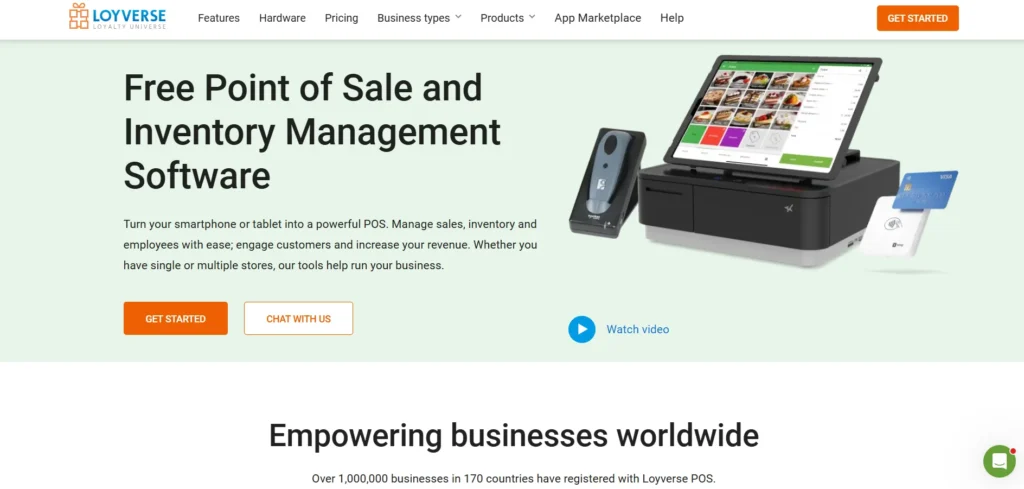
Loyverse is a free and popular POS for small business software with more than one million users across the globe. It facilitates sales tracking, inventory control, employee, and multi-store operations. The program is compatible with Android and iOS systems and has an offline feature to allow it to operate continuously.
The main POS is free, but optional add-ons such as enhanced employee functions and integrations are available to businesses. Loyverse is best suited to low-end retailers and restaurants.
Key Features:
- Free POS software
- Multi-store management
- Offline mode
- Inventory and employee tracking
- Multi-language support
Pros:
- Budget-friendly
- Easy to use
- Works globally
Cons:
- No proprietary hardware
- Limited advanced reporting
Pricing: Connect with the team
3. Lightspeed
- Website: https://www.lightspeedhq.com/
Lightspeed is a cloud-based point of sale system meant to be used by retail and restaurant companies. It provides sophisticated inventory control, contactless ordering, bill splitting, floor plan customization, and built-in delivery.
It has a smooth platform that enhances customer experience and checkout. It has powerful reporting and CRM capabilities and is best suited to companies looking to develop further. The prices vary according to the features, which makes it a fit for mid-sized and growing operations.
Key Features:
- Advanced inventory tools
- Contactless QR ordering
- Bill splitting
- CRM and loyalty programs
- Delivery app integrations
Pros:
- Premium user experience
- Strong analytics
- Scalable for growth
Cons:
- Expensive higher-tier plans
- Setup can be complex
Pricing:
- Basic: $89/month
- Best for independent retailers needing essential day-to-day POS features.
- Core: $149/month
- Ideal for growing retailers looking for advanced management and business growth tools.
- Plus: $289/month
- Designed for established retail operations requiring high customization and easy scalability.
4. Rezku
- Website: https://rezku.com/
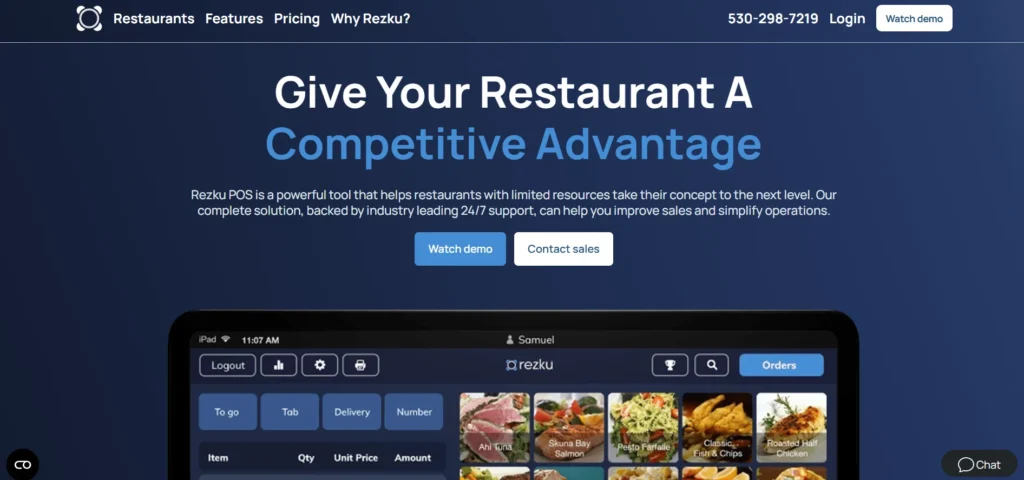
Rezku is a value-based POS system designed to work with independently owned restaurants and bars. It comes with such high-quality features as pizza constructors, in-house delivery systems, loyalty programs, online ordering, and kitchen displays at no additional fee.
It is 24/7 live-supported and offers flexible pricing, such as a pay-as-you-go plan. Its software-rich package is particularly appealing to pizzerias and restaurants seeking to minimize the long-term costs of POS.
Key Features:
- Advanced pizza builder
- In-house delivery management
- Loyalty & gift cards included
- Free add-on apps
- 24/7 live support
Pros:
- Excellent value for money
- No-cost premium features
- Strong support
Cons:
- Limited brand recognition
- Restaurant-only focus
Pricing:
- Starting Price: $99/month
- Designed for restaurants and QSRs needing enterprise-grade control
5. Square
- Website: https://squareup.com/us/en
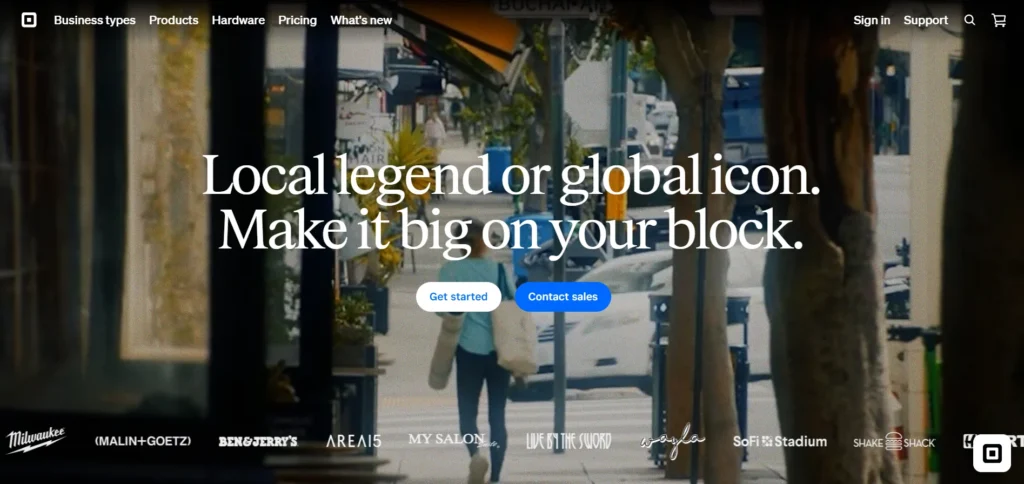
Square is a complete POS for small business solution relied on by millions of small businesses around the world. It integrates payment capabilities, inventory, CRM, analytics, and e-commerce within a single platform.
It has a variety of supported payment methods, encrypted transactions, and a dispute management option. The POS solution is free of charge and only charges on transactions. It is compatible with small and developing businesses due to its flexibility, ease of use, and extensive hardware choice.
Key Features:
- Free POS software
- Integrated payment processing
- Inventory & CRM tools
- E-commerce integration
- Buy Now Pay Later support
Pros:
- Easy setup
- No monthly fees
- Wide payment acceptance
Cons:
- Transaction fees add up
- Limited restaurant-specific tools
Pricing:
- Square Free – $0/month
- Basic POS tools for in-person & online sales. Pay only processing fees. Best for new or very small businesses.
- Square Plus – $49/month
- Advanced POS features, lower processing fees, and industry-specific tools. Ideal for growing retail, food, and service businesses.
- Square Premium – $149/month
- Full feature access with advanced reporting and 24/7 priority support. Best for high-volume or scaling businesses.
6. Epos Now
- Website: https://www.eposnow.com/uk/
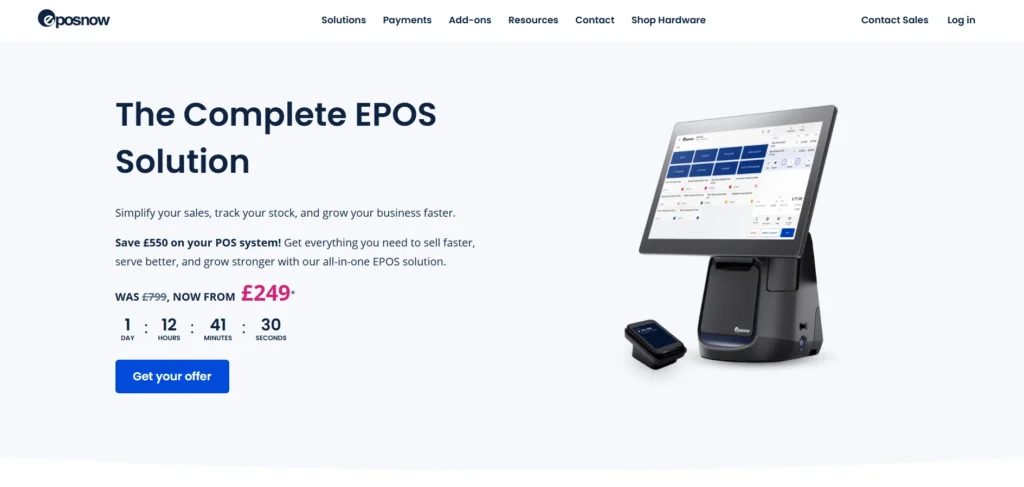
Epos Now is a global cloud-based point of sale system. It provides real-time reporting, inventory management, staff management, and wide-ranging integrations. The platform has been characterized by ease of use and onboarding support. Epos now offers scalable hardware and software packages and is affordable to startup companies. It is an excellent option among merchants in need of simplicity, scalability, and consistent customer service.
Key Features:
- Real-time reporting
- Inventory management
- Extensive integrations
- Cloud-based access
- One-on-one onboarding
Pros:
- User-friendly
- Flexible hardware options
- Strong customer support
Cons:
- Add-ons can increase cost
- Pricing is not fully transparent
Pricing: Connect with the team
7. Clover
- Website: https://www.clover.com/
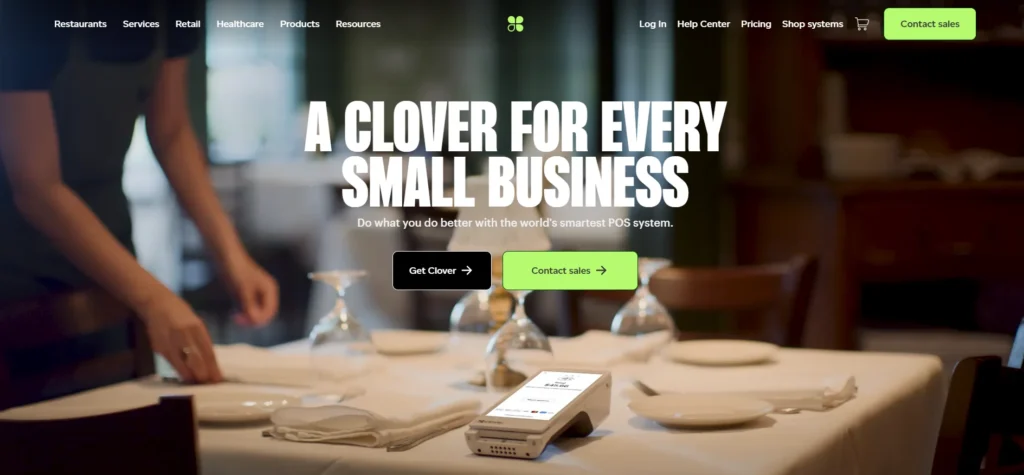
Clover is a web-based POS providing powerful business hardware and software solutions to restaurants, retail, and service companies. It facilitates both the management of employees and customer interactions as well as marketing tools directly through the system.
It also connects with such widely used solutions as QuickBooks and Mailchimp and accepts a variety of payment options. Clover offers businesses with POS and marketing tools in a single ecosystem, along with flexibility in the hardware and scalable pricing.
Key Features:
- Custom POS hardware
- Employee management
- Marketing & CRM tools
- App marketplace
- Multiple payment methods
Pros:
- All-in-one ecosystem
- Flexible hardware
- Strong integrations
Cons:
- Monthly fees are high
- Some features cost extra
Pricing: Connect with the team
8. Limetray
- Website: https://limetray.com/
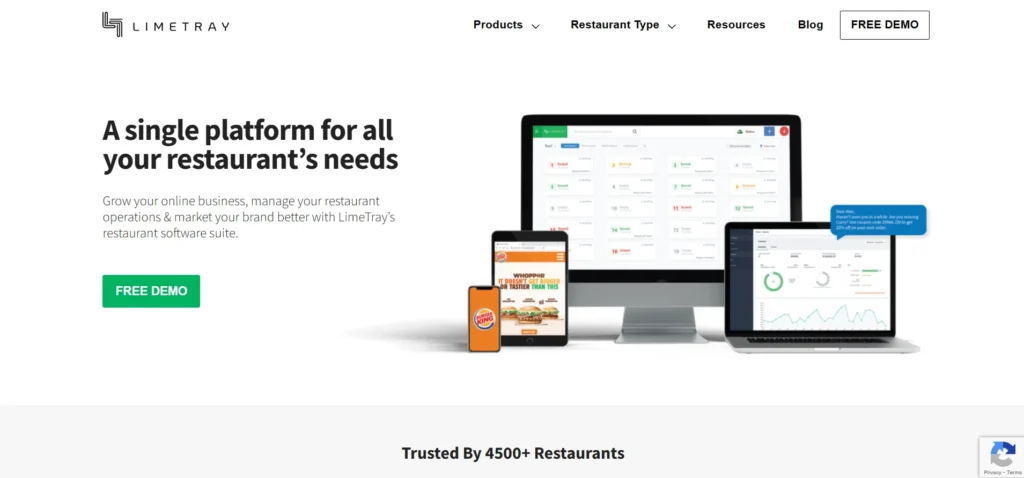
Limetray is a POS for small business developed in India, designed to serve restaurants and franchise owners. It provides POS software, online ordering, CRM, and inventory management within one platform.
It also enables offline, centralized franchise control and recipe-level inventory. It is useful in restaurant chains and expanding brands due to its capacity to handle various outlets effectively. Pricing is tailored to the size of business and feature requirements.
Key Features:
- Franchise-level controls
- Offline + cloud sync
- Inventory & recipe costing
- CRM and online ordering
- Centralized reporting
Pros:
- Ideal for chains
- Strong offline support
- Built for Indian restaurants
Cons:
- Pricing not publicly listed
- Limited retail use
Pricing: Connect with the team
9. SpotOn
- Website: https://www.spoton.com/
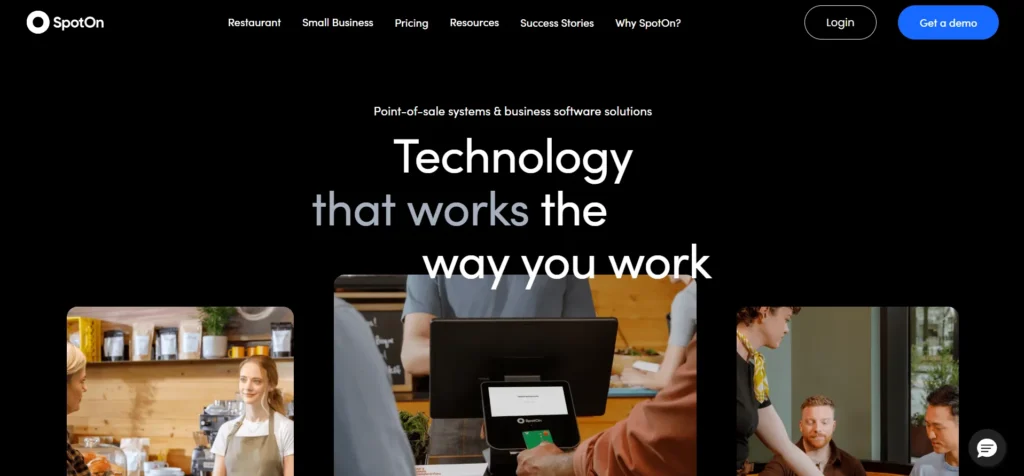
SpotOn is an all-purpose restaurant POS solution that integrates payments, operations, and business advisory services. It entails handheld terminals, Internet ordering, shipping software, employee tracking, and web page development.
It has a restaurant advisory council, which provides expert advice beyond software. It has great integrations and multi-location support, so it is perfect in the hands of restaurant owners who desire technology as well as strategic assistance.
Key Features:
- POS + payments
- Website builder
- Delivery management
- Restaurant Advisory Council
- Labor & menu management
Pros:
- Business guidance included
- Strong integrations
- Good for scaling restaurants
Cons:
- Pricing not transparent
- Restaurant-focused only
Pricing:
- Quick start — $0/month | 2.79% + 20¢ processing | POS essentials, no upfront costs, all costs in processing fee
- POS essentials — $55/station/month | 2.45% + 15¢ processing | Ordering, payments, table layouts, menu management, reporting
- Build your own — Custom rates | For multi-unit ops | POS essentials + choice of: cost analysis, online ordering, KDS, kiosk, marketing, reservations, scheduling, tip management
10. NCR
- Website: https://www.ncrvoyix.com/
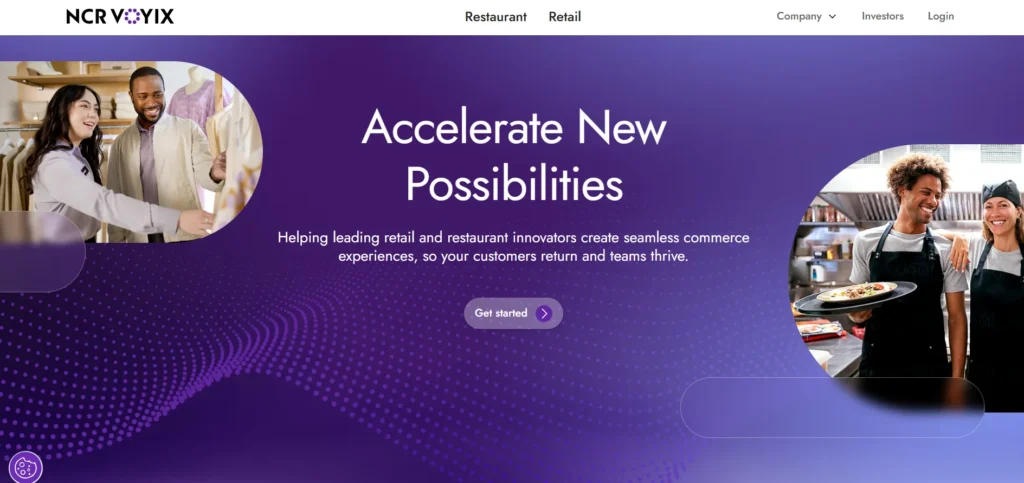
NCR is a long-established POS vendor for retail, convenience stores, and restaurants. Its system facilitates offline transactions, handheld orders, and combined online sales. NCR provides no-cost training and onboarding, and setup is less complex. NCR is known to be reliable, enterprise-grade, and a good fit in businesses that require solid infrastructure and operations, particularly when the business is high-volume or multi-located.
Key Features:
- Offline transaction support
- Handheld POS
- Online ordering
- Free onboarding & training
- Enterprise-grade security
Pros:
- Highly reliable
- Great for high-volume businesses
- Strong legacy brand
Cons:
- Custom pricing only
- Interface feels dated
Pricing: Connect with the team
11. Lavu
- Website: https://lavu.com/
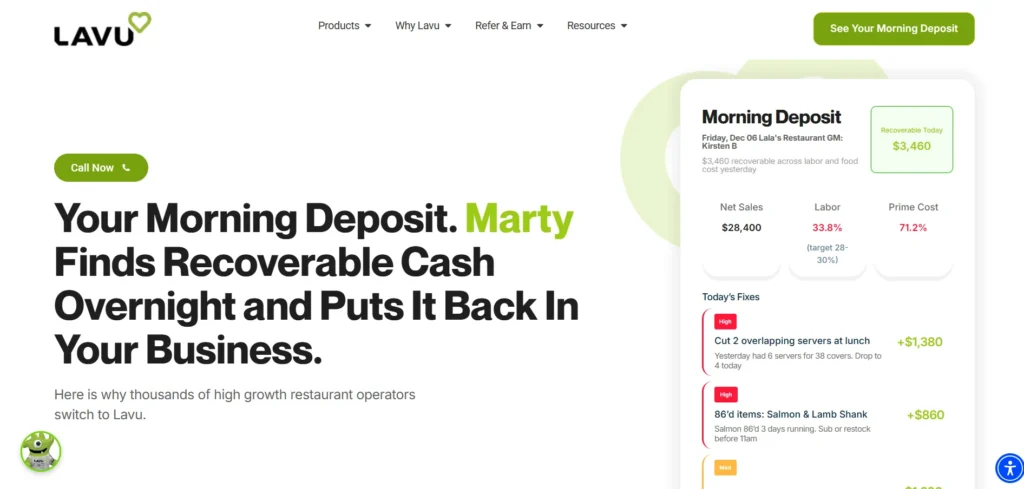
Lavu is a POS for small business that is iPad-based and specifically designed to be used in restaurants. It has order management tools, inventory tracking tools, kitchen display tools, labor management tools, and cash discount programs.
It provides 24/7 customer support and one-on-one onboarding, which allows restaurants to come up and run within a few hours. It is an excellent choice for restaurants that already utilize Apple and is intuitively designed through the iOS operating system.
Key Features:
- iPad-based POS
- Kitchen display system
- Inventory tracking
- Cash discount program
- 24/7 support
Pros:
- Apple-friendly
- Strong onboarding
- Restaurant-specific tools
Cons:
- iOS-only
- Monthly subscription required
Pricing: Connect with the team
12. POSbistro
- Website: https://posbistro.com/en/
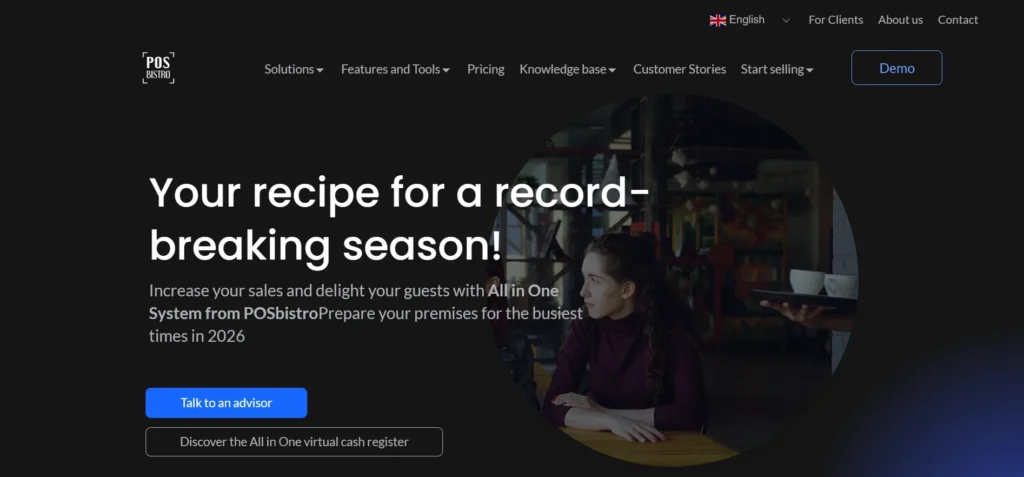
POSbistro is an efficiency-based, cloud-based restaurant POS upsell. It offers offline, intelligent product suggestions and real-time sales analytics. There is also a special smartwatch application that allows servers to handle orders and updates on tables more effectively.
It can be used in restaurants aiming to increase the speed of service delivery and the average order value, and continue to work even when there is no internet connection.
Key Features:
- Offline mode
- Smart upselling tools
- Cloud reporting
- Smartwatch app
- Table management
Pros:
- Boosts average order value
- Unique smartwatch feature
- Works without internet
Cons:
- Pricing not disclosed
- Smaller integration ecosystem
Pricing: Connect with the team
13. Heartland
- Website: https://www.heartland.us/
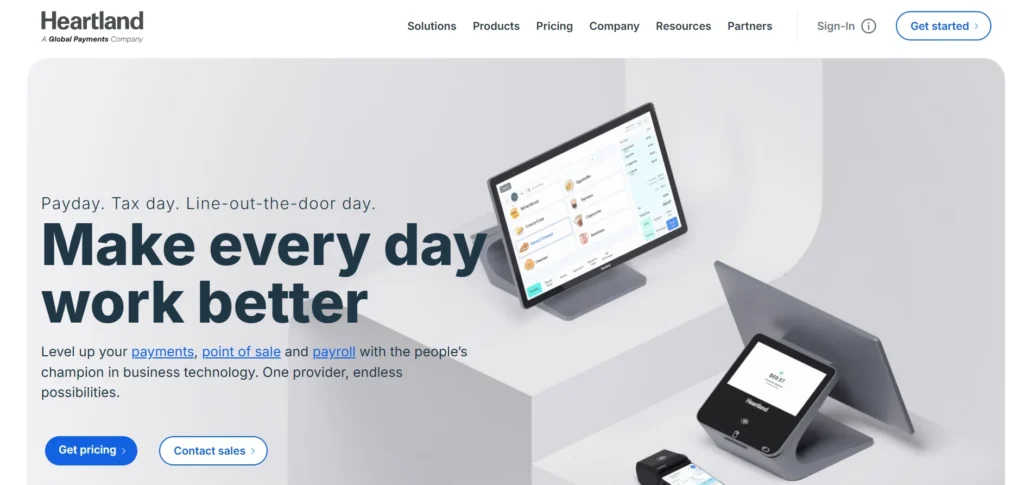
Heartland is an all-purpose retail and hospitality POS solution. It also has online ordering, table payments, tips, menu control, and real-time menu changeover. Heartland offers more than 75 integrations with delivery services and accounting software. Small businesses and other larger enterprises that want to achieve operational efficiency can use it because it has a scalable design.
Key Features:
- Tableside payments
- Online ordering
- Inventory & tip management
- Menu syncing
- 75+ integrations
Pros:
- Strong integrations
- Scales well
- Reliable payment processing
Cons:
- The starting price is high
- Interface can feel complex
Pricing:
- Point of Sale — Powerful POS, simplified
- From $89/mo per station
- Plans for Restaurant & Retail POS
- Includes: durable hardware & user-friendly software
- Payments+ — No-surprise payment processing
- From 2.6% + 10¢ per in-person transaction
- Includes: flat-rate pricing, eBilling & invoicing
14. Restaurant Manager POS
- Website: https://www.restaurant365.com/partners/restaurant-manager-pos/
Restaurant Manager POS is an all-inclusive POS for small business, designed for restaurants, cafes, bars, and hotels. It automates order processing, inventory management, loyalty programs, and payment handling. Features like real-time alerts, caller ID, and tableside payments give owners complete control over operations. With lower monthly costs and mobile reporting features, it’s an ideal POS for small business owners who want efficient, hands-on management.
Key Features:
- Multi-site enterprise control
- Advanced inventory & costing
- Zero-commission online ordering
- Delivery integrations
- Customizable workflows
Pros:
- Excellent for scaling brands
- Powerful reporting
- Highly customizable
Cons:
- UK-focused
- Not ideal for very small businesses
Pricing: Connect with the team
15. 3S POS
- Website: https://www.3s-pos.com/
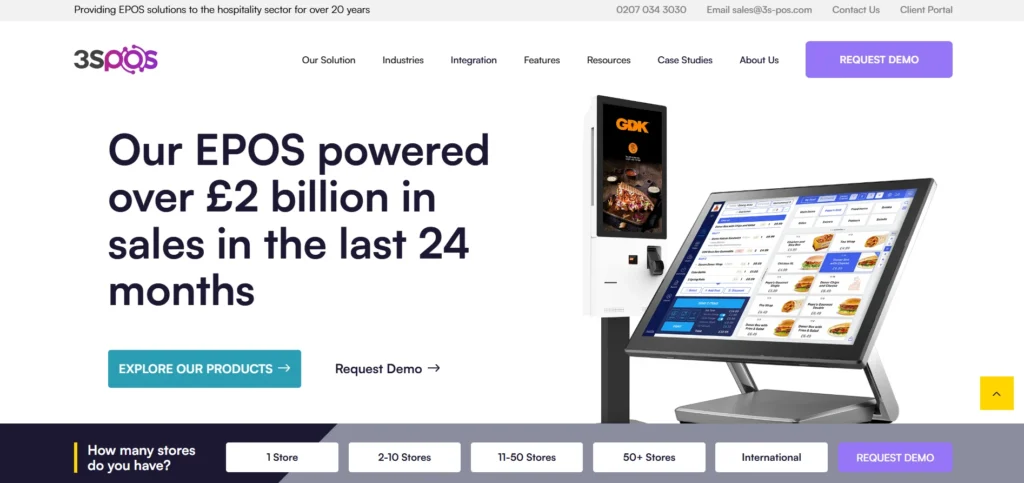
3S POS is a robust EPOS software that is relied on by large restaurant brands in the United Kingdom and throughout Europe. It provides multi-site management at the enterprise level, sophisticated inventory management, no-commission online ordering, and third-party integrations. It is highly customizable and scalable to suit the needs of quick-service restaurants as well as multi-location businesses that want to grow without losing centralized control and efficiency in their operations.
Key Features:
- Advanced inventory & recipe costing
- Zero-commission online ordering
- Real-time sales reports
- Delivery & accounting integrations
- Customizable menus and workflows
- Offline operation support
Pros:
- Excellent for scaling brands
- Powerful reporting
- Highly customizable
Cons:
- Not ideal for very small businesses
Pricing: Connect with the team
Comparison of Top POS Systems for Small Businesses
| Tool Name | Starting Price | Free Plan | Best Use For |
| Toast | $0 / $69 per month | Yes | Cafés, fast-service & full-service restaurants |
| Loyverse | Free (add-ons paid) | Yes | Small retailers & budget restaurants |
| Lightspeed | $89 per month | No | Growing retail & restaurant businesses |
| Rezku | $99 per month | No | Independent restaurants & pizzerias |
| Square | $0 / $49 / $149 | Yes | Small & growing retail, food, service businesses |
| Epos Now | Custom pricing | No | Startups & small retailers |
| Clover | Custom pricing | No | Retail, restaurants & service businesses |
| Limetray | Custom pricing | No | Restaurant chains & franchises |
| SpotOn | $0 / $55 per station | Yes | Scaling restaurants needing advisory support |
| NCR | Custom pricing | No | High-volume & multi-location businesses |
| Lavu | Custom pricing | No | iPad-based restaurants |
| POSbistro | Custom pricing | No | Restaurants needing offline + upselling |
| Heartland | From $89 per station | No | Retail & hospitality businesses |
| Restaurant Manager POS | Custom pricing | No | Hotels, cafés & multi-site restaurants |
| 3S POS | Custom pricing | No | Large QSRs & multi-location brands |
How to Choose POS Software?
- Determine Your Business Requirements: Begin with what you need vs. nice-to-have features such as inventory management, customer loyalty programs, employee tracking, or multi-location support. The needs of different industries (retail, restaurants, salons) are different.
- Budget & Pricing: Consider initial expenses (equipment, installation) and recurrent expenses (software licensing, maintenance). Select software that fits your budget without sacrificing the features required.
- Ease of Use: A POS must be user-friendly for you and your employees. Find software that has a plain interface and requires less training.
- Hardware Compatibility: Find out whether the POS is compatible with your current equipment (card readers, receipt printers, scanners) or if you will have to purchase new ones.
- Reporting & Analytics: A good POS software must be able to provide you with clear sales, inventory, and customer data that will aid you in making business decisions.
- Support & Updates: Along with efficient customer service and constant updates of the software, it is also necessary to ensure that your system is safe and performs correctly.
Ending Note
It is not necessary to use the most expensive or feature-rich POS for small business, but rather to strike a balance between simplicity, functionality, and scalability. The right POS for small business may help serve customers better, make your work easier, and better understand your financial situation.
Your POS must be able to accommodate your business as it develops without introducing complexity or unknown expenses. Before making a decision, take time to evaluate your needs, stroll through features, and think long-term.
The correct POS solution will not only process transactions but will also become a trusted partner in your everyday operation to run your small business smarter, faster, and more profitably.
FAQs
What are the Issues that POS Software Addresses for Businesses?
POS software eliminates manual errors, consolidates sales information, automates inventory management, accelerates billing, and offers actionable insights to make smarter operational and financial decisions.
What are the Measurements of a Business Size that can use a POS System?
Select a POS that fits the volume of transactions, number of staff, and locations without requiring a system upgrade upon growth or significant modification of workflow.
Does the Software Support Various Forms of Payment?
The existing POS systems tend to accept cards, UPI, digital wallets, cash, and contactless payments, making them flexible toward customers and checkout experiences across channels more efficiently.
Does POS Software Support any Integration with Other Business Tools?
Yes, POS is often integrated with accounting, CRM, inventory, e-commerce, and payroll software, forming a linked network of efficient and accurate business management.
What is Most Important to Compare with the POS Providers?
Ensure reliability, a user-friendly interface, in-depth reporting, the quality of support, the level of security, and scalability over time, instead of making costs or the number of features the distinguishing factor.