
Getting paid shouldn’t be the hardest part of freelancing, but invoicing can become a surprisingly time-consuming part of the job. Creating invoices, keeping client details updated, following up on unpaid bills, and tracking everything across spreadsheets can quickly turn into hours of admin work.
The right invoicing tool can take much of that work off your plate. Some platforms keep things simple with free invoicing, while others combine billing with time tracking, proposals, contracts, bookkeeping, or client management.
Here are top invoicing tools for freelancers and creators in 2026, compared by their pricing, core invoicing features, payment options, automation, and the type of freelance workflow they support.
Why Invoicing Software Matters for Freelancers and Creators
For freelancers and creators, invoicing is not just about sending a bill. A good invoicing system can help you spend less time on repetitive admin work while keeping payments and client records organized.
- Get paid more easily: Online payment links let clients review an invoice and pay without arranging a separate bank transfer.
- Less time on admin: Recurring invoices, automatic reminders, and saved client details mean less manual work each billing cycle.
- A more consistent client experience: Professional invoices, proposals, and client portals can keep the payment process organized from the client’s side as well.
- Better financial visibility: Tools that connect invoicing with expenses or bookkeeping can make it easier to see what has been paid, what is outstanding, and where money is going.
The value of these features depends on how you work. A freelancer sending a few invoices each month may only need basic billing, while someone managing retainers or hourly projects may need more automation.
Key Features to Look for in Invoicing Software
The right invoicing software depends on your client volume, billing model, and how much of your workflow you want to manage in one place.
- Unlimited or Generous Client Caps: Entry-level plans may limit the number of clients you can bill. Check these limits before choosing a plan, especially if your client list is growing.
- Online Payment Acceptance: Payment options such as cards, ACH, or digital wallets can make it easier for clients to pay directly from the invoice.
- Recurring and Automated Billing: Retainers and ongoing projects are easier to manage when invoices and payment reminders can be sent automatically.
- Time Tracking Integration: Hourly freelancers can save time with a tool that transfers tracked hours directly into invoice line items.
- Client Portal: A client portal can give customers a central place to view invoices, payment history, proposals, and outstanding balances.
- Pricing That Fits Your Stage: A free plan may be enough for a new freelancer, while established freelancers may benefit from paid automation, accounting, or client-management features.
Comparison of Invoicing Tools
| Tool | Best For | Key Features | Payment & Automation | Starting Price |
| FreshBooks | Polished invoicing with accounting and time tracking | Invoices, expenses, time tracking | Online payments, reminders, late fees | $21/month |
| Wave | Free invoicing and bookkeeping | Invoices, clients, bookkeeping, expenses | Online payments, payment processing | Free |
| Bonsai | Proposals, contracts, and invoicing | Invoices, proposals, contracts, time tracking | Recurring billing, client management | $15/month |
| HoneyBook | Creative and event-based businesses | Invoices, contracts, proposals, scheduling | Online payments, reminders, automation | $16/month |
| Zoho Invoice | Free, feature-rich invoicing | Recurring invoices, templates, client portal | Payment reminders, multi-currency payments | Free |
| Invoice Ninja | Open-source and flexible invoicing | Invoices, quotes, recurring billing | Online payments, client portal | Free |
| QuickBooks Solopreneur | Invoicing and financial management | Invoices, expenses, profitability reports | Payment collection, tax integration | Free / $20/month |
| Stripe Invoicing | Online and international payments | Hosted invoices, payment links, currencies | Online payments, automated billing | Usage-based |
| Square Invoices | Businesses already using Square | Invoices, estimates, payment links | Email/SMS delivery, payment collection | Free |
| Harvest | Hourly freelancers | Time tracking, invoices, expenses | Tracked hours converted to invoices | Free |
List of Best Invoicing Tools for Freelancers and Creators
1. FreshBooks
- Website: https://www.freshbooks.com/
- Best For: Freelancers who want invoice creation, time tracking, and light accounting in one place
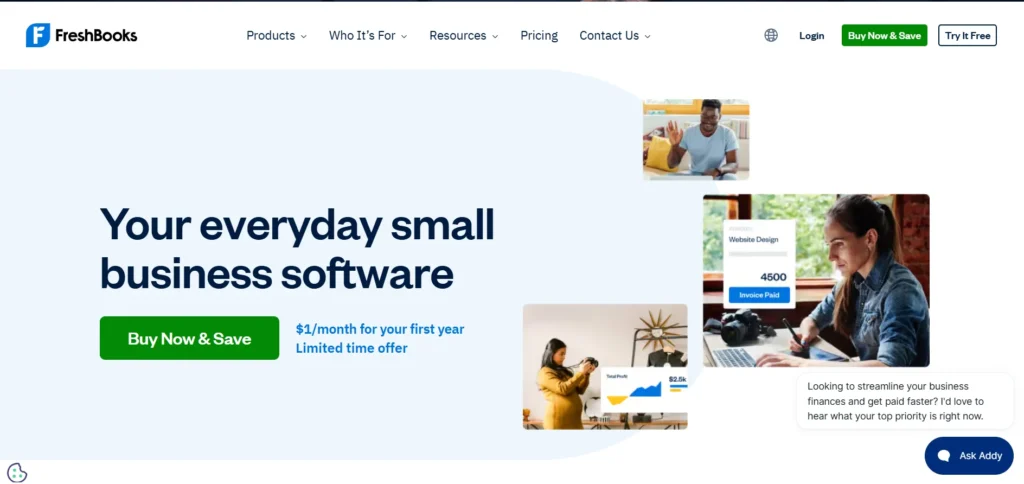
FreshBooks focuses on invoicing while also covering some of the financial and time-tracking tasks freelancers handle regularly. You can create and send professional invoices with invoicing tools, track expenses, and record the time spent on specific projects.
Time tracking is especially useful for freelancers who charge by the hour, as tracked hours can be added to invoices instead of being calculated and entered manually. Automatic payment reminders can also help reduce the need to follow up with clients about outstanding payments.
The software can work well for freelancers who want invoicing and basic accounting features together, although client limits on lower-tier plans may become a consideration as the business grows.
Key Features:
- Fast invoice creation with professional templates
- Time tracking that can be added to invoices
- Automated payment reminders and late fees
- Expense tracking
- Double-entry accounting reports on paid plans
Pros:
- Combines invoicing with time tracking and accounting
- Automated reminders reduce manual payment follow-up
- Useful for hourly and recurring freelance work
Cons:
- No permanent free plan
- Lower-tier plans can have client limits
- Advanced accounting and proposal features require higher plans
Pricing: Pricing varies by plan, client limit, and current offers.
2. Wave
- Website: https://www.waveapps.com/
- Best For: Freelancers who want free invoicing with bookkeeping features
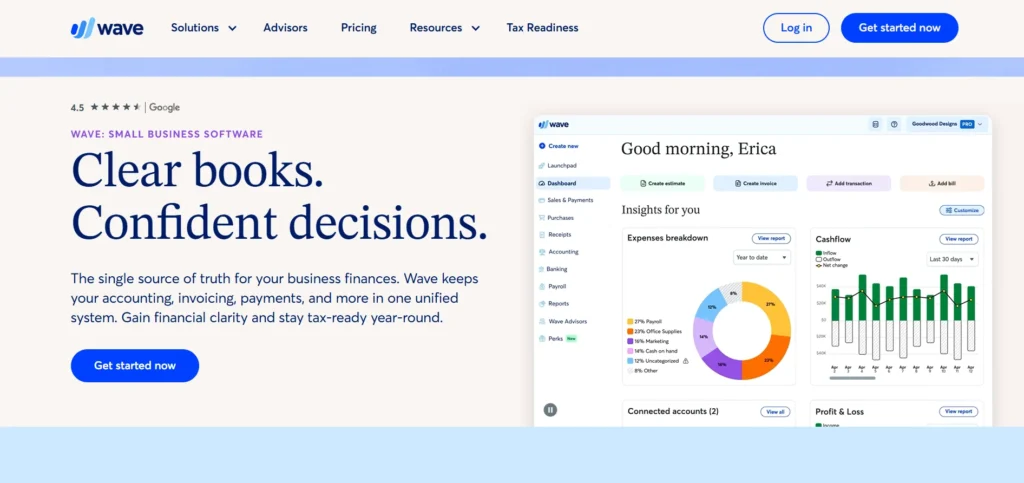
Wave is intended for freelancers and small businesses looking for invoicing tools for freelancers and creators without paying for a monthly software subscription. Its main features center around invoicing and client management, including bookkeeping and expense tracking.
The software allows users to send and receive online payments (with transaction fees), which can be beneficial for some freelancers, as it lets clients pay directly from the invoice, instead of having to set up a separate payment method.
Wave is focused on being intuitive and straightforward but does not offer advanced features such as time tracking, proposals, or contracts. Some users may find that they need to use other software in combination with Wave for these features.
Key Features:
- Free invoicing
- Client management
- Double-entry bookkeeping
- Expense tracking and financial reports
- Online payment acceptance
Pros:
- Free core invoicing product
- Combines invoicing with bookkeeping
- Suitable for freelancers with straightforward billing needs
Cons:
- No built-in time tracking
- Limited proposal and contract functionality
- Online payment processing fees apply
Pricing: Free core plan; additional services and payment processing may involve fees.
3. Bonsai
- Website: https://www.hellobonsai.com/
- Best For: Freelancers who want proposals, contracts, and invoicing in one workflow
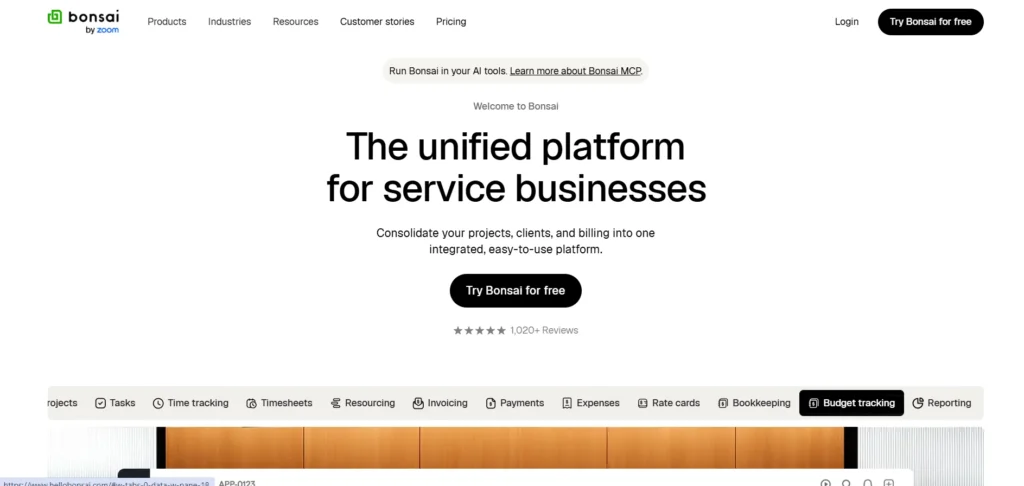
Bonsai combines invoicing with several other parts of the freelance client workflow. Freelancers can create proposals and contracts, track project time, manage clients, and send invoices without moving between multiple platforms.
The tool can be particularly useful for freelancers who handle projects from the initial proposal through to final payment. Recurring invoices and client management features can also help when working with ongoing clients or retainers.
Because Bonsai includes more than basic invoicing, it may offer more features than a freelancer needs if their only requirement is creating and sending simple invoices.
Key Features:
- Proposals, contracts, and invoicing in one workflow
- Time tracking connected to invoice line items
- Recurring invoices and client retainers
- CRM system and task management
Pros:
- Covers multiple stages of the client journey
- Connects time tracking with billing
- Useful for freelancers who need proposals and contracts
Cons:
- Per-user pricing can add up for teams
- More features than some freelancers may need
- Learning the wider platform can take time
Pricing: Basic $9–15/user/month; Essentials $19–25/user/month; Premium $29–39/user/month.
4. HoneyBook
- Website: https://www.honeybook.com/
- Best For: Creatives and event professionals who need booking, proposals, and payments in one workflow
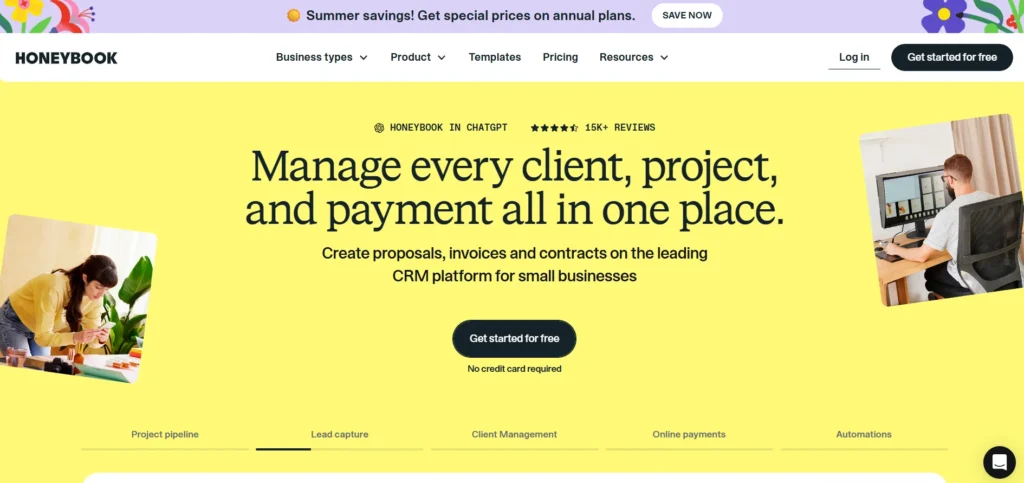
HoneyBook is aimed at creative professionals who want to manage multiple elements of a client relationship in addition to invoicing. Photographers, designers, event planners, and others can use these invoicing tools to send proposals, contracts, accept bookings, receive payments, and send invoices to clients.
In addition, clients can make online payments, schedule meetings, and access a client portal, helping to consolidate many elements of the invoicing process in one place rather than using different tools for each stage.
However, for a freelancer who only needs to send out basic invoices to clients, the extra features would be unnecessary.
Key Features:
- Proposals and invoices with contracts and e-signatures
- Online payments and scheduling
- Branded client portal
- Automation workflows on higher tiers
Pros:
- Covers multiple stages of the client journey
- Useful for creative and event-based businesses
- Client portal can reduce back-and-forth communication
Cons:
- No permanent free plan
- More expensive than basic invoicing tools
- Advanced team features require higher plans
Pricing: Starter $29/month; Essentials $49/month; Premium $109/month.
5. Zoho Invoice
- Website: https://www.zoho.com/invoice/
- Best For: Freelancers who want free invoicing with a broad set of features
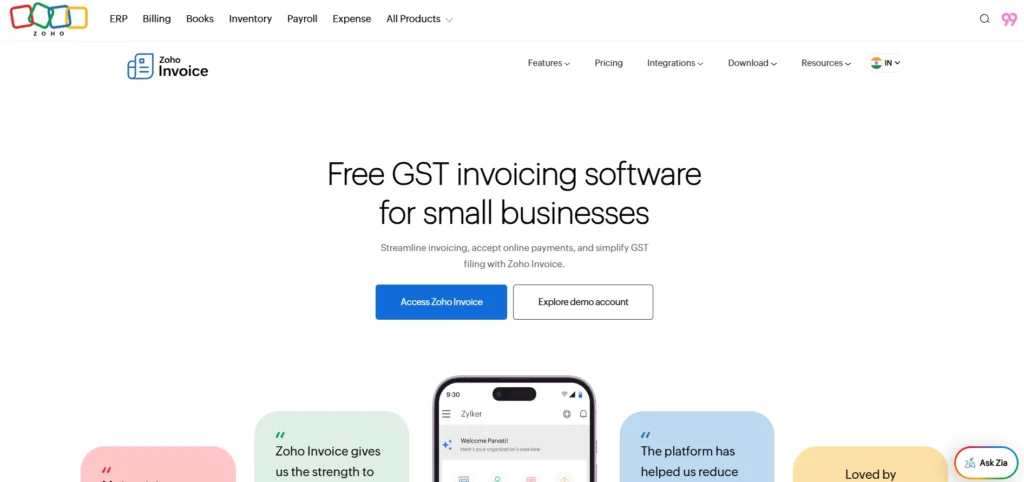
Zoho Invoice offers extensive billing options for invoicing tools for freelancers and creators without a monthly subscription for the main product. You can create invoices and organize clients, set up payment reminders and recurring invoicing, and work with multiple currencies.
The software also features a client portal where customers can view their information. The free plan also allows you to create up to 1,000 invoices a year, which should be sufficient for most freelancers. If you need more advanced accounting features, you can sync Zoho Invoice with Zoho Books.
However, the software’s interface may take some time to get used to if you are accustomed to a more stripped-back invoicing tool.
Key Features:
- Unlimited clients with up to 1,000 invoices per year
- Custom invoice templates
- Automated payment reminders
- Multi-currency support and client portal
- Mobile apps for iOS and Android
Pros:
- Free core invoicing product
- Broad set of invoicing features
- Supports recurring invoices and client portals
Cons:
- 1,000 invoices/year limit
- Interface may take some time to learn
- Advanced accounting requires Zoho Books
Pricing: Free, with up to 1,000 invoices per year and unlimited clients.
6. Invoice Ninja
- Website: https://www.invoiceninja.com/
- Best For: Developers and privacy-minded freelancers who want an open-source invoicing option
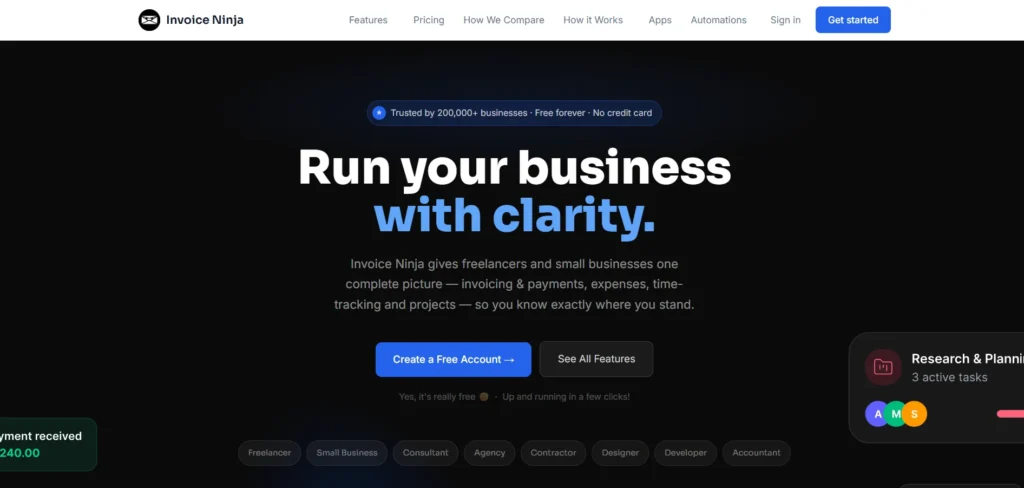
Invoice Ninja provides freelancers with management of invoices, quotes, recurring charges, a client portal, and online payment processing. The open-source nature of the software allows technically competent users to host the application on their own servers if they so desire.
In addition to the self-hosted option, Invoice Ninja offers an option with hosting provided by the service, thus allowing users who have no interest or technical ability in managing their own server to use the software without the associated hassle. The free plan includes a variety of features related to invoicing, making it ideal for a freelancer looking to reduce expenses related to software use. The primary challenge presented by the self-hosted option is the technical complexity of maintaining such an installation.
Key Features:
- Open-source with self-hosted and cloud options
- Invoices and quotes
- Recurring invoices
- Client portal
- API and webhook access
Pros:
- Self-hosting provides greater control over data
- Free options are available
- Useful feature set for budget-conscious freelancers
Cons:
- Self-hosting requires technical knowledge
- Less beginner-friendly than simpler invoicing platforms
- White-label branding is restricted to higher plans
Pricing: Free self-hosted or cloud options; Ninja Pro ~ $14/month; Enterprise ~ $140–180/year.
7. QuickBooks Solopreneur
- Website: https://quickbooks.intuit.com/solopreneur/
- Best For: Freelancers who want invoicing connected to financial management
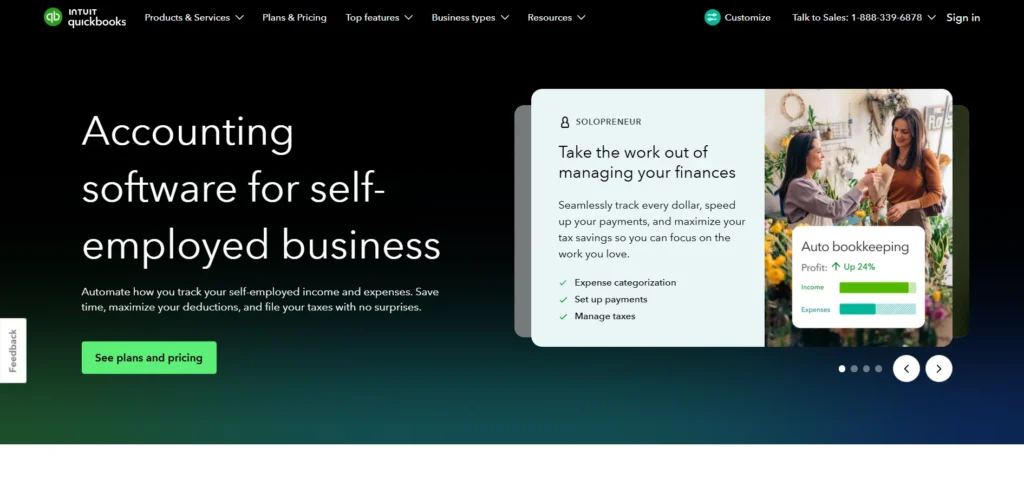
QuickBooks Solopreneur is one of the invoicing tools for freelancers and creators that includes fundamental financial tools for those who run businesses on their own. The program allows users to create and send invoices, track business expenses, and manage profits and revenues.
In addition, the tool helps to separate business and personal expenses, which could benefit the user in terms of financial organization. The software’s synchronization with TurboTax can prove to be invaluable for those who want to sync their financial data with tax preparers.
However, the product lacks a substantial number of productivity and collaboration features such as time tracking, proposals, contracts, and portals for clients.
Key Features:
- Invoicing
- Business expense tracking
- Separation of business and personal expenses
- TurboTax integration
- Business goal and profitability tracking
Pros:
- Combines invoicing with financial management
- Useful for freelancers tracking business expenses
- Free tier covers core invoicing needs
Cons:
- No built-in time tracking
- Limited proposal and contract features
- Less suited to freelancers who need a client portal
Pricing: Free tier available; paid plan $20/month.
8. Stripe Invoicing
- Website: https://stripe.com/invoicing
- Best For: Online businesses and freelancers handling international payments
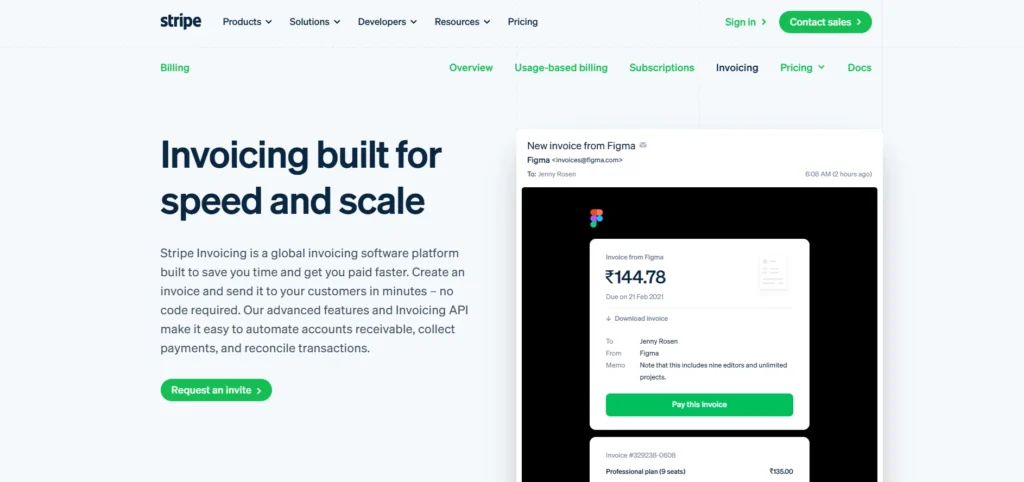
Stripe Invoicing is concentrated on the billing and payment part of the invoicing process. Users can send online invoices, which will direct clients to a hosted payment page, where they can review and pay the invoice.
The software supports multiple currencies and methods, which is beneficial for users who work with international clients. Stripe can also be integrated with the user’s website or software via an API key for more convenience and efficiency.
However, the service is more focused on the payments part of invoicing; thus, for a more detailed overview of income and expenses, a separate accounting tool is necessary. Some users may find it hard to manage their finances with this software due to its main concentration on the billing side of invoicing.
Key Features:
- Hosted invoice payment pages
- Support for multiple currencies
- Multiple payment methods
- Revenue analytics
- API access for custom integrations
Pros:
- Convenient online payment experience
- Useful for international transactions
- Flexible integration options
Cons:
- Not a full accounting platform
- Percentage-based fees apply
- Some features are better suited to technically experienced users
Pricing: Invoicing Starter 0.4% per paid invoice; Invoicing Plus 0.5% per paid invoice. Stripe payment processing fees apply separately.
9. Square Invoices
- Website: https://squareup.com/us/en/invoices
- Best For: Freelancers and creators who also accept in-person payments through Square
Square Invoices is a useful invoicing tool for freelancers and businesses that already use Square to process payments. Users can send invoices by email or text and give clients a direct link for making a payment.
The software also integrates invoicing with other Square products, allowing businesses to manage online and offline payments within the same ecosystem. Estimates can also be converted into invoices once a project is approved.
For freelancers who do not already use Square for in-person payments, some of the broader Square features may not be necessary for their invoicing needs.
Key Features:
- Unlimited invoices and customers on applicable plans
- Estimate-to-invoice conversion
- Email, SMS, and shareable invoice links
- Integration with Square payment products
Pros:
- Useful for businesses already using Square
- Supports online and in-person payment workflows
- Free invoicing option available
Cons:
- Less useful if you do not use Square for in-person payments
- Advanced plans add monthly costs
- Fewer client-management features than Bonsai or HoneyBook
Pricing: Free plan available; Plus $49/month; Premium $149/month.
10. Harvest
- Website: https://www.getharvest.com/
- Best For: Freelancers who bill clients by the hour
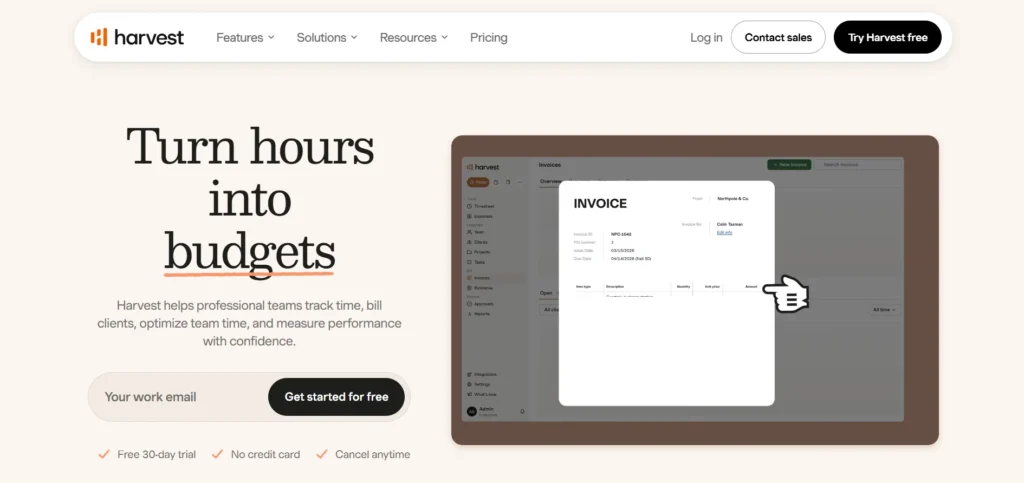
Harvest is organized around time tracking, making it ideally suited for freelancers who bill clients hourly. With Harvest, you can track time against different projects and invoice them, making it useful among invoicing tools for freelancers and creators.
Plus, the software will help you with project reports and expense tracking that make managing your billable hours simple. Its free plan is great for individual users who want to track their time and send invoices.
The primary limitations are related to the customization of invoices and payment options available on the free plan.
Key Features:
- Time tracking connected to invoice line items
- Project and client-level reporting
- Expense tracking
- Receipt tracking
- Stripe and PayPal integrations
Pros:
- Connects time tracking directly with invoicing
- Useful for hourly freelancers
- Clear reporting for billable hours
Cons:
- Limited invoice customization on the free plan
- Payment integrations are mainly focused on Stripe and PayPal
- Per-seat pricing can become less economical for larger teams
Pricing: Free for a single user; Teams $11/seat/month; Enterprise $17.50/seat/month.
How to Choose the Right Invoicing Tool
Choosing an invoicing tool becomes easier when you start with how you actually work rather than simply comparing the number of features.
- Start with your budget and client count: If you are a new freelancer with only a few clients, Wave or Zoho Invoice can cover basic invoicing without a monthly subscription. As your client list grows, check whether the plan has client or invoice limits.
- Match the tool to how you sell your work: If your projects usually involve proposals and contracts before invoicing, Bonsai or HoneyBook can keep those steps together. If you only need to bill after completing work, a simpler invoicing tool may be enough.
- Check how you bill: Hourly freelancers can benefit from Harvest’s connection between time tracking and invoices, while freelancers working on retainers may find recurring billing more useful.
- Consider your existing payment setup: If you already use Square for in-person payments, Square Invoices can keep billing within the same ecosystem. If you work with online or international clients, Stripe Invoicing provides multiple payment and currency options.
- Don’t ignore client caps: Check how many clients, invoices, and users are included in the plan you are considering. A low starting price may become less attractive if you need to upgrade as your business grows.
Conclusion
There is no single invoicing tools for freelancers and creators option that fits everyone. The right choice depends on how you bill clients, how many clients you manage, and whether you need features beyond basic invoice creation.
Wave and Zoho Invoice focus on accessible invoicing, while Bonsai and HoneyBook extend the workflow into areas such as proposals, contracts, bookings, and client management. Harvest connects time tracking with billing for hourly work, while Stripe Invoicing focuses heavily on online payments and international transactions.
Before choosing a platform, consider the tasks you want to simplify first. A tool with fewer features may be enough if you only need straightforward billing, while a broader platform can make sense if you want to manage more of your client workflow in one place.
FAQs
What Is The Best Free Invoicing Tool For My Freelance Needs?
Zoho Invoice and Wave both offer free invoicing options. Zoho Invoice supports up to 1,000 invoices annually with unlimited clients, while Wave combines invoicing with bookkeeping and expense management.
Is Invoicing Software Necessary Or Am I Better Off With A Template?
A template can work if you only send a few invoices occasionally. If you invoice clients regularly, software can save time by storing client information, automating reminders, handling recurring invoices, and providing online payment options.
What Is The Difference Between Invoicing And Accounting Software?
Invoicing software primarily helps you create and send invoices, track payments, and follow up on outstanding balances. Accounting software covers a wider range of financial activities, including expense management, bank reconciliation, tax calculations, and financial reporting. Some products, such as Wave and QuickBooks, combine both functions.
What Invoicing Tool Is Best Suited For Creative Freelancers Like Photographers And Designers?
Creative freelancers may need features beyond basic invoicing. HoneyBook and Bonsai combine billing with tools such as proposals, contracts, bookings, and client management, which can be useful for managing the wider client journey.
Can I Switch From One Invoicing Tool To Another?
Most invoicing platforms provide some way to export or import client data. Before switching, check whether your existing invoices, customer information, and payment history can be transferred, especially if you have been using the same system for a long time.